1
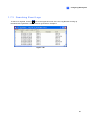
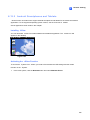
1.11.3 Auto Switching PTZ Control Panels
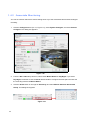
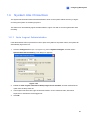
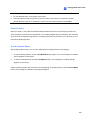
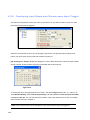
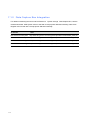
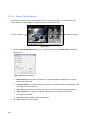
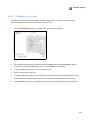
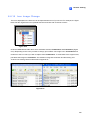
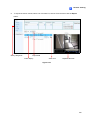
The function allows the corresponding PTZ control panels to be called up automatically when you
switch to different PTZ camera screens. To enable the function, follow the steps below:
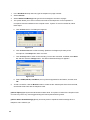
1.
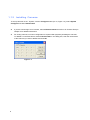
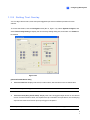
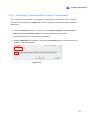
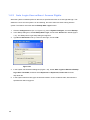
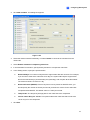
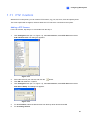
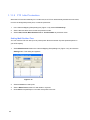
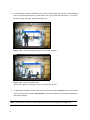
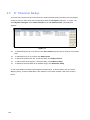
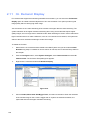
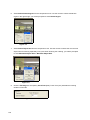
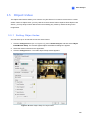
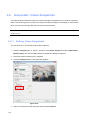
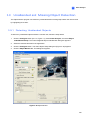
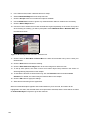
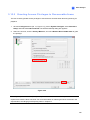
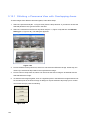
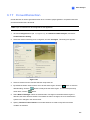
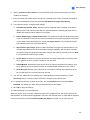
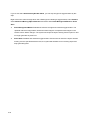
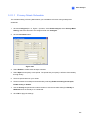
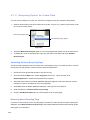
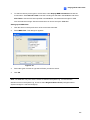
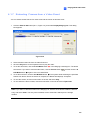
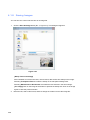
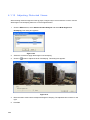
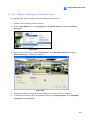
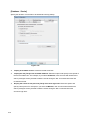
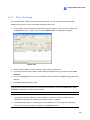
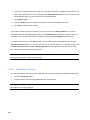
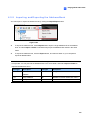
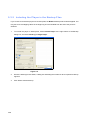
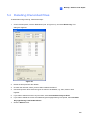
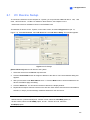
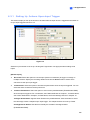
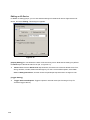
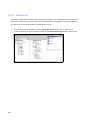
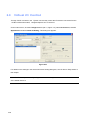
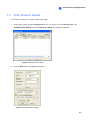
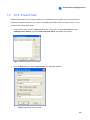
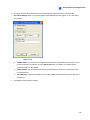
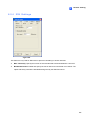
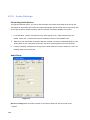
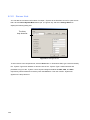
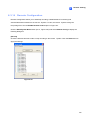
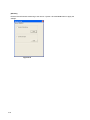
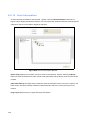
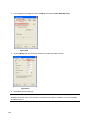
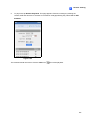
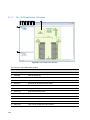
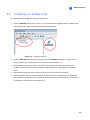
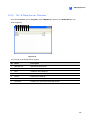
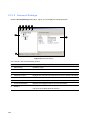
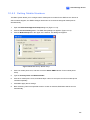
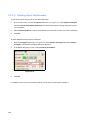
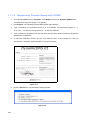
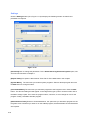
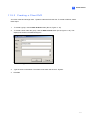
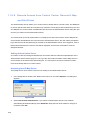
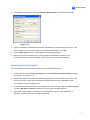
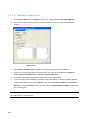
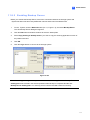
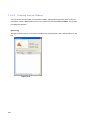
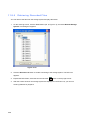
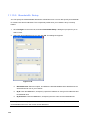
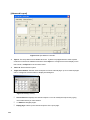
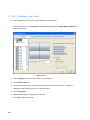
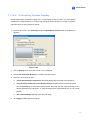
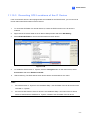
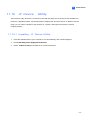
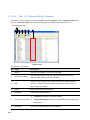
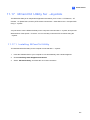
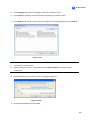
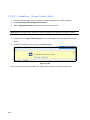
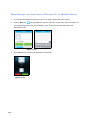
Click the Configure button (No. 14, Figure 1-2), point to Accessories, select PTZ Device, and
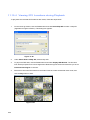
then select Auto PTZ Panel Switch. The Camera Mapping Setup dialog box appears.
2.
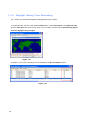
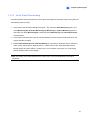
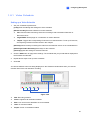
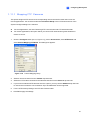
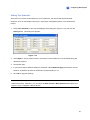
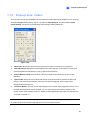
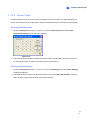
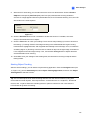
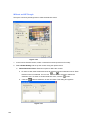
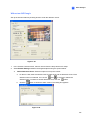
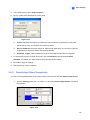
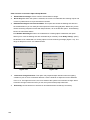
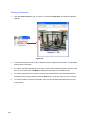
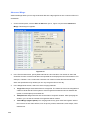
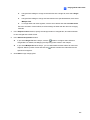
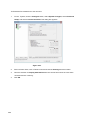
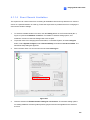
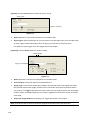
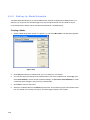
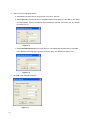
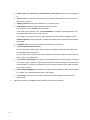
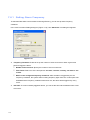
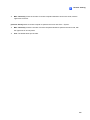
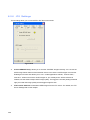
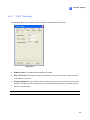
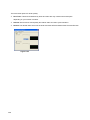
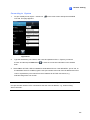
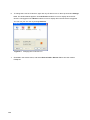
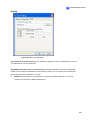
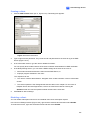
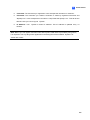
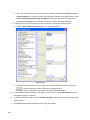
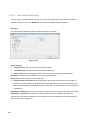
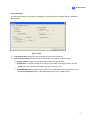
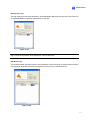
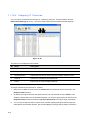
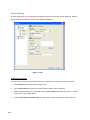
Select the corresponding camera channel, device model and hardware address for each PTZ
camera. For details, see Mapping PTZ Camera earlier.
3.
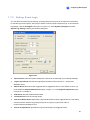
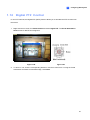
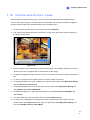
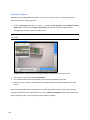
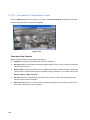
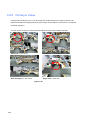
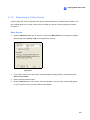
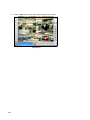
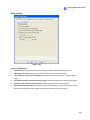
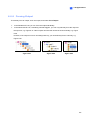
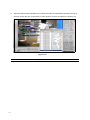
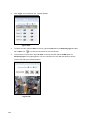
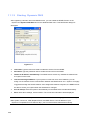
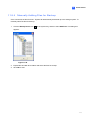
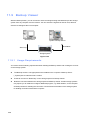
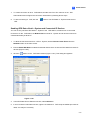
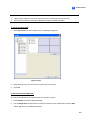
Click OK. When you change the channel, the corresponding PTZ control panel will appear on the
screen.
94