1
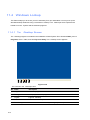
11.3 Twin View Display
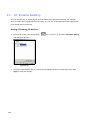
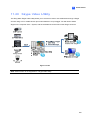
The -System supports dual monitor display, one for live viewing and the other for playback or other
operation without obstructing surveillance scene. To make this operation possible, your system must
have a graphic card with dual video outputs, and each output should be connected to its own monitor
for display.
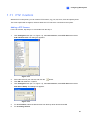
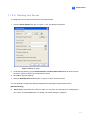
1.
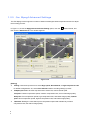
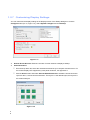
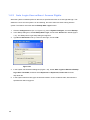
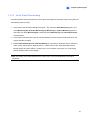
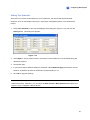
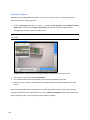
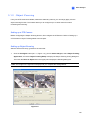
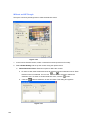
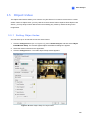
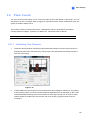
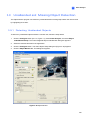
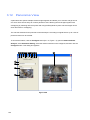
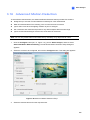
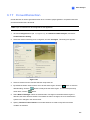
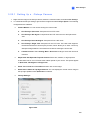
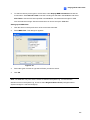
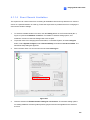
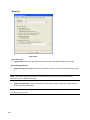
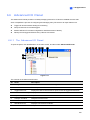
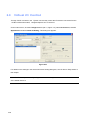
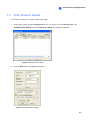
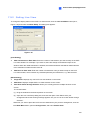
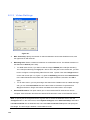
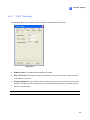
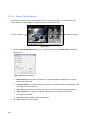
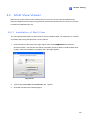
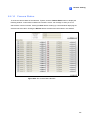
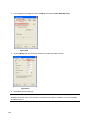
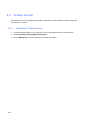
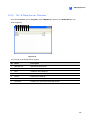
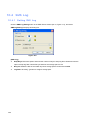
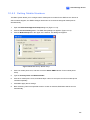
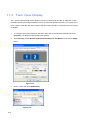
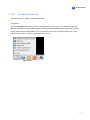
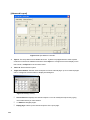
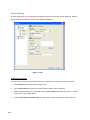
To configure two-monitor display on W indows, right-click on the W indows desktop and select
Properties. The Display Property dialog box appears.
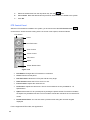
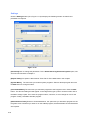
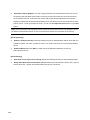
2.
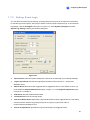
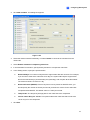
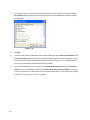
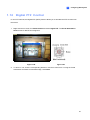
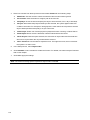
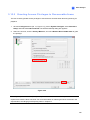
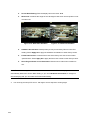
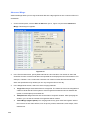
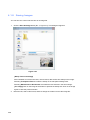
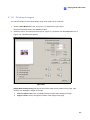
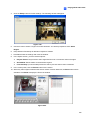
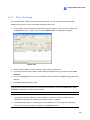
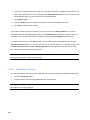
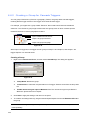
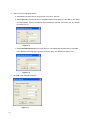
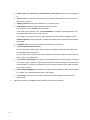
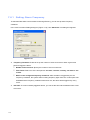
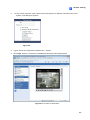
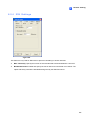
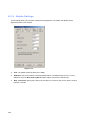
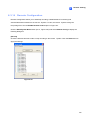
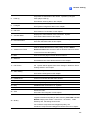
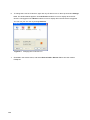
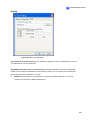
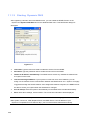
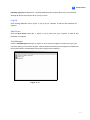
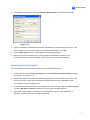
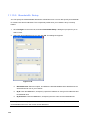
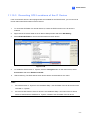
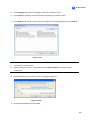
Select Settings, enable Extend my Windows desktop onto this Monitor, and click the Apply
button.
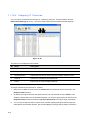
Figure 11-7
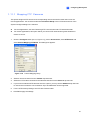
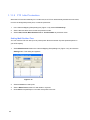
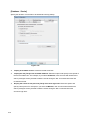
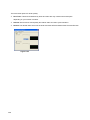
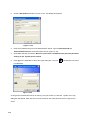
3.
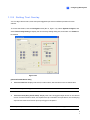
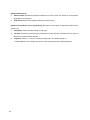
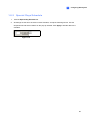
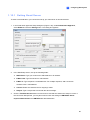
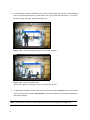
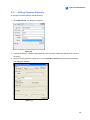
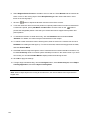
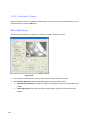
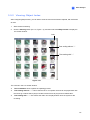
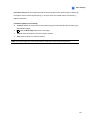
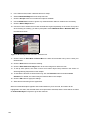
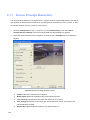
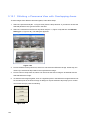
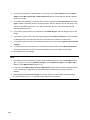
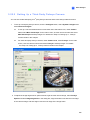
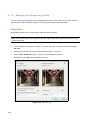
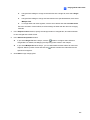
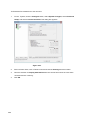
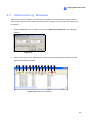
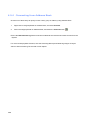
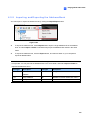
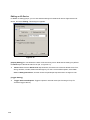
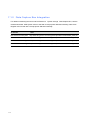
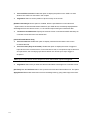
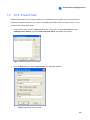
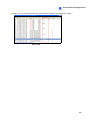
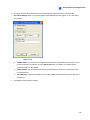
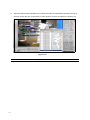
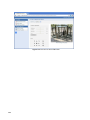
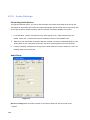
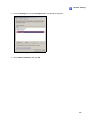
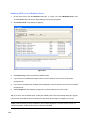
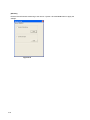
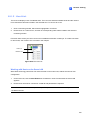
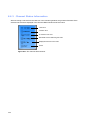
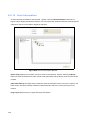
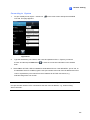
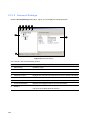
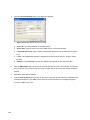
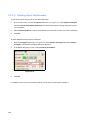
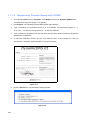
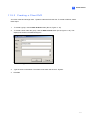
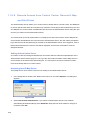
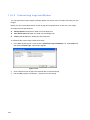
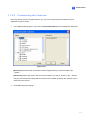
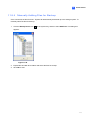
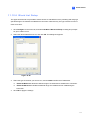
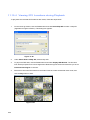
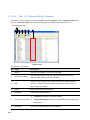
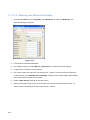
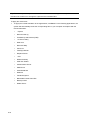
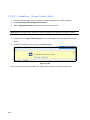
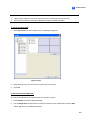
Go the folder and locate DMPOS.exe.
Figure 11-8
512