1
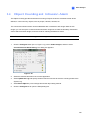
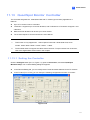
4.6.3 Retrieving Images of Object Index
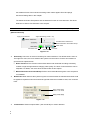
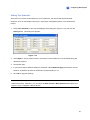
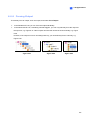
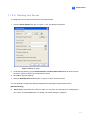
The images of Object Index include the Object Index, Face Detection and Video Snapshot. Through
the Remote ViewLog Service, you can retrieve all the Object Index images from another -System on
the network.
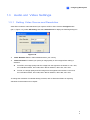
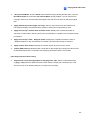
1.
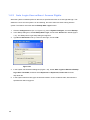
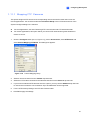
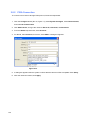
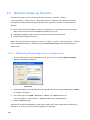
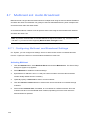
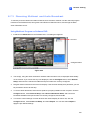
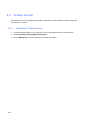
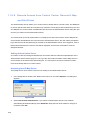
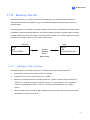
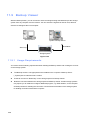
Build the connection to another -System on the network using the Remote ViewLog Service.
See Retrieving Recordings from a Single Host earlier in this chapter.
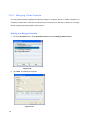
2.
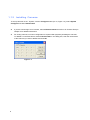
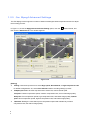
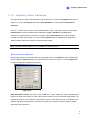
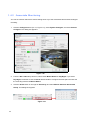
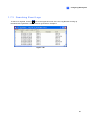
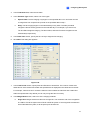
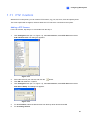
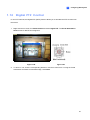
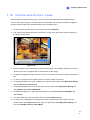
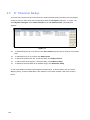
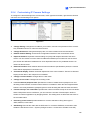
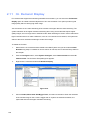
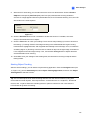
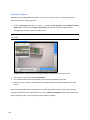
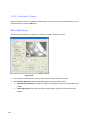
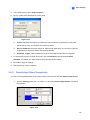
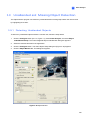
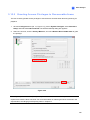
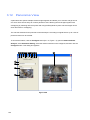
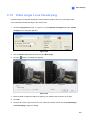
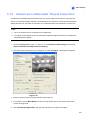
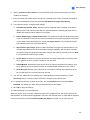
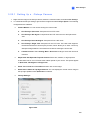
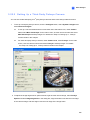
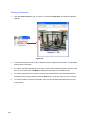
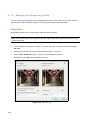
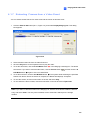
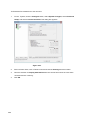
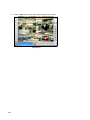
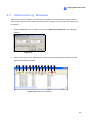
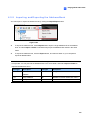
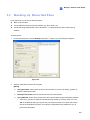
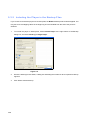
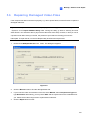
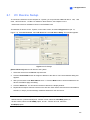
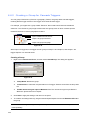
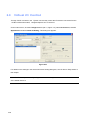
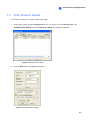
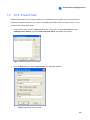
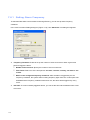
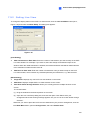
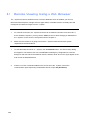
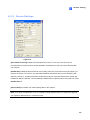
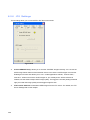
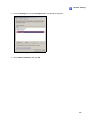
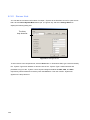
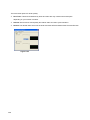
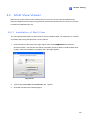
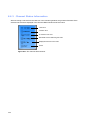
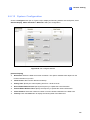
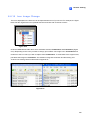
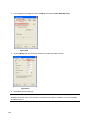
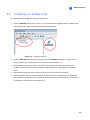
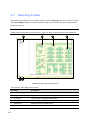
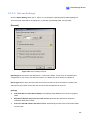
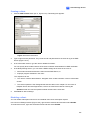
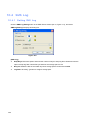
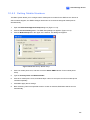
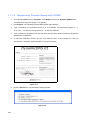
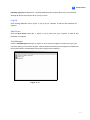
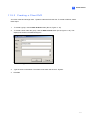
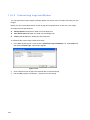
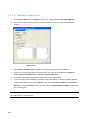
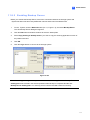
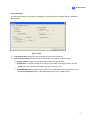
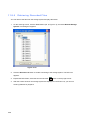
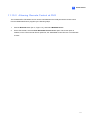
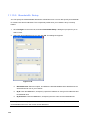
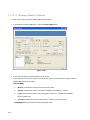
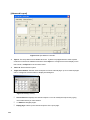
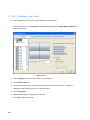
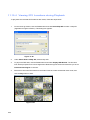
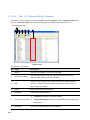
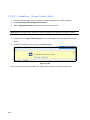
Click the Advanced button and select Object Index.
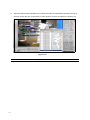
Figure 4-52
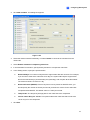
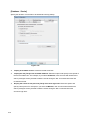
3.
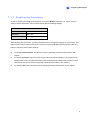
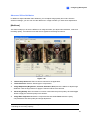
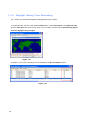
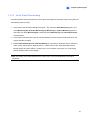
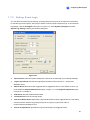
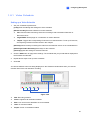
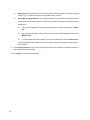
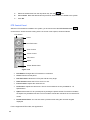
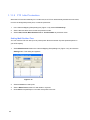
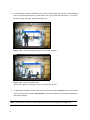
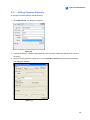
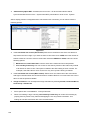
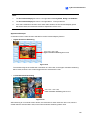
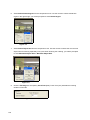
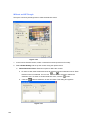
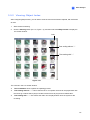
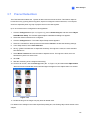
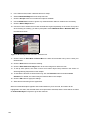
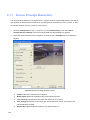
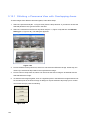
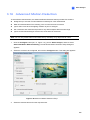
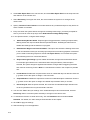
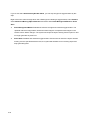
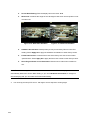
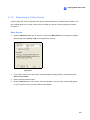
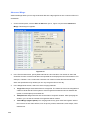
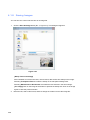
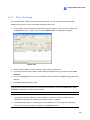
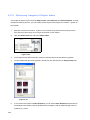
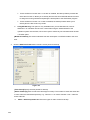
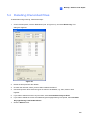
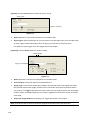
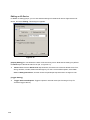
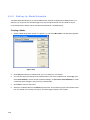
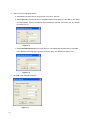
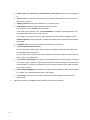
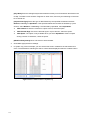
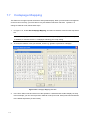
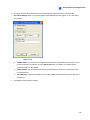
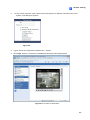
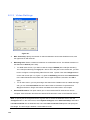
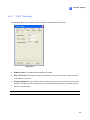
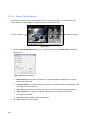
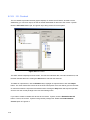
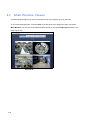
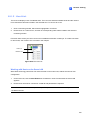
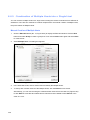
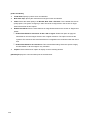
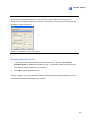
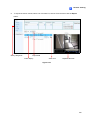
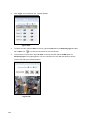
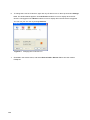
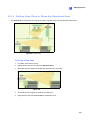
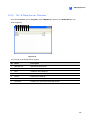
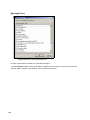
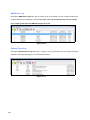
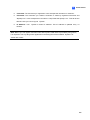
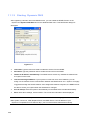
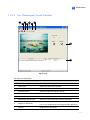
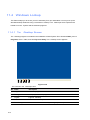
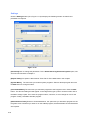
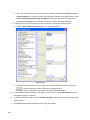
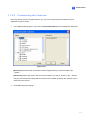
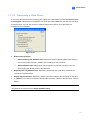
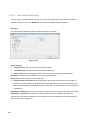
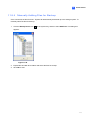
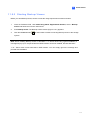
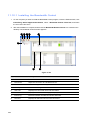
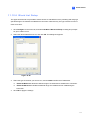
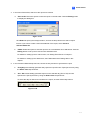
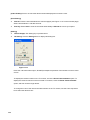
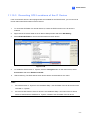
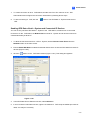
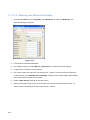
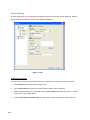
On the Object Index Search window, select the desired camera and file date for playback.
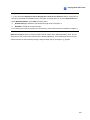
4.
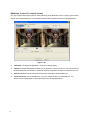
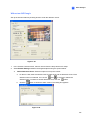
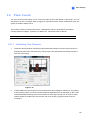
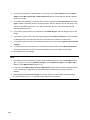
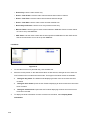
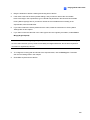
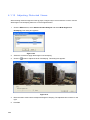
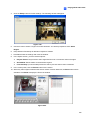
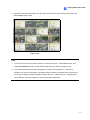
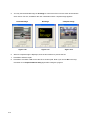
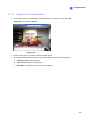
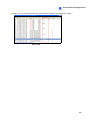
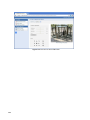
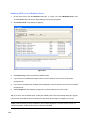
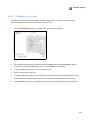
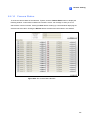
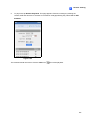
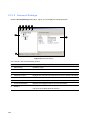
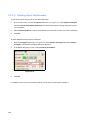
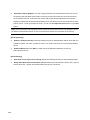
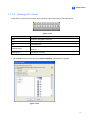
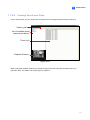
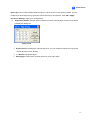
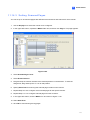
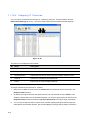
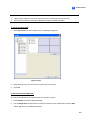
To play images with the ViewLog player, double-click the desired frame on Object Index List.
Figure 4-53
5.
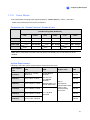
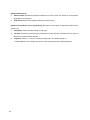
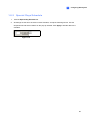
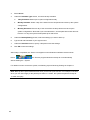
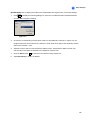
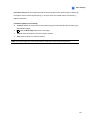
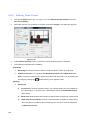
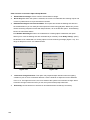
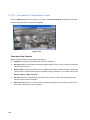
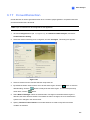
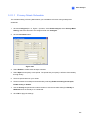
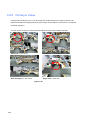
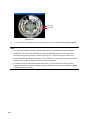
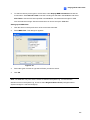
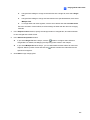
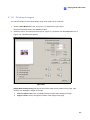
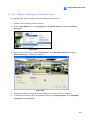
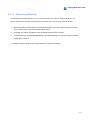
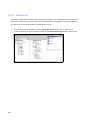
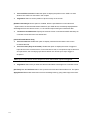
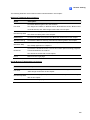
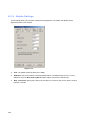
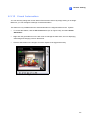
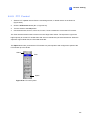
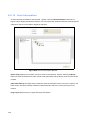
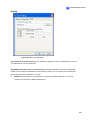
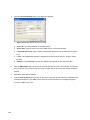
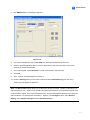
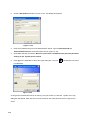
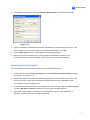
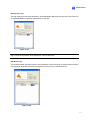
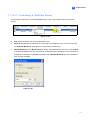
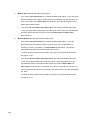
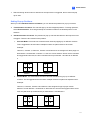
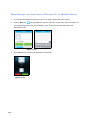
If you retrieve the images of Video Snapshot, you can select Show Snapshot at the bottom of
the dialog box and double-click the desired frame to display it with the default image viewer of
Windows, e.g. Paint.
292