1
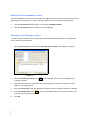
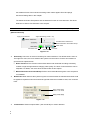
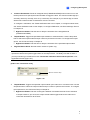
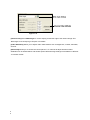
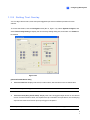
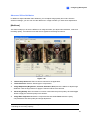
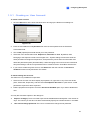
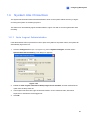
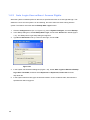
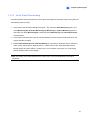
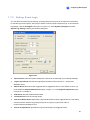
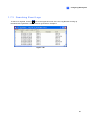
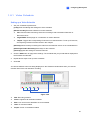
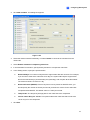
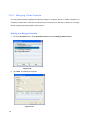
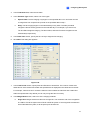
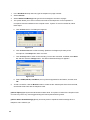
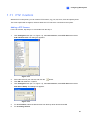
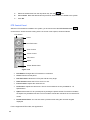
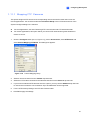
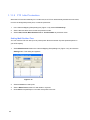
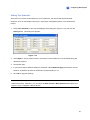
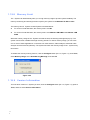
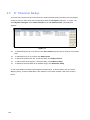
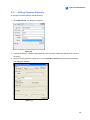
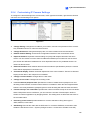
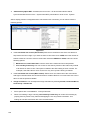
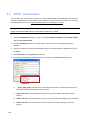
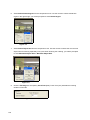
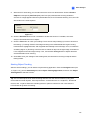
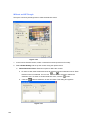
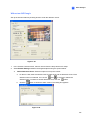
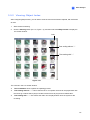
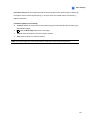
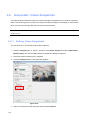
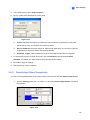
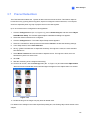
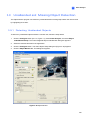
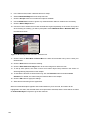
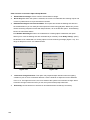
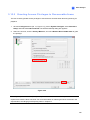
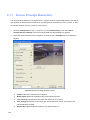
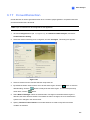
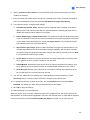
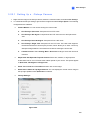
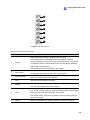
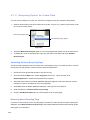
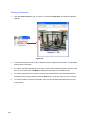
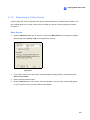
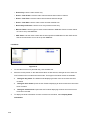
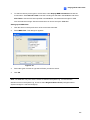
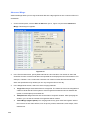
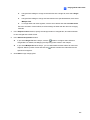
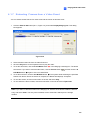
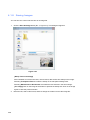
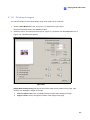
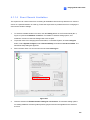
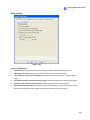
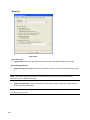
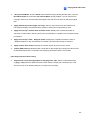
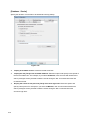
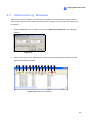
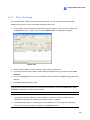
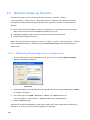
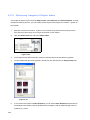
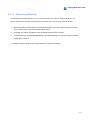
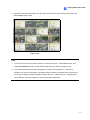
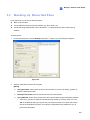
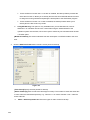
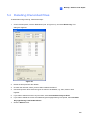
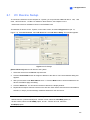
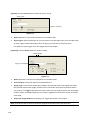
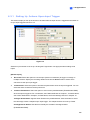
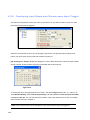
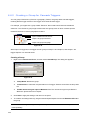
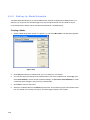
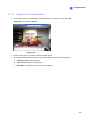
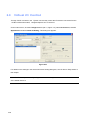
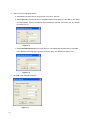
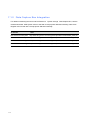
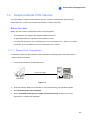
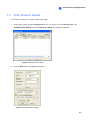
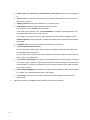
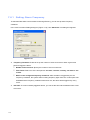
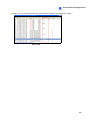
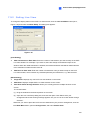
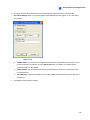
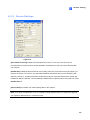
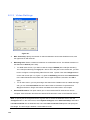
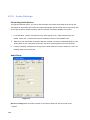
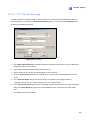
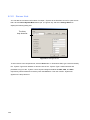
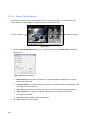
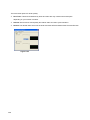
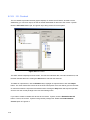
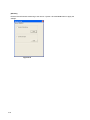
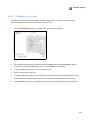
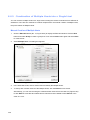
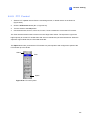
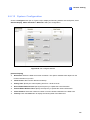
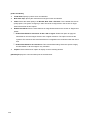
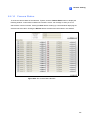
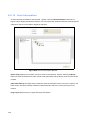
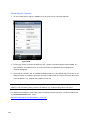
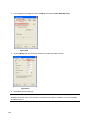
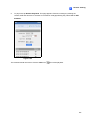
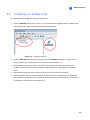
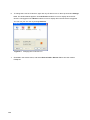
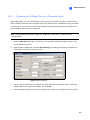
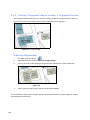
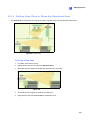
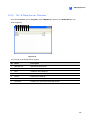
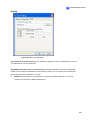
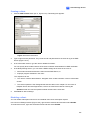
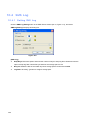
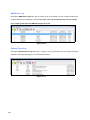
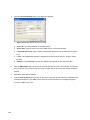
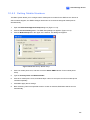
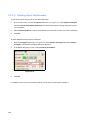
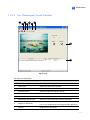
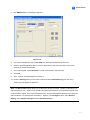
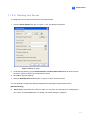
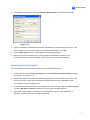
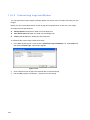
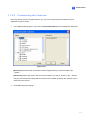
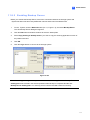
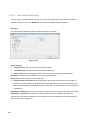
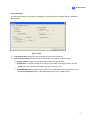
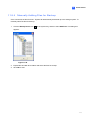
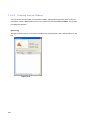
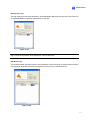
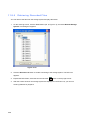
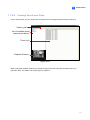
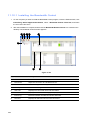
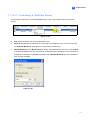
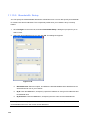
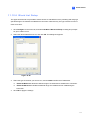
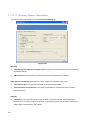
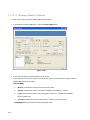
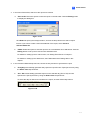
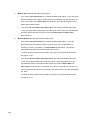
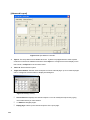
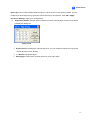
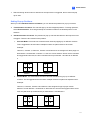
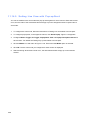
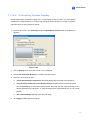
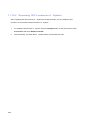
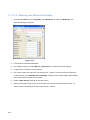
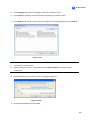
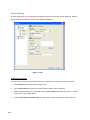
1 Configuring Main System 1.5.1 Creating an User Account To create a user account: 1. Click the New button at the lower-left hand corner to bring up the New Account dialog box. Figure 1-36 2. Enter the user’s ID name and password. Re-enter the same password in the Password Confirmation field. 3. Give a Hint (optional) that would remind you of the password. 4. Select the user’s authorization level: Supervisor, PowerUser or User. By default, users belonging to the Supervisor level have full rights over -System settings. PowerUsers have the same permission and rights as Supervisors, except that they cannot edit user information and delete the password system (described later). Users belonging to the User level are restricted to all system settings, and have only limited access to certain functions. Click OK to add the user. 5. If you want to enable the guest account, click Guest and clear the selection for Account is disabled. Guests are only allowed to view videos. To edit an exiting user account: This feature is only available for supervisors. 1. Select a user from the user list to display its properties. Or, right-click on any of the user levels (User, PowerUser, Supervisor), and then select Find Specific Account for quick search. A valid password is required to edit a supervisor. 2. Edit the properties as required. Check the Account Is Disabled option if you wish to disable this user. You may also find these options in the dialog box: Expire in xx day(s): The account will expire and be disabled automatically after a set number of days. The number you set will count down automatically. Specify the number between 1 and 9999. User cannot change password: The user is not allowed to change the set password. 49