1
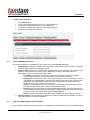
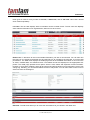
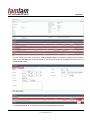
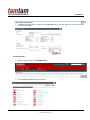
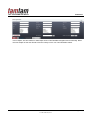
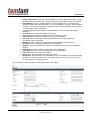
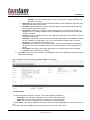
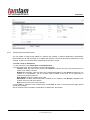
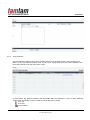
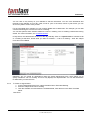
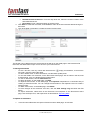
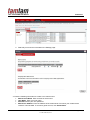
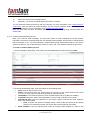
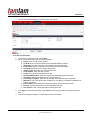
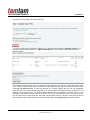
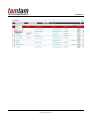
Title: TamTamCRM User Manual Confidential A sample portion of a CSV file, exported from the Organizations module and viewed in Excel, is shown in below. The CSV file displays column titles, including the Record ID (a long string of letters and numbers used as a unique reference to each organization record) and other fields which TamTamCRM uses internally: To export data from TamTamCRM 1. Select the records from the List View on the module’s home page. 2. Select Export from the Actions drop-down menu in the List View. To export all records listed on the page, click Select located above the item list and select one of the following options: This Page. To export all the records listed on the page, select this option. All Records. To export all records on the list (if it is more than a page long), select this option. 3. The system displays an “Opening.csv” dialog box. 4. Select Open to open the export file in .csv format or select Save to Disk to save the .csv file to your local machine. 5. Click OK to execute the operation. If you chose to open the file, the csv file opens in Microsoft Excel. The file contains all the fields in the module from which you are exporting the data Page: 75/76 © TAMTAMCRM, 2012