1
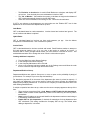
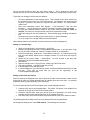
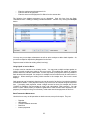
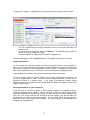
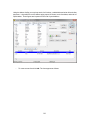
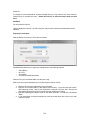
You can e-mail orders to suppliers.
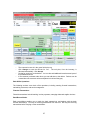
Orders can be placed for clients. When an order is for a client the order displays in the Client
Operations form.
•
•
•
•
•
•
•
•
•
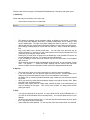
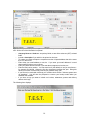
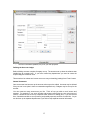
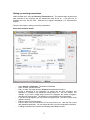
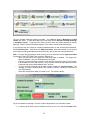
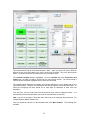
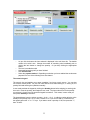
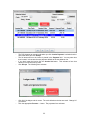
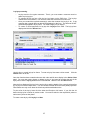
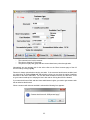
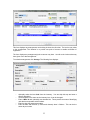
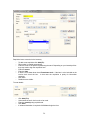
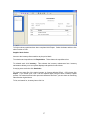
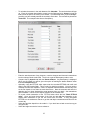
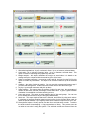
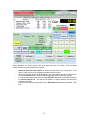
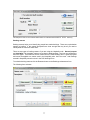
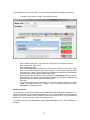
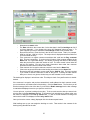
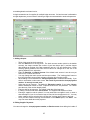
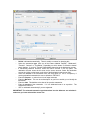
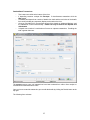
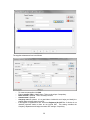
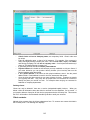
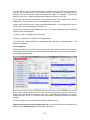
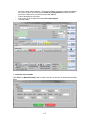
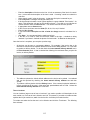
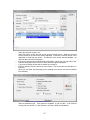
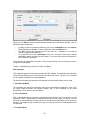
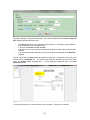
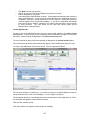
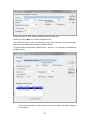
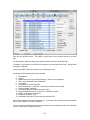
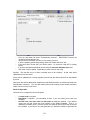
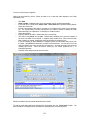
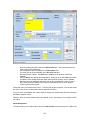
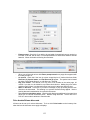
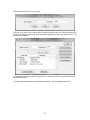
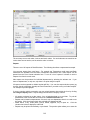
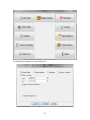
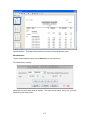
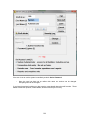
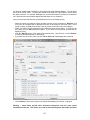
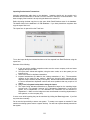
Click Add.
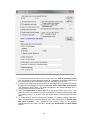
Order number is obtained from stock configuration and is created automatically.
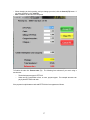
If the order is for a client check Client order. Client Code and a selection button display.
Select the client code.
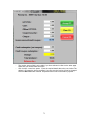
Include a description of the order if you wish to. For example if the order is for a particular
job. It is a good idea to include a description as it makes it easier to identify the order
when selecting it for fulfillment or if checking for overdue orders.
Select the supplier.
Enter the date of the order. Default date is the current day.
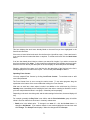
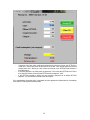
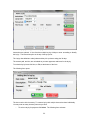
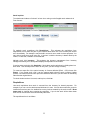
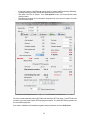
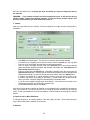
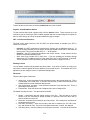
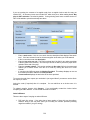
The order is not placed, and is open. Placed status enables you to check the status of
an order from within Front Counter -> Supplier Stock Orders->List. When the order has
been emailed, or posted, change the status to placed by checking the box.
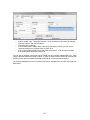
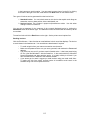
If you are entering an order based on a supplier invoice you can create that invoice from
the order. Is invoiced is checked if you have run that process. You can only run it if the
order has details. An order can only be invoiced once. So enter the entire invoice before
creating the invoice. Once the invoice exists you can record payments for it in
Cheques/Payments.
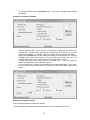
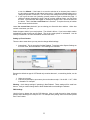
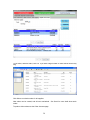
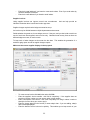
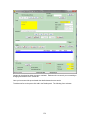
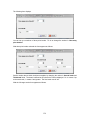
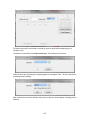
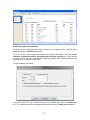
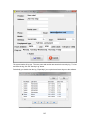
Save the order and proceed to enter the items.
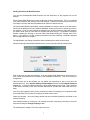
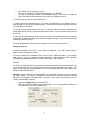
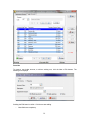
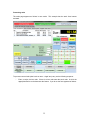
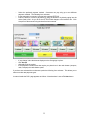
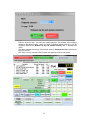
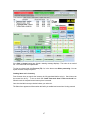
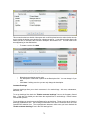
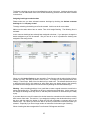
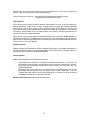
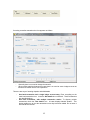
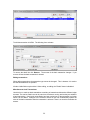
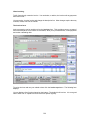
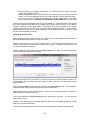
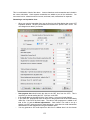
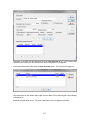
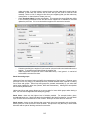
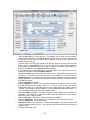
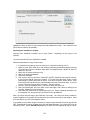
When the header has been saved details becomes visible.
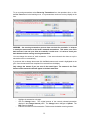
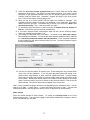
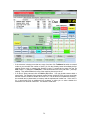
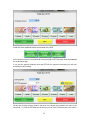
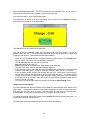
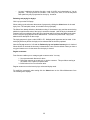
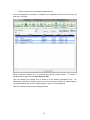
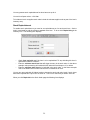
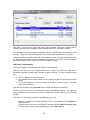
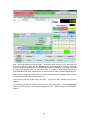
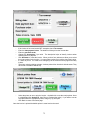
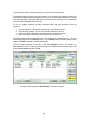
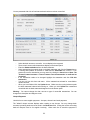
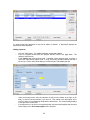
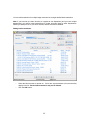
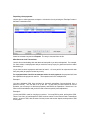
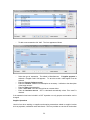
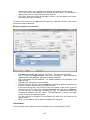
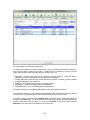
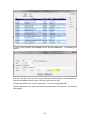
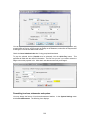
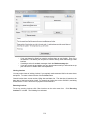
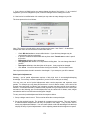
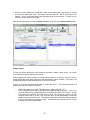
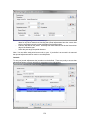
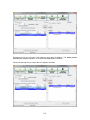
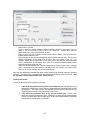
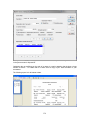
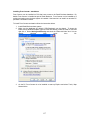
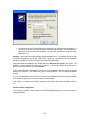
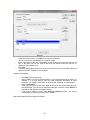
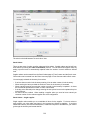
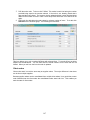
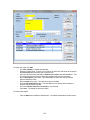
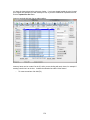
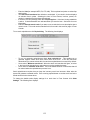
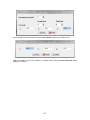
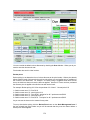
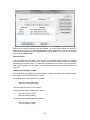
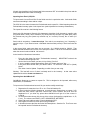
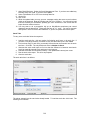
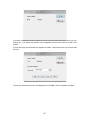
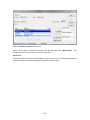
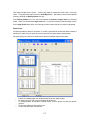
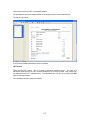
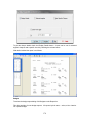
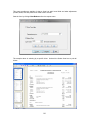
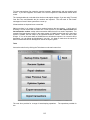
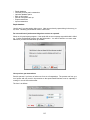
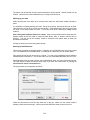
To load the order with sold items sourced from the supplier click the "From Sales" button. You
have the option of loading all items sold within a selected period, or selecting items.
145