1
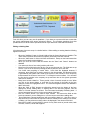
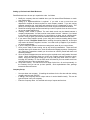
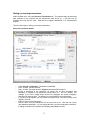
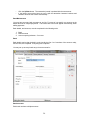
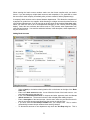
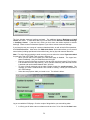
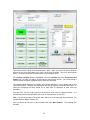
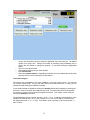
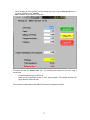
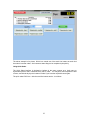
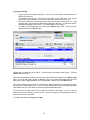
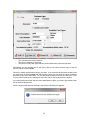
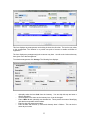
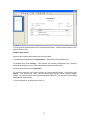
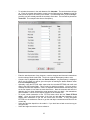
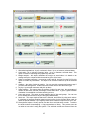
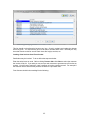
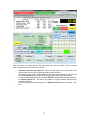
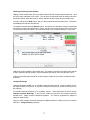
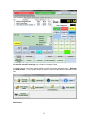
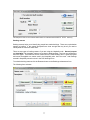
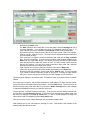
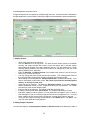
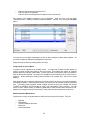
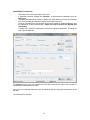
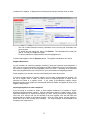
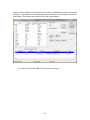
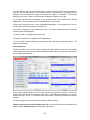
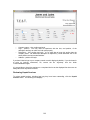
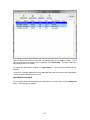
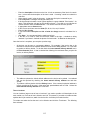
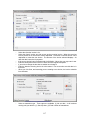
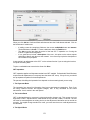
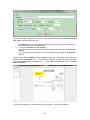
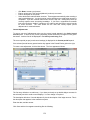
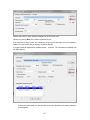
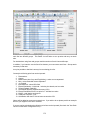
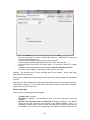
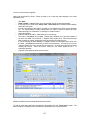
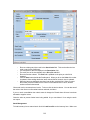
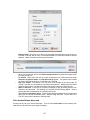
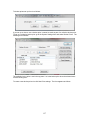
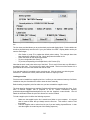
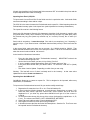
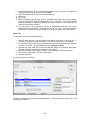
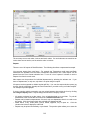
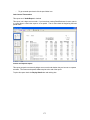
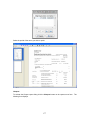
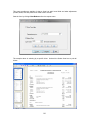
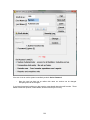
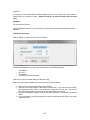
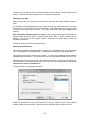
The following form displays:
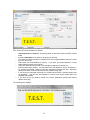
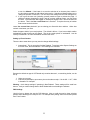
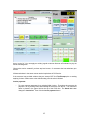
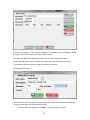
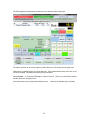
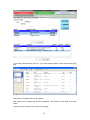
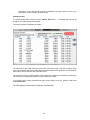
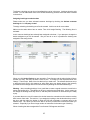
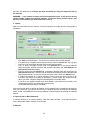
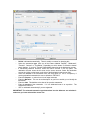
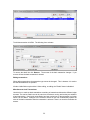
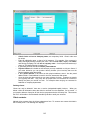
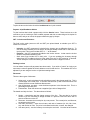
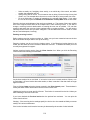
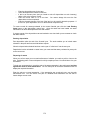
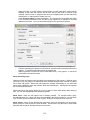
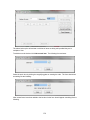
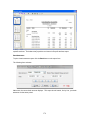
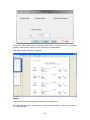
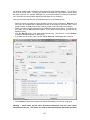
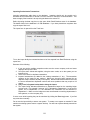
You can set up a maximum of three price breaks. To do so change the number in How many
price breaks?
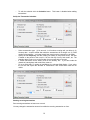
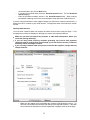
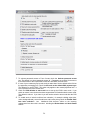
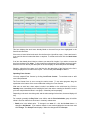
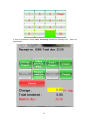
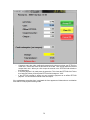
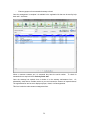
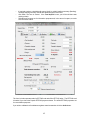
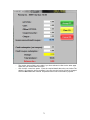
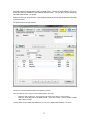
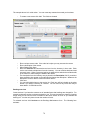
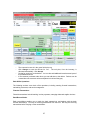
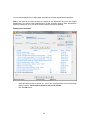
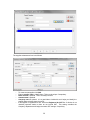
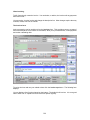
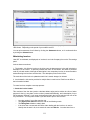
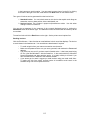
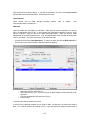
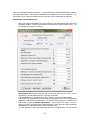
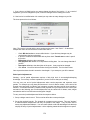
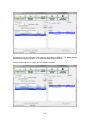
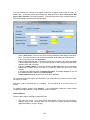
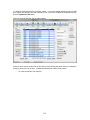
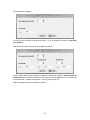
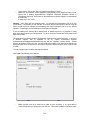
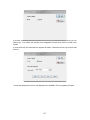
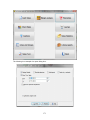
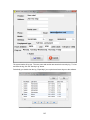
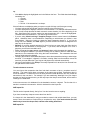
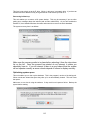
With three price breaks selected the form appears as follows:
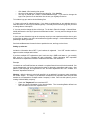
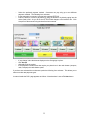
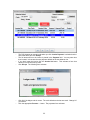
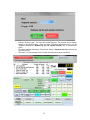
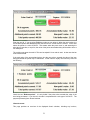
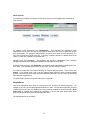
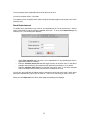
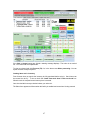
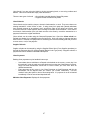
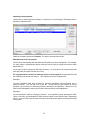
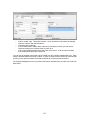
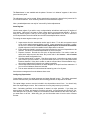
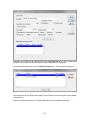
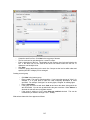
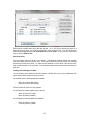
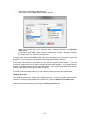
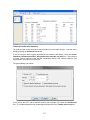
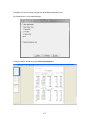
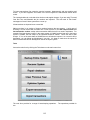
Set the number above which the discount applies by changing the values in Second break and
Third break fields. The break is defined as one above the number displayed. So 1+ means 2 up
to the next break, 5+ means 6 and greater. The first break cuts off at 5.
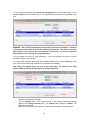
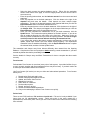
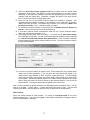
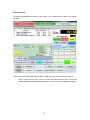
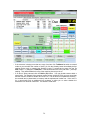
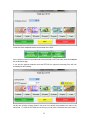
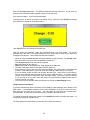
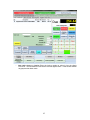
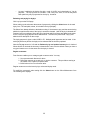
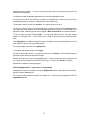
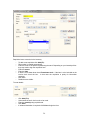
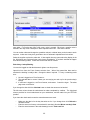
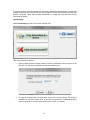
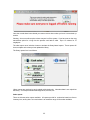
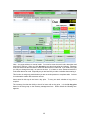
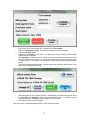
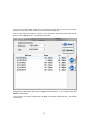
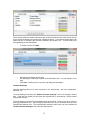
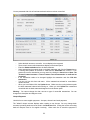
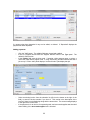
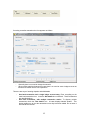
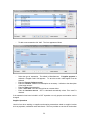
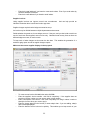
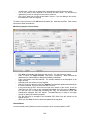
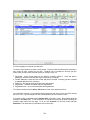
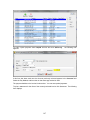
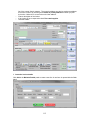
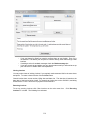
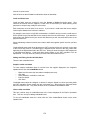
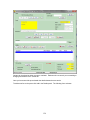
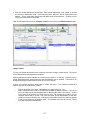
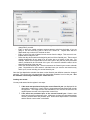
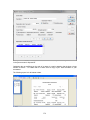
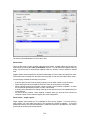
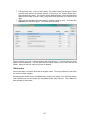
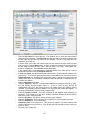
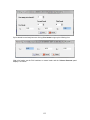
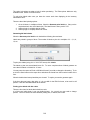
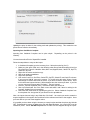
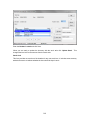
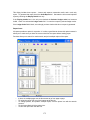
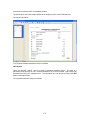
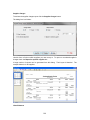
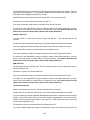
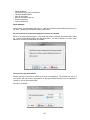
With the full range set the form appears as follows:
154