1
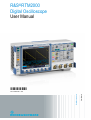
R&S®RTM2000
Masks
Working with Masks
9.2 Working with Masks
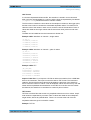
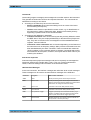
Masks define a frame with which you can compare the signal values. You can load
pre-configured masks or define your own masks based on existing waveforms. When
you perform a test, you can define which actions are to be taken upon violation of the
mask limits.
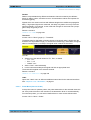
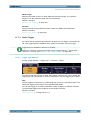
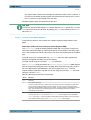
Masks are displayed in the color used for reference waveforms.
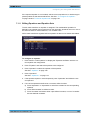
9.2.1 Creating New Masks
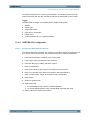
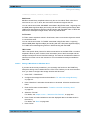
You create a new mask based on a channel waveform, then optimize it by changing its
position and proportions, and save it.
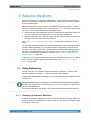
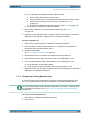
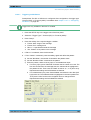
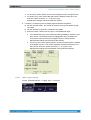
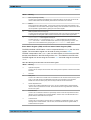
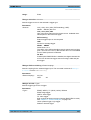
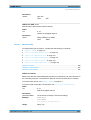
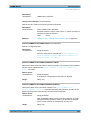
1. Select and adjust the channel waveform that will be used as basis for the mask,
and run continuous acquisition.
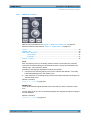
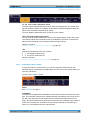
2. Press TOOLS.
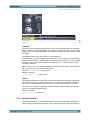
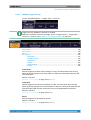
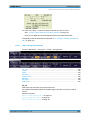
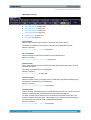
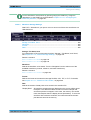
3. Press "Masks Tests"
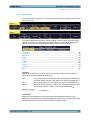
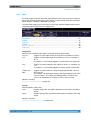
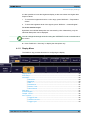
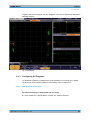
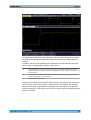
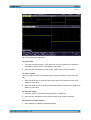
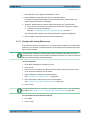
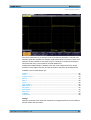
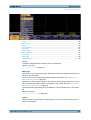
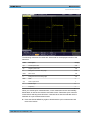
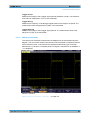
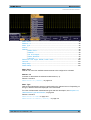
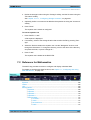
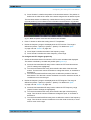
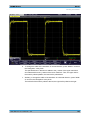
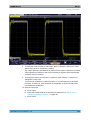
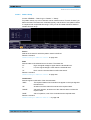
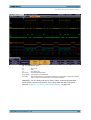
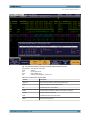
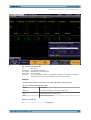
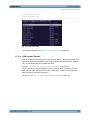
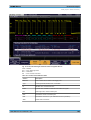
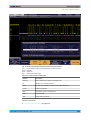
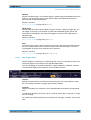
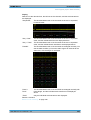
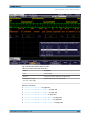
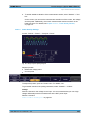
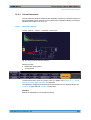
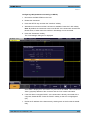
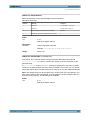
The selected waveform is displayed with its envelope, other waveforms are
switched off in masks mode.
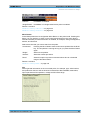
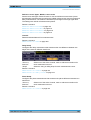
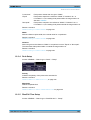
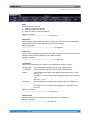
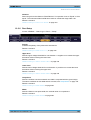
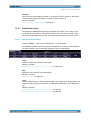
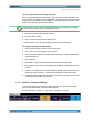
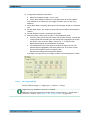
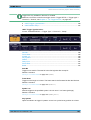
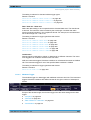
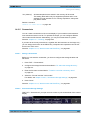
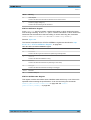
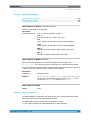
4. Press "New Mask".
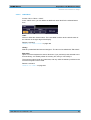
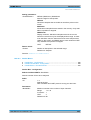
5. Press "Copy Channel" to create the new mask.
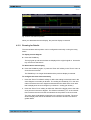
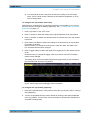
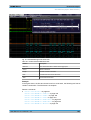
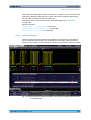
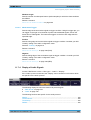
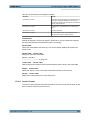
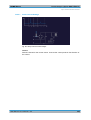
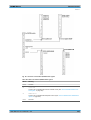
The mask is created from the envelope and displayed in the color used for reference waveforms.
User Manual 1317.4726.02 ─ 02
128