1
R&S®RTM2000
Remote Control
Command Reference
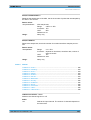
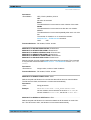
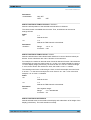
Parameters:
<Enable>
ON | OFF
*RST:
OFF
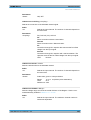
DISPlay:VSCReen:POSition <Position>
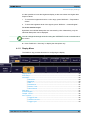
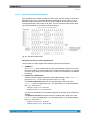
Selects the divisions to be displayed on the virtual screen. The virtual screen has 20
divisions, 8 of them are displayed.
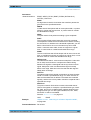
Parameters:
<Position>
Indicated the position of the middle visible division.
Range:
16.2.6.2
-6 to 6. At -6, the lower 8 divisons are visible. 0 indicates the center of the virtual screen, and the divions -4 to 4 are visible.
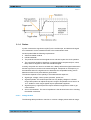
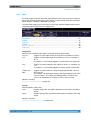
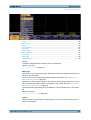
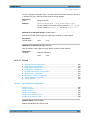
Zoom
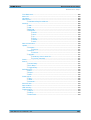
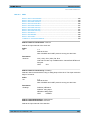
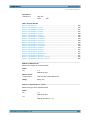
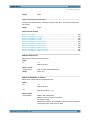
TIMebase:ZOOM:STATe................................................................................................ 354
TIMebase:ZOOM:SCALe................................................................................................ 354
TIMebase:ZOOM:TIME...................................................................................................354
TIMebase:ZOOM:POSition..............................................................................................355
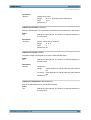
TIMebase:ZOOM:STATe <ZoomState>
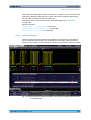
Switches the zoom window on or off.
Parameters:
<ZoomState>
ON | OFF
*RST:
OFF
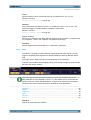
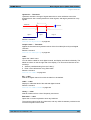
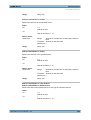
TIMebase:ZOOM:SCALe <ZoomScale>
Defines the time base in the zoom diagram in seconds per division.
Parameters:
<ZoomScale>
Range:
Depends on various other settings
Default unit: s/div
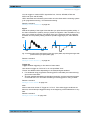
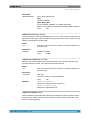
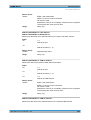
TIMebase:ZOOM:TIME <Time>
Defines the offset of the trigger point to the reference point of the zoom diagram.
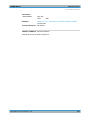
Parameters:
<Time>
User Manual 1317.4726.02 ─ 02
*RST:
0
Default unit: s
354