1
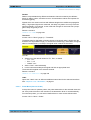
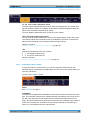
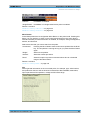
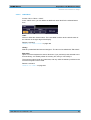
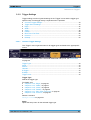
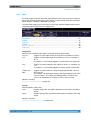
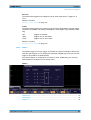
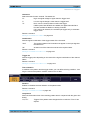
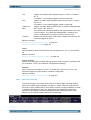
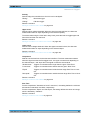
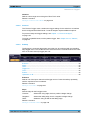
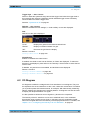
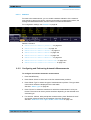
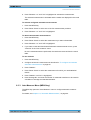
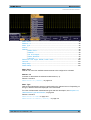
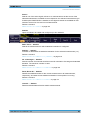
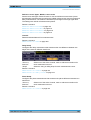
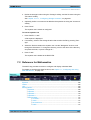
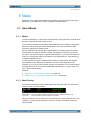
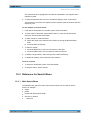
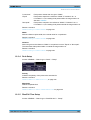
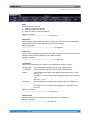
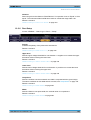
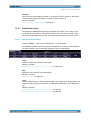
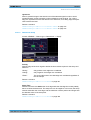
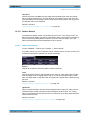
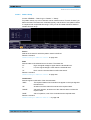
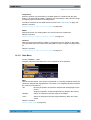
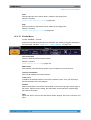
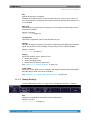
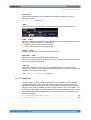
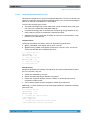
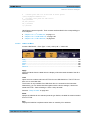
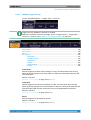
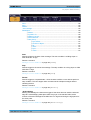
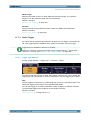
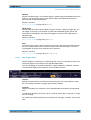
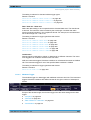
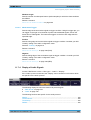
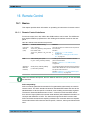
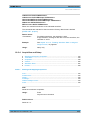
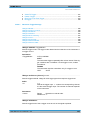
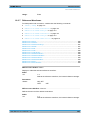
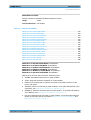
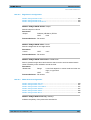
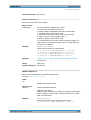
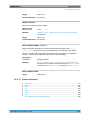
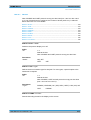
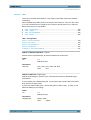
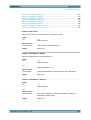
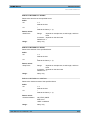
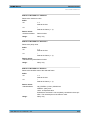
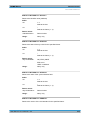
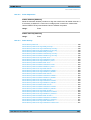
R&S®RTM2000 Data and File Management Saving and Loading "Inverted" Inverts the colors of the output, i.e. a dark waveform is printed on a white background. Remote command: HCOPy:COLor:SCHeme on page 544 Command Set Sets the printer language that is supported by the printer. When you connect a printer, the supported command set is shown in the "Device Information" window. 14.2 Saving and Loading With R&S RTM, you can save and recall your measurement data: device settings, mask definitions, equation sets, waveform data, and screenshots. Data can be stored in the instrument or on external device, it can be copied and converted (depending on the available formats). ● ● ● ● ● ● Storage Locations................................................................................................. 250 Quick Access with PRINT key...............................................................................256 Device Settings..................................................................................................... 258 Waveforms............................................................................................................ 260 Screenshots.......................................................................................................... 264 References, Masks, and Equation Sets: Import/Export........................................ 265 14.2.1 Storage Locations The R&S RTM provides three basic storage locations to store any data. In the following, these locations are refered to as storage devices: ● The "Internal" storage device is a flash memory in the instrument with about 8 MB memory size. ● The "Front USB" storage device indicates a USB flash drive that is connected to the USB connector on the front panel of the instrument. ● The "Rear USB" storage device indicates a USB flash drive that is connected to the USB connector on the rear panel of the instrument. On each storage device, data can be organized in folders as usual. Therefore, the R&S RTM allows you to create folders or remove them wherever you need. Device settings, reference waveforms, masks, and equations sets can be directly saved to and loaded from any storage device. Waveforms and screenshots can be saved to USB storage devices only. To copy data from one storage device to another, the "Import/Export" functions are used. The name of the target file can be changed, so you can copy and rename in one operation. For references and masks, you can also change the target file format and convert the data during export/import. This chapter describes the general procedures and settings to save, load, and export/ import data. User Manual 1317.4726.02 ─ 02 250