1
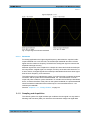
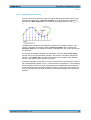
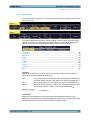
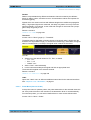
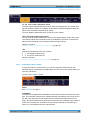
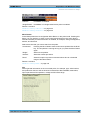
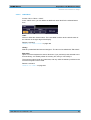
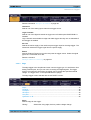
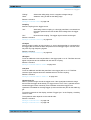
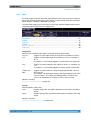
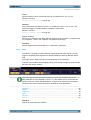
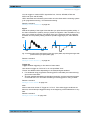
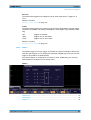
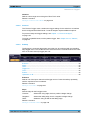
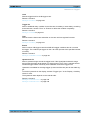
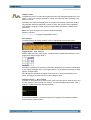
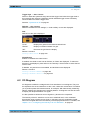
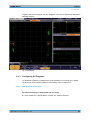
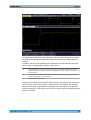
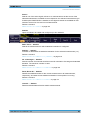
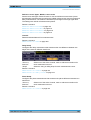
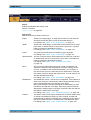
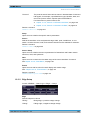
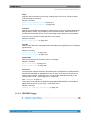
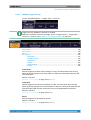
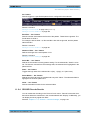
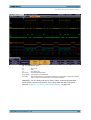
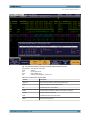
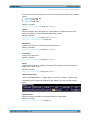
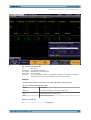
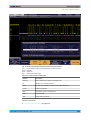
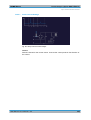
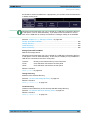
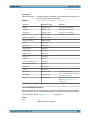
R&S®RTM2000 Display XY-Diagram The function is available in R&S RTM1054. Remote command: DISPlay:XY:Y1Source on page 349 Source Y2 Defines an optional second source to be displayed in y direction in an XY-diagram. The source can be selected from any of the analog channels. The function is available in R&S RTM1054. Remote command: DISPlay:XY:Y2Source on page 350 X-CH1 Y-CH2 Defines channel 1 to be displayed in x direction in an XY-diagram, replacing the usual time base, and sets channel 2 to the y-axis. The function is available in R&S RTM1052. X-CH2 Y-CH1 Defines channel 2 to be displayed in x direction in an XY-diagram, replacing the usual time base, and sets channel 1 to the y-axis. The function is available in R&S RTM1052. Z Setup The intensity of the waveform displayed in an XY-diagram can be set to a defined level, or be modulated dynamically using a further source signal Z. In the latter case, the amplitudes of the source signal determine the intensity of the displayed waveform. Z ← Z Setup Activates or deactivates the intensity control of the waveform via an additional signal source. If deactivated, the intensity is defined by the general "Intensity" setting for the trace. Remote command: DISPlay:XY:ZMODe on page 350 Source Z ← Z Setup Defines the source to be used to determine the intensity of the waveform. The source can be selected from any of the analog channels. Pressing the softkey repeatedly scrolls through the list of available source channels. Remote command: DISPlay:XY:ZSOurce on page 350 Z-Intensity ← Z Setup Toggles between intensity modes. User Manual 1317.4726.02 ─ 02 67