1
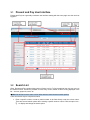
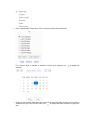
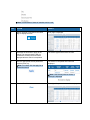
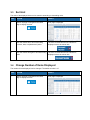
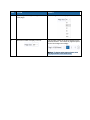
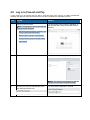
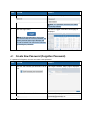
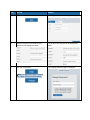
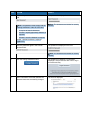
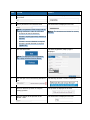
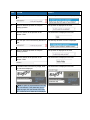
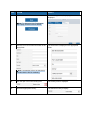
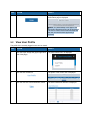
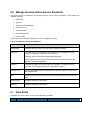
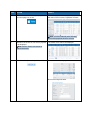
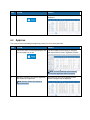
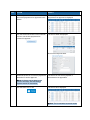
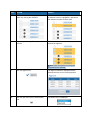
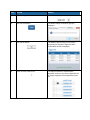
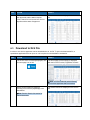
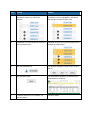
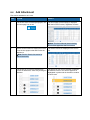
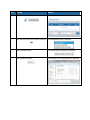
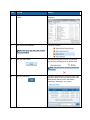
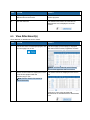
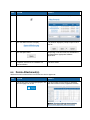
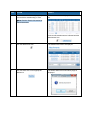
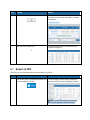
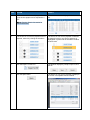
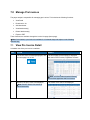
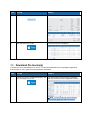
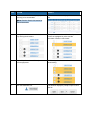
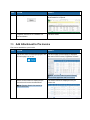
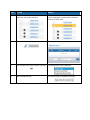
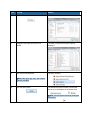
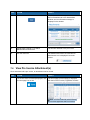
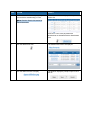
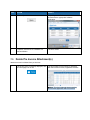
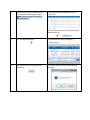
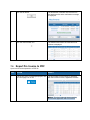
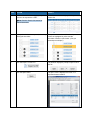
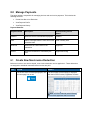
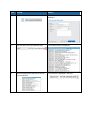
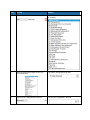
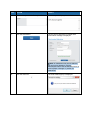
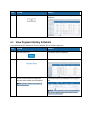
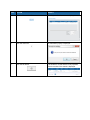
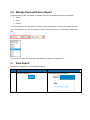
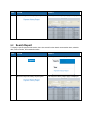
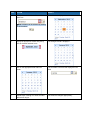
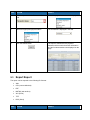
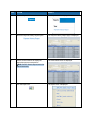
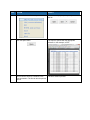
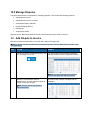
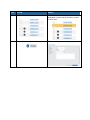
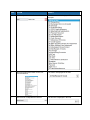
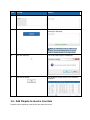
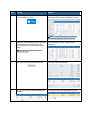
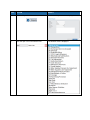
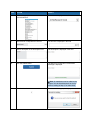
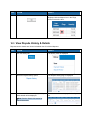
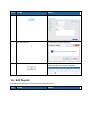
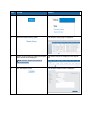
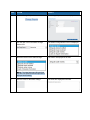
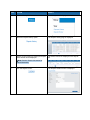
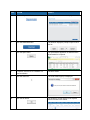
STEP ACTION RESULT 7. Click the open icon in the Transaction Status field. The search payment status menu is displayed. 8. Select the appropriate payment status. The new status is displayed in the field. 9. Click the Search button. The report is searched for the payment transactions that match the search information and the found transactions are displayed on the page. 9.3 Export Report The report can be exported to the following file formats: XML CSV (comma delimited) PDF MHTML (web archive) XLS (Excel) TIFF DOC (Word) STEP ACTION RESULT