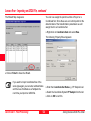
1
Lesson Three - Creating a Coordinate System, continued
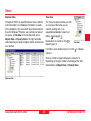
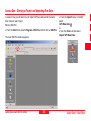
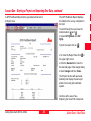
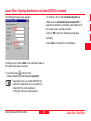
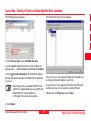
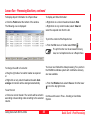
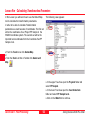
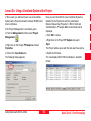
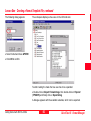
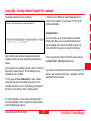
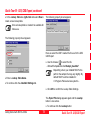
¾In the Tree-View right-click on Coordinate Systems
and select New.
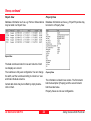
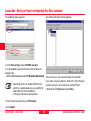
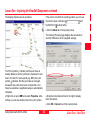
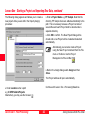
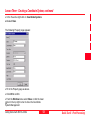
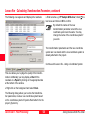
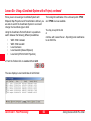
The following Property page appears:
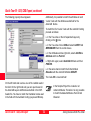
¾Fill in the Property page as above.
¾Click OK to confirm.
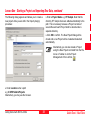
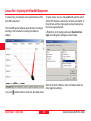
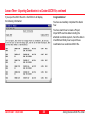
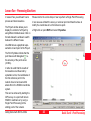
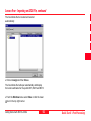
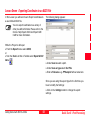
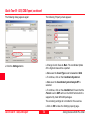
¾From the Window menu select Close or click the lower
icon in the top right corner to close the Coordinate
System Management.
Getting Started with SKI-Pro-3.0.0en
51
Quick Tour II - Post-Processing