1
Lesson Three - Creating a Coordinate System
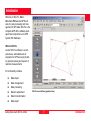
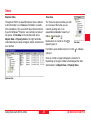
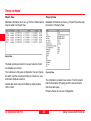
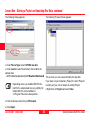
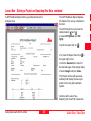
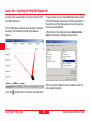
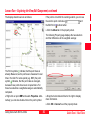
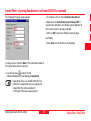
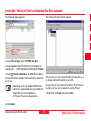
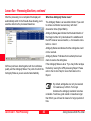
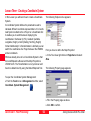
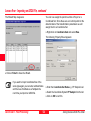
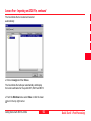
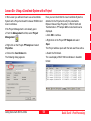
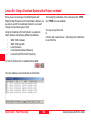
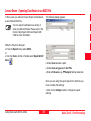
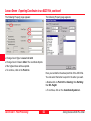
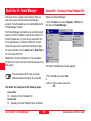
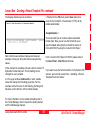
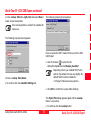
The following Explorer-View appears:
In this Lesson you will learn how to create a Coordinate
System.
A Coordinate System defines the parameters used to
calculate different coordinate representations. If a Coordinate System is attached to a Project or a Coordinate Set
it enables you to switch between displaying the
coordinates in Cartesian (X,Y,Z), Geodetic (Latitude,
Longitude, Height) or Grid (Easting, Northing, Height)
format. Additionally if a Transformation is defined you can
switch the coordinates of a Project between the WGS84
and a local datum.
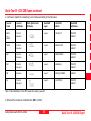
What we already know of our Coordinate System is that
the local Ellipsoid is Bessel and the Map Projection is
UTM32 North. The Transformation is not yet known and
has to be determined by using the Datum/Map tool first.
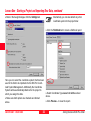
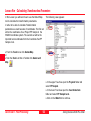
First you have to define the Map Projection:
¾In the Tree-View right-click on Projection and select
New.
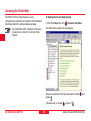
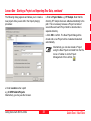
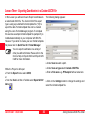
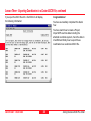
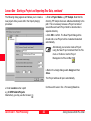
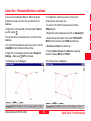
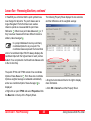
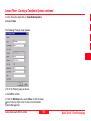
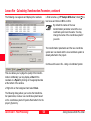
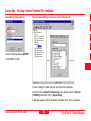
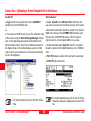
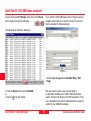
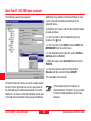
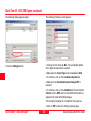
The following Property page appears:
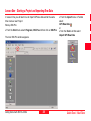
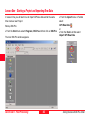
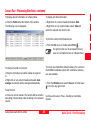
To open the Coordinate System Management:
¾From the Tools menu or Management List Bar, select
Coordinate System Management.
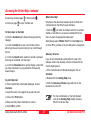
¾Fill in the Property page as above.
¾Click OK to confirm.
Quick Tour II - Post-Processing
50
Getting Started with SKI-Pro-3.0.0en