1
Lesson Seven - Exporting Coordinates to an ASCII File
In this Lesson you will learn how to Export coordinates to
a user defined ASCII file.
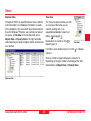
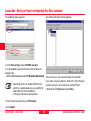
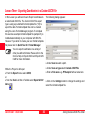
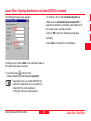
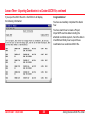
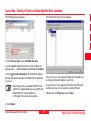
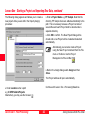
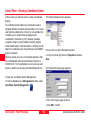
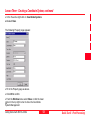
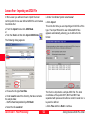
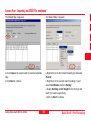
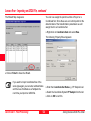
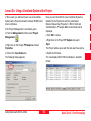
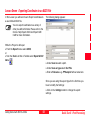
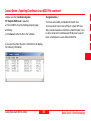
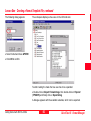
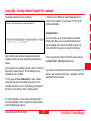
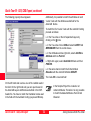
The following dialog appears:
You can export coordinates to a variety of
other pre-defined formats. Please refer to the
On-line Help Export ASCII and Export GIS/
CAD for more information.
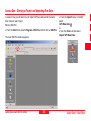
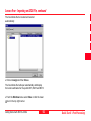
While the Project is still open:
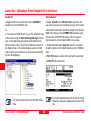
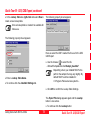
¾From the Export menu select ASCII,
or
¾from the Tools List Bar or Toolbar select Export ASCII
Data.
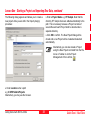
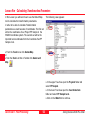
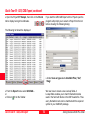
¾Under Save in select a path.
¾Under Save as type select Text File.
¾Enter a File name e.g. PP Sample1 without extension.
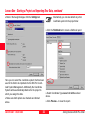
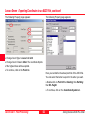
Since you are using this export type for the first time you
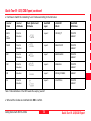
have to modify the Settings:
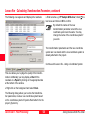
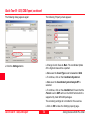
¾Click on the Settings button to change the export
settings.
Getting Started with SKI-Pro-3.0.0en
61
Quick Tour II - Post-Processing