1
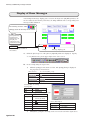
Creating PLC Numerical Data and Character Display Parts
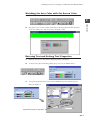
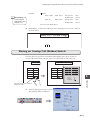
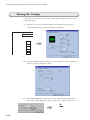
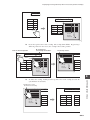
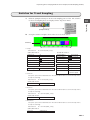
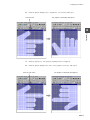
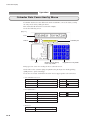
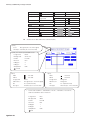
Modifying Copied Numerical Data Parts
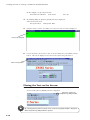
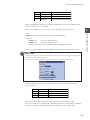
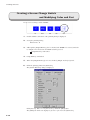
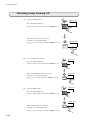
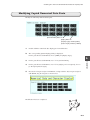
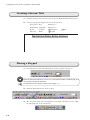
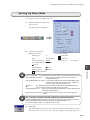
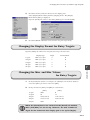
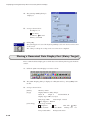
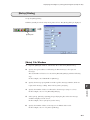
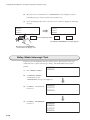
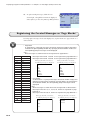
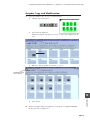
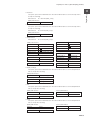
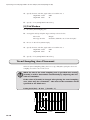
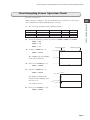
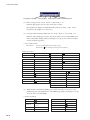
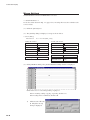
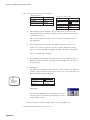
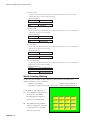
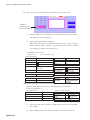
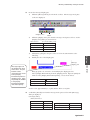
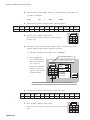
Modify the following numerical data parts.
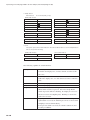
[Display Type]: Choose [HEX].
[Decimal Point]: Enter "2".
[Digits]: Enter "6".
[Display Type]: Choose [DEC].
[Data Length]: Choose [2-Word]
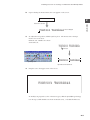
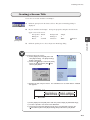
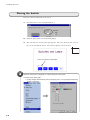
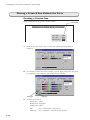
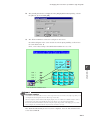
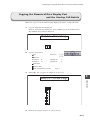
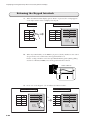
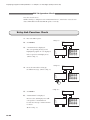
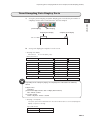
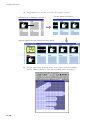
1.
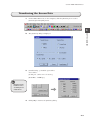
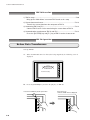
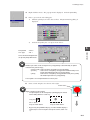
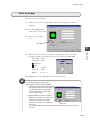
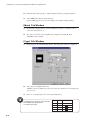
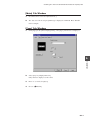
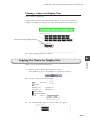
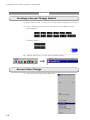
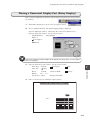
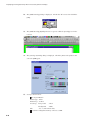
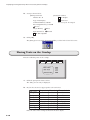
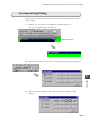
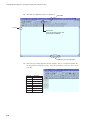
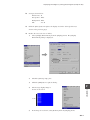
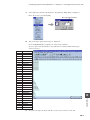
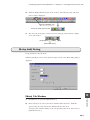
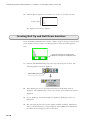
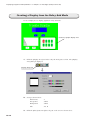
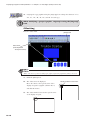
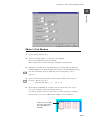
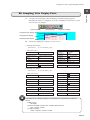
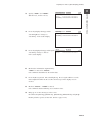
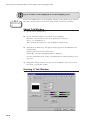
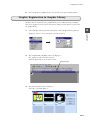
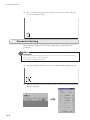
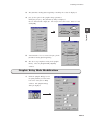
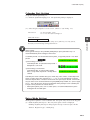
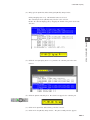
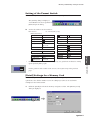
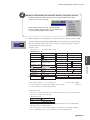
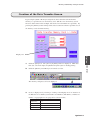
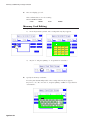
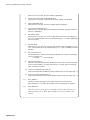
Double-click the numerical data display part for modification.
2.
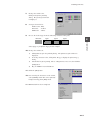
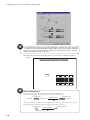
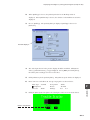
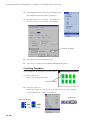
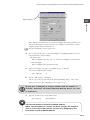
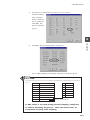
The corresponding [Num. Display] dialog is displayed.
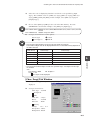
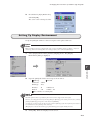
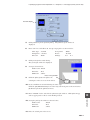
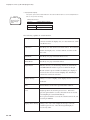
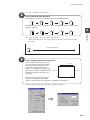
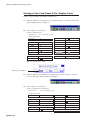
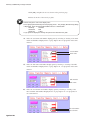
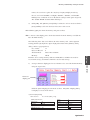
For the part allocated with 09236, choose [HEX] for [Display Type].
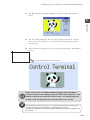
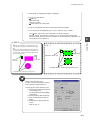
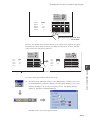
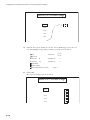
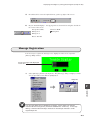
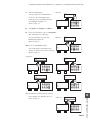
3.
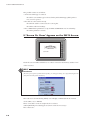
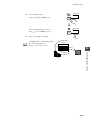
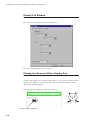
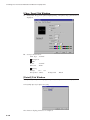
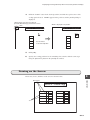
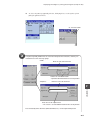
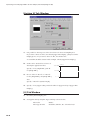
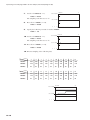
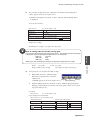
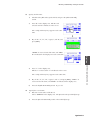
For the part allocated with 09240, enter "2" for [Decimal Point].
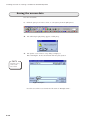
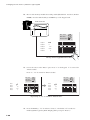
4.
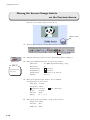
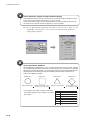
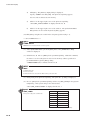
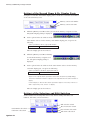
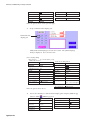
For the part allocated with 09242, enter "6" for [Digits], and consequently, choose
6
Operation
[2-Word] for [Data Length].
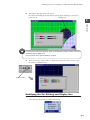
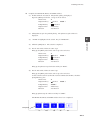
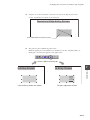
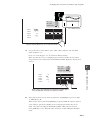
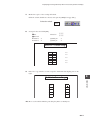
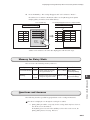
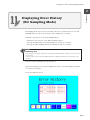
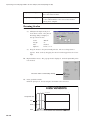
5.
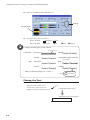
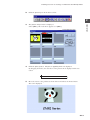
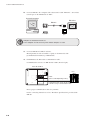
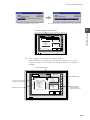
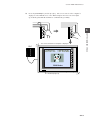
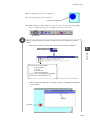
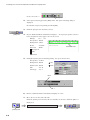
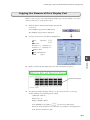
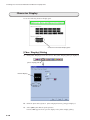
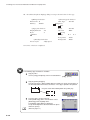
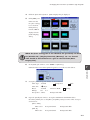
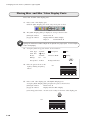
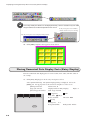
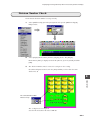
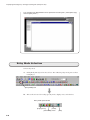
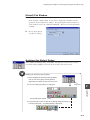
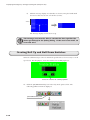
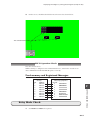
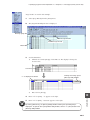
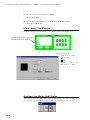
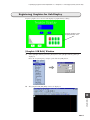
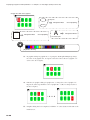
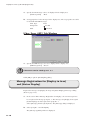
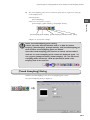
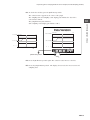
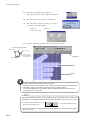
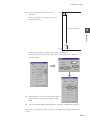
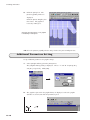
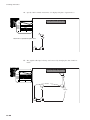
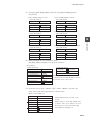
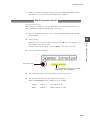
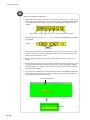
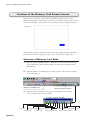
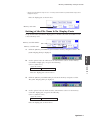
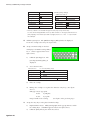
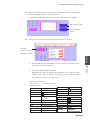
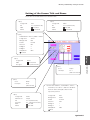
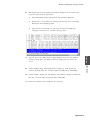
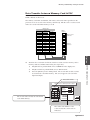
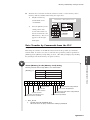
Because the last part assigned with 09242 overlaps with the adjacent part assigned
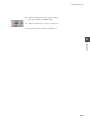
with 09240, drag the last part as shown below:
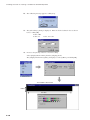
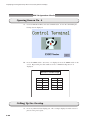
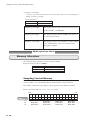
Modification has been completed.
6-9