1
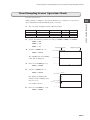
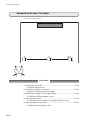
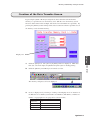
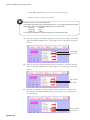
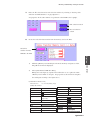
Displaying Supplemental Explanation or Graphics to Messages (Relay-Sub Mode)
Procedure
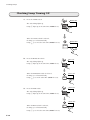
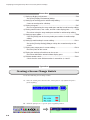
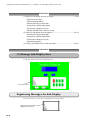
1) Placing a sub-display area for messages • • • • • • • • • • • • • • • • • • • • • P10-2
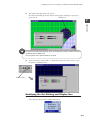
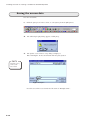
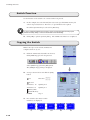
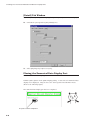
Registering messages
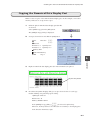
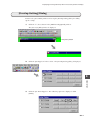
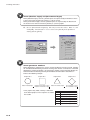
Registering page blocks
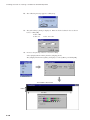
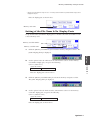
Selecting the relay-sub function
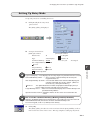
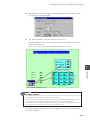
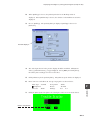
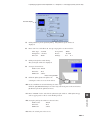
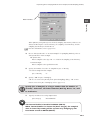
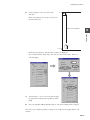
Setting up the [Relay-Sub] dialog
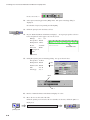
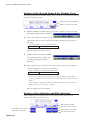
Setting up the display area part
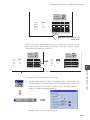
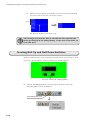
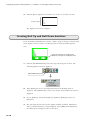
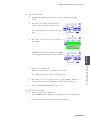
Roll Up and Roll Down switches setting
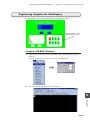
2) Placing a sub-display area for graphics • • • • • • • • • • • • • • • • • • • • • P10-12
Selecting the relay-sub function
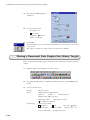
Setting up the [Relay-Sub] dialog
Setting up the display area part
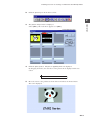
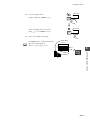
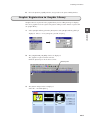
Registering graphics
3) Linking relay mode with the relay-sub mode • • • • • • • • • • • • • • • • • • P10-21
Operation
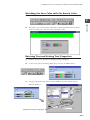
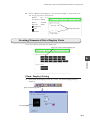
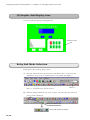
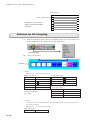
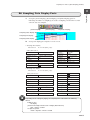
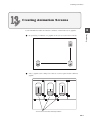
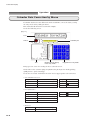
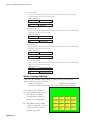
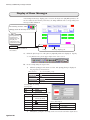
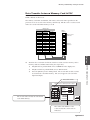
(1) Message Sub-Display Area
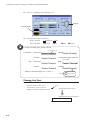
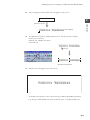
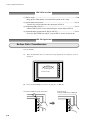
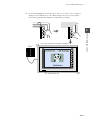
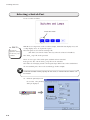
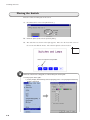
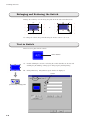
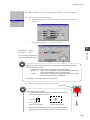
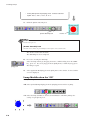
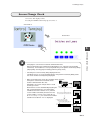
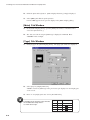
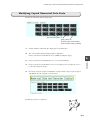
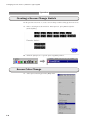
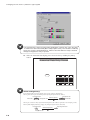
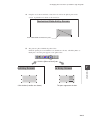
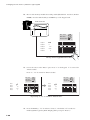
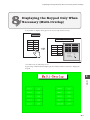
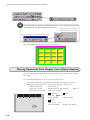
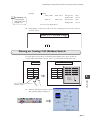
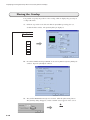
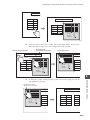
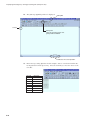
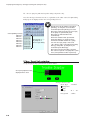
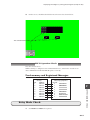
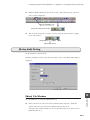
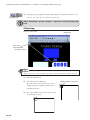
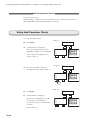
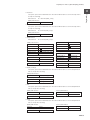
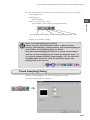
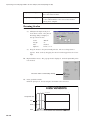
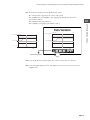
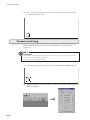
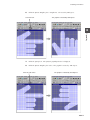
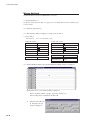
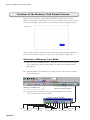
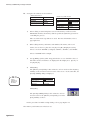
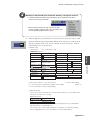
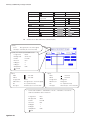
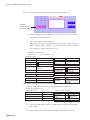
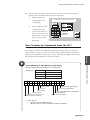
Create the following message sub-display area.
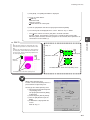
Create this area.
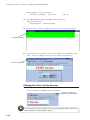
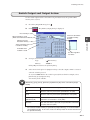
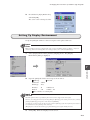
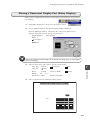
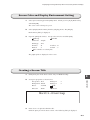
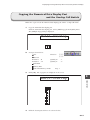
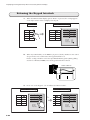
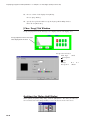
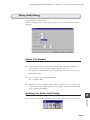
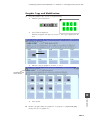
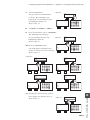
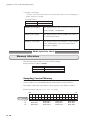
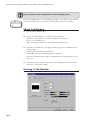
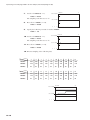
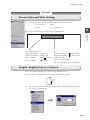
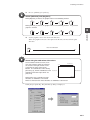
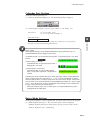
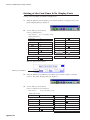
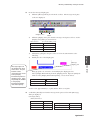
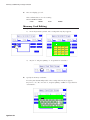
Registering Messages for Sub-Display
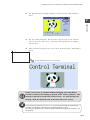
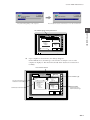
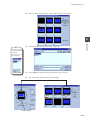
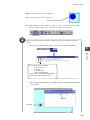
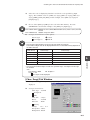
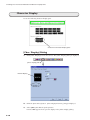
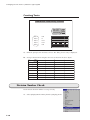
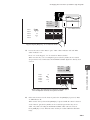
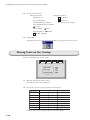
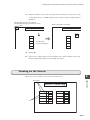
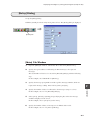
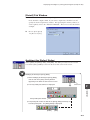
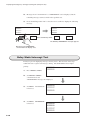
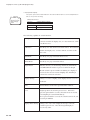
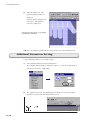
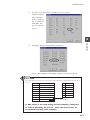
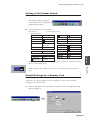
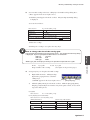
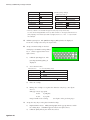
Register messages to be used for sub-display in message editing.
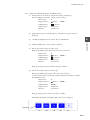
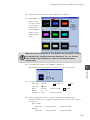
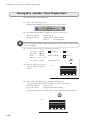
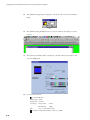
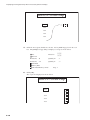
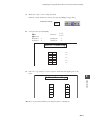
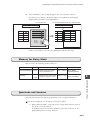
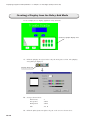
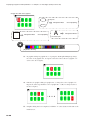
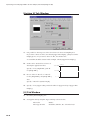
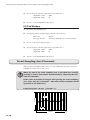
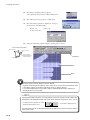
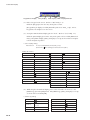
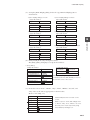
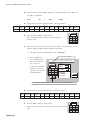
Register messages to be
displayed in this area.
10-2