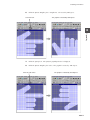
1
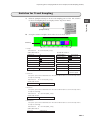
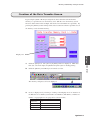
Expressing Time-Varying Data in a Line Graph (Trend Sampling Mode)
4.
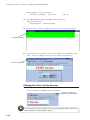
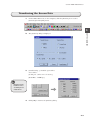
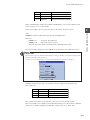
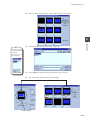
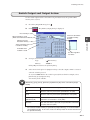
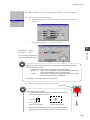
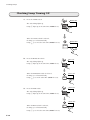
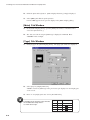
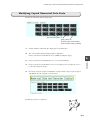
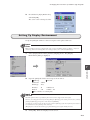
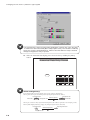
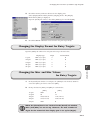
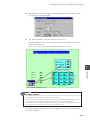
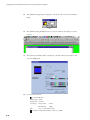
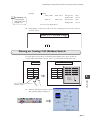
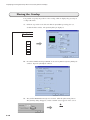
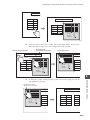
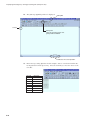
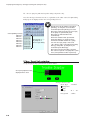
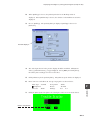
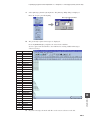
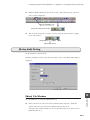
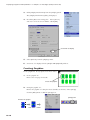
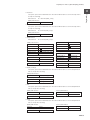
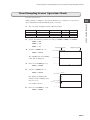
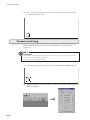
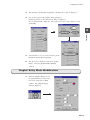
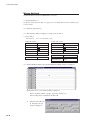
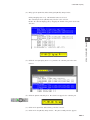
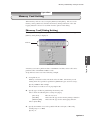
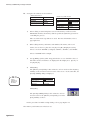
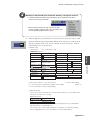
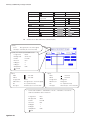
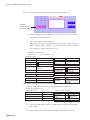
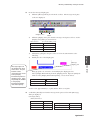
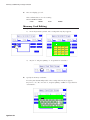
Specify the max. and min. graph values of trend line No. 1.
Graph Max. Value
"300"
Graph Min. Value
5.
"0"
Specify "1" for [Sample Buffer Word No.].
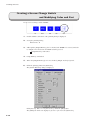
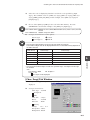
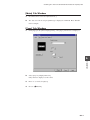
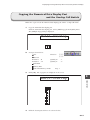
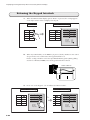
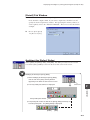
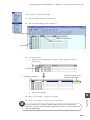
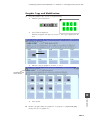
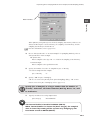
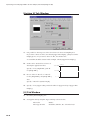
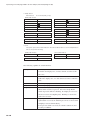
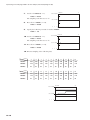
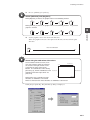
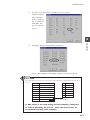
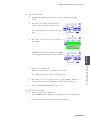
[2] Tab Window
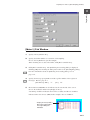
1.
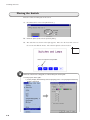
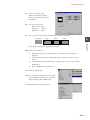
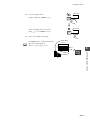
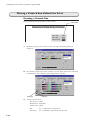
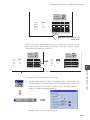
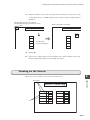
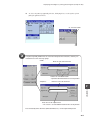
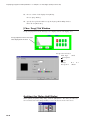
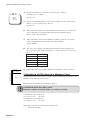
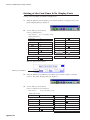
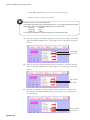
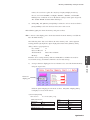
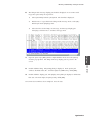
Check the [Trend Display] box.
2.
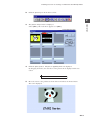
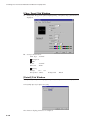
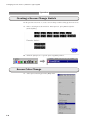
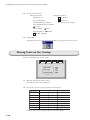
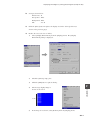
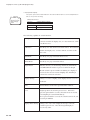
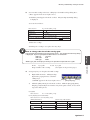
Set up [Line Color] and [Line Type & Point] as shown below:
Line Color
"Purple"
Line Type & Point
"Solid line (thick line, No. 5 from the right)"
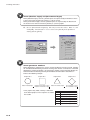
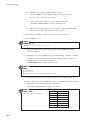
3.
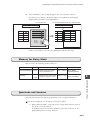
Choose "1-Word" for [Data Length].
4.
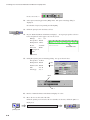
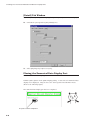
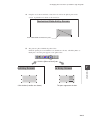
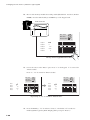
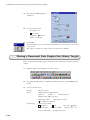
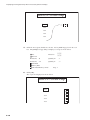
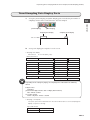
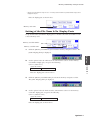
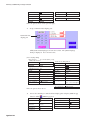
Specify the max. and min. graph values of trend line No. 2.
Graph Max. Value
"100"
Graph Min. Value
5.
"0"
Specify "2" for [Sample Buffer Word No.].
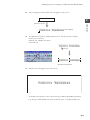
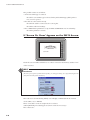
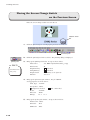
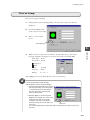
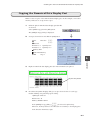
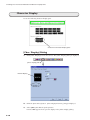
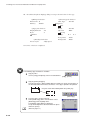
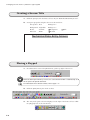
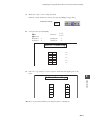
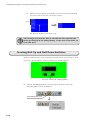
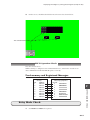
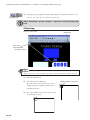
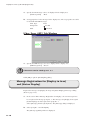
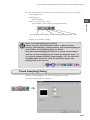
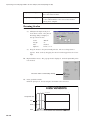
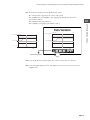
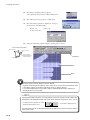
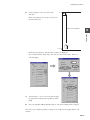
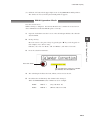
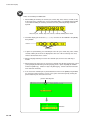
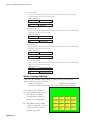
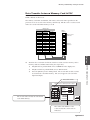
Trend Sampling Area Placement
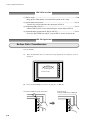
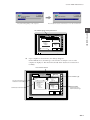
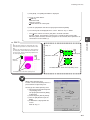
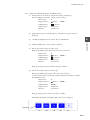
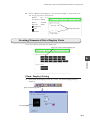
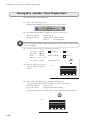
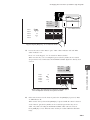
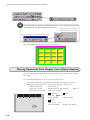
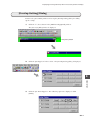
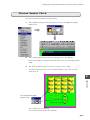
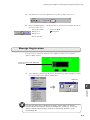
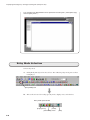
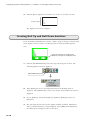
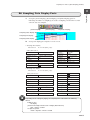
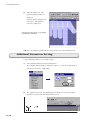
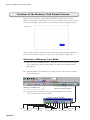
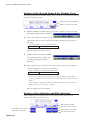
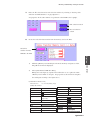
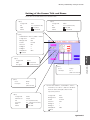
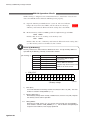
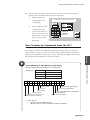
When the [Trend Sampling] dialog has been set up, click [Place] and place the trend
sampling area at the center of the screen.
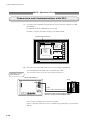
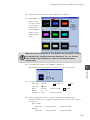
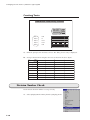
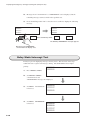
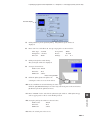
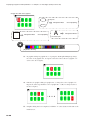
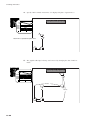
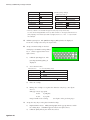
When the size of the trend sampling area is specified after setting
[Trends], it will be determined automatically by adjusting the size
with no remainder.
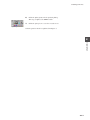
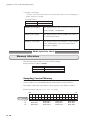
If the value of [Trends] is changed after placing the trend sampling
area, there may be a remainder. The value of the remainder will be
specified as the blank area.
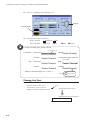
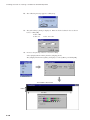
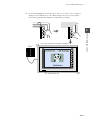
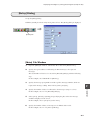
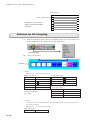
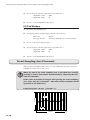
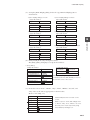
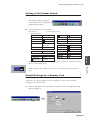
Point pitch (dot) = X size / (Trends - 1)
↑
Y
Y size
Blank area
Point
Point Pitch
X size
12-10
X→