1
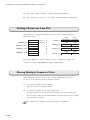
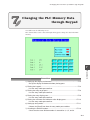
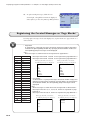
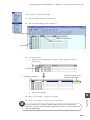
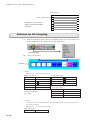
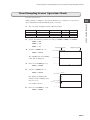
Displaying Supplemental Explanation or Graphics to Messages (Relay-Sub Mode)
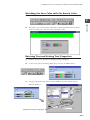
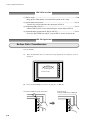
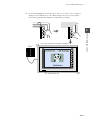
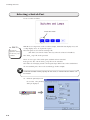
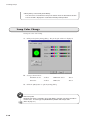
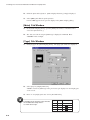
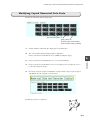
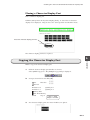
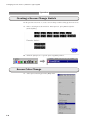
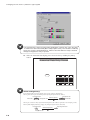
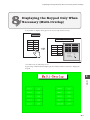
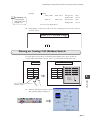
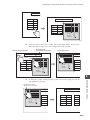
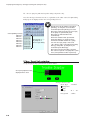
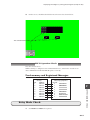
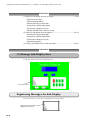
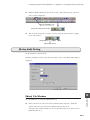
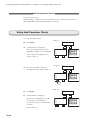
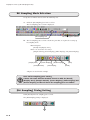
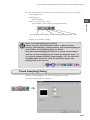
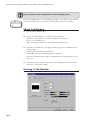
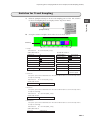
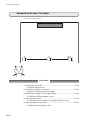
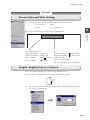
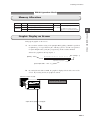
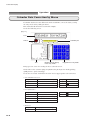
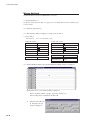
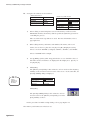
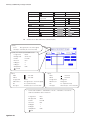
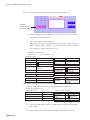
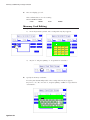
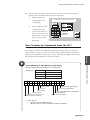
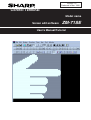
Registering Graphics for Sub-Display
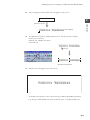
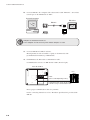
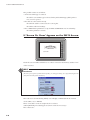
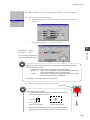
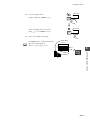
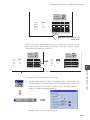
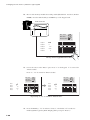
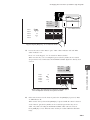
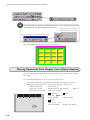
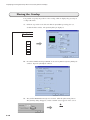
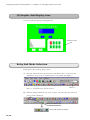
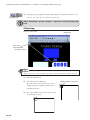
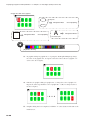
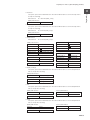
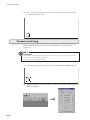
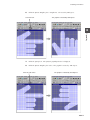
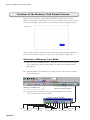
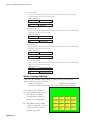
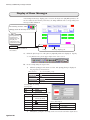
Register graphics to be used for sub-display in graphic library editing.
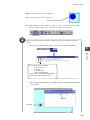
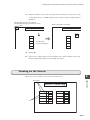
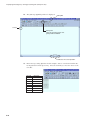
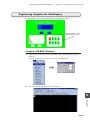
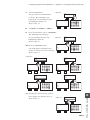
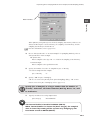
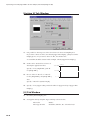
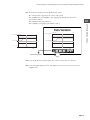
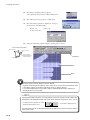
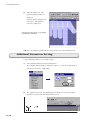
Register graphics to be
displayed in this area.
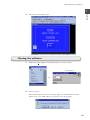
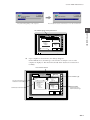
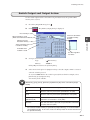
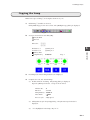
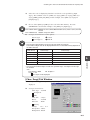
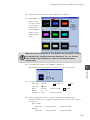
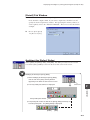
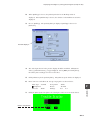
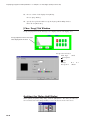
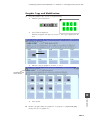
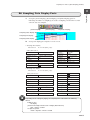
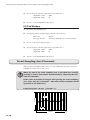
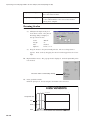
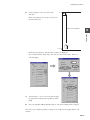
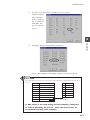
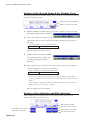
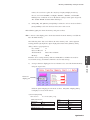
[Graphic LIB Edit] Window
1.
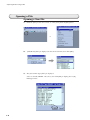
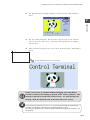
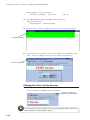
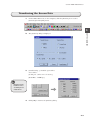
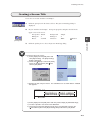
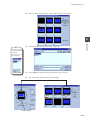
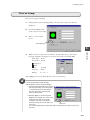
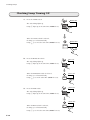
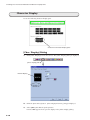
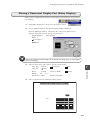
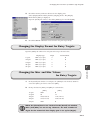
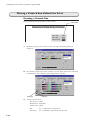
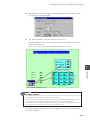
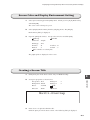
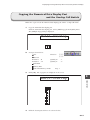
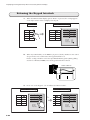
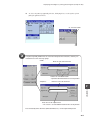
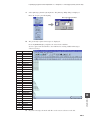
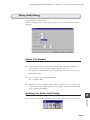
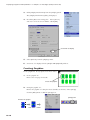
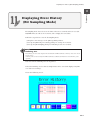
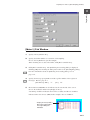
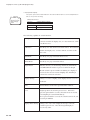
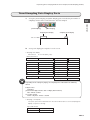
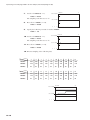
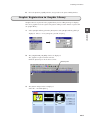
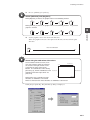
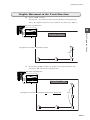
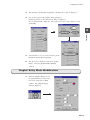
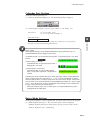
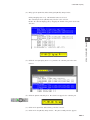
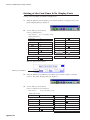
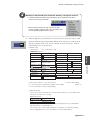
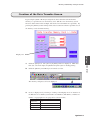
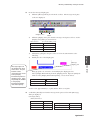
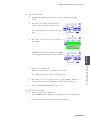
Select [Graphic Library] from the [Item] menu. The [Graphic Library] dialog is
displayed.
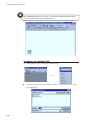
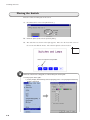
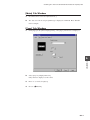
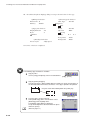
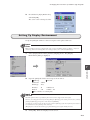
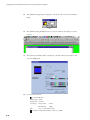
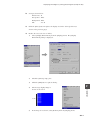
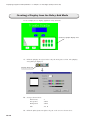
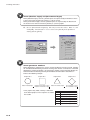
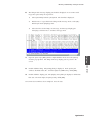
Enter "0" for [Group No.] and [No.] and click the [OK] button.
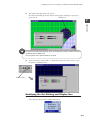
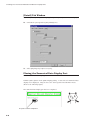
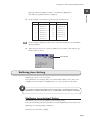
2.
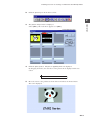
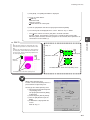
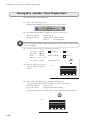
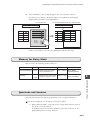
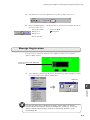
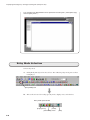
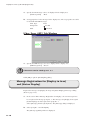
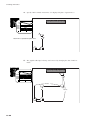
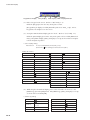
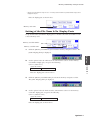
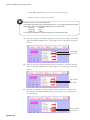
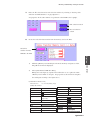
The [Graphic LIB [0:0] Edit] window is displayed.
10
Operation
10-15