1
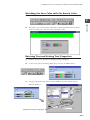
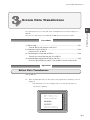
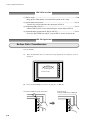
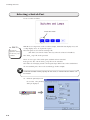
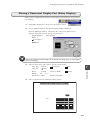
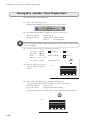
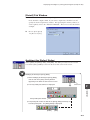
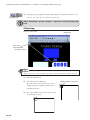
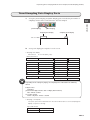
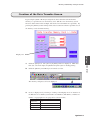
Calendar Display
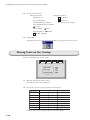
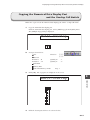
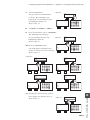
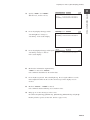
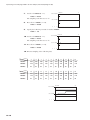
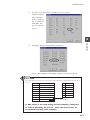
2)
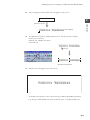
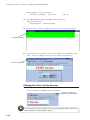
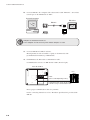
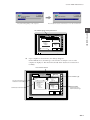
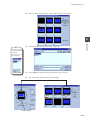
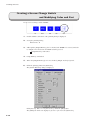
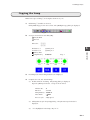
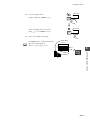
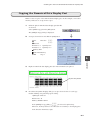
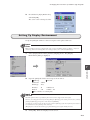
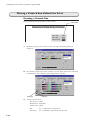
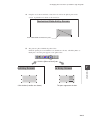
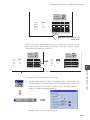
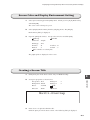
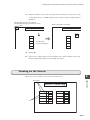
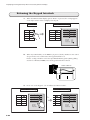
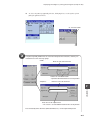
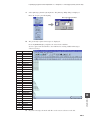
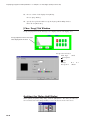
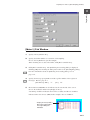
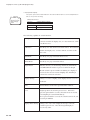
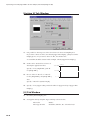
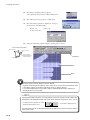
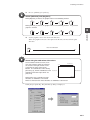
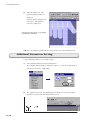
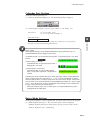
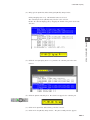
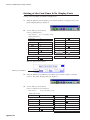
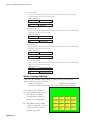
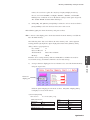
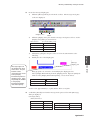
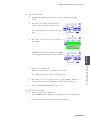
Set up macro for adjusting the calendar to the corrected data.
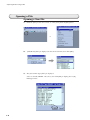
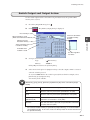
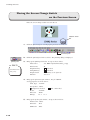
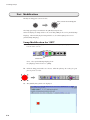
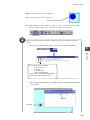
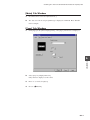
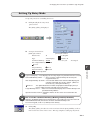
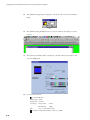
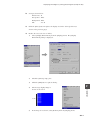
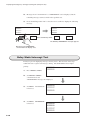
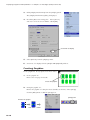
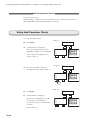
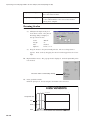
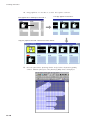
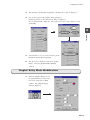
Click [Command].
The [Command]
dialog is displayed.
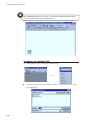
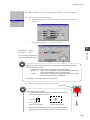
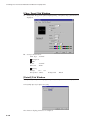
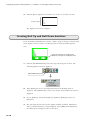
Choose [SYS] and
click [OK]. The
[Line No: 0] dialog
appears.
14
Operation
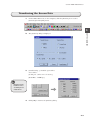
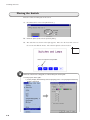
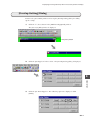
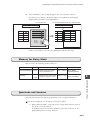
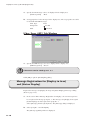
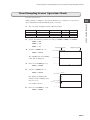
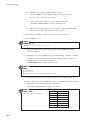
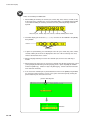
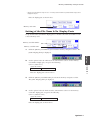
3)
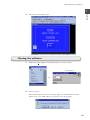
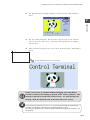
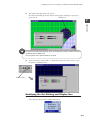
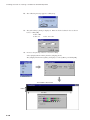
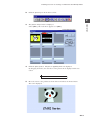
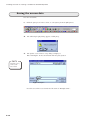
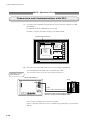
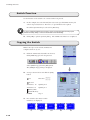
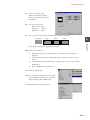
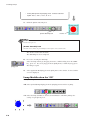
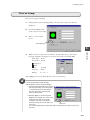
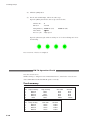
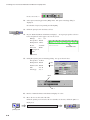
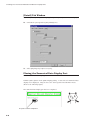
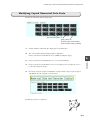
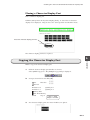
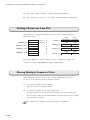
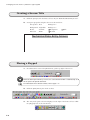
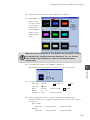
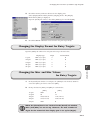
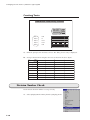
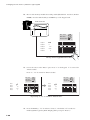
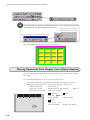
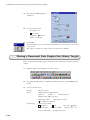
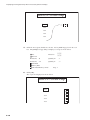
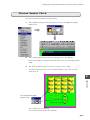
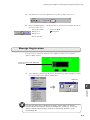
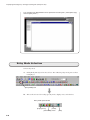
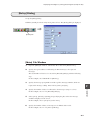
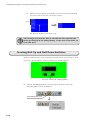
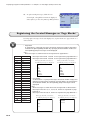
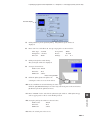
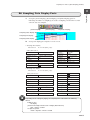
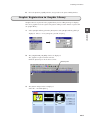
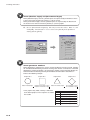
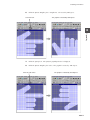
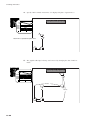
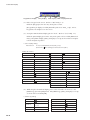
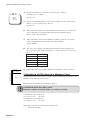
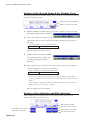
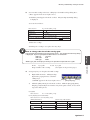
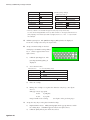
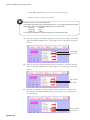
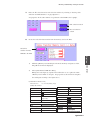
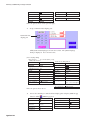
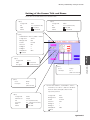
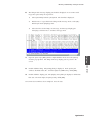
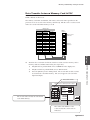
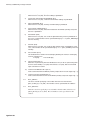
Click [F0]. The [System Call] dialog is displayed.
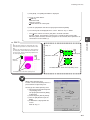
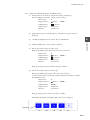
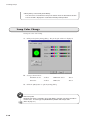
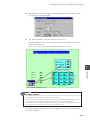
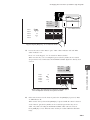
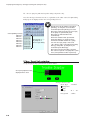
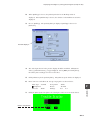
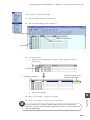
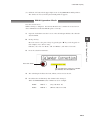
Choose [SET_CLND] and click [OK]. The [Line No: 0] dialog appears.
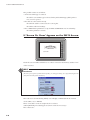
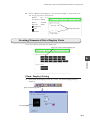
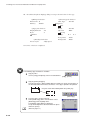
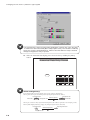
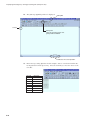
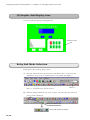
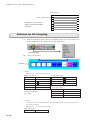
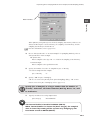
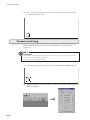
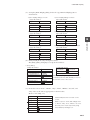
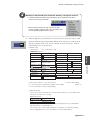
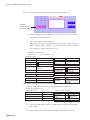
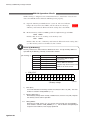
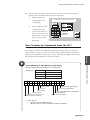
SET_CLND
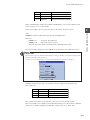
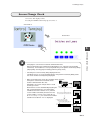
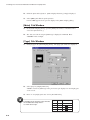
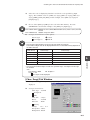
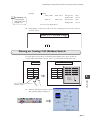
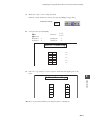
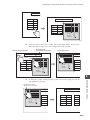
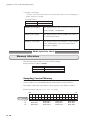
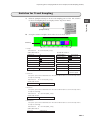
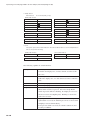
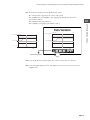
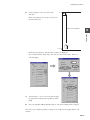
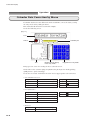
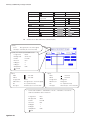
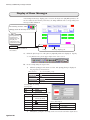
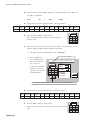
The value in F1 is set for the use of the system calendar. When PLC has the calendar function, its clock data is
also set.
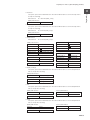
F1 memory
0
Sunday
n+0
Year (4 digits)
1
Monday
n+1
Month
2
Tuesday
n+2
Day
3
Wednesday
n+3
Hour
4
Thursday
n+4
Minute
5
Friday
n+5
Second
6
Saturday
n+6
Day of the week ( 0 - 6)
n+7
Station number
Use for 1 : n (multi-drop)
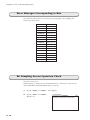
All data should be binary.
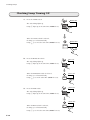
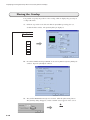
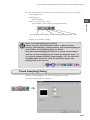
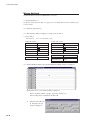
If "SET_CLND" is executed during constant sampling, timing may
be shifted, disturbing the process. After execution of this, we
recommend resetting of the sampling.
14-7