1
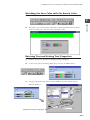
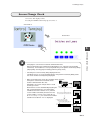
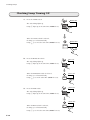
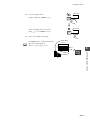
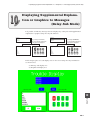
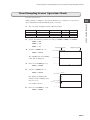
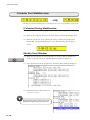
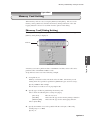
Displaying Messages by Setting/Resetting Bits (Relay Mode)
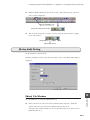
2.
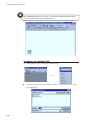
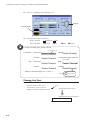
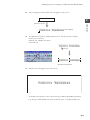
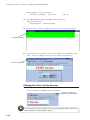
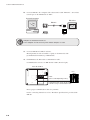
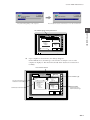
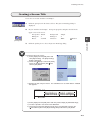
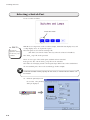
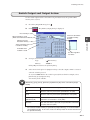
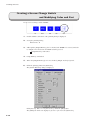
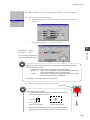
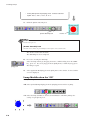
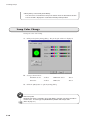
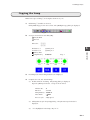
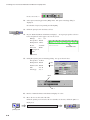
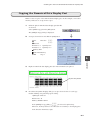
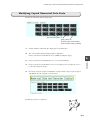
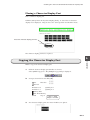
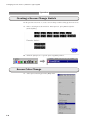
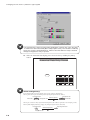
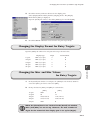
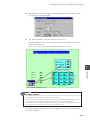
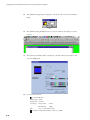
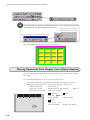
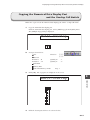
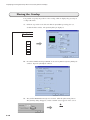
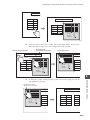
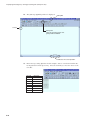
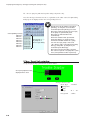
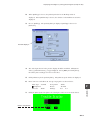
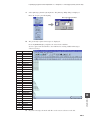
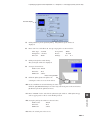
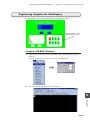
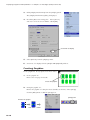
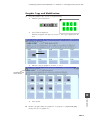
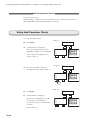
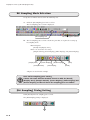
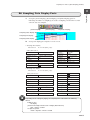
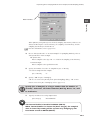
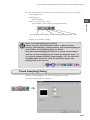
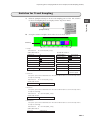
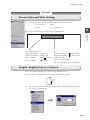
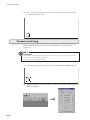
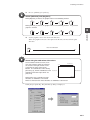
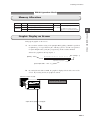
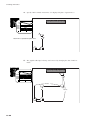
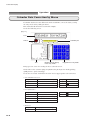
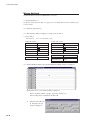
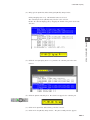
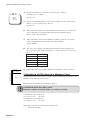
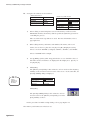
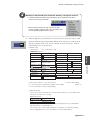
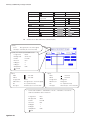
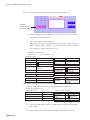
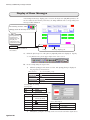
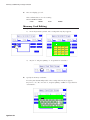
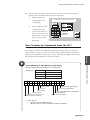
The [Message [0] Edit] window is displayed.
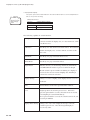
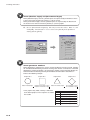
Group No.
Cursor
[Next] icon
Click this to bring up the next
group number window.
Indicates the cursor position.
3.
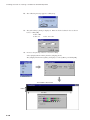
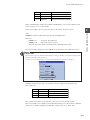
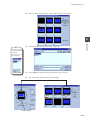
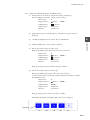
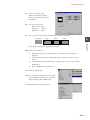
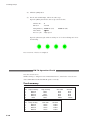
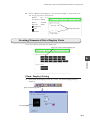
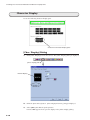
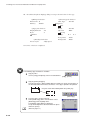
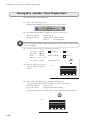
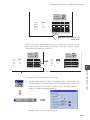
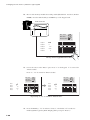
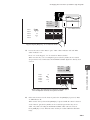
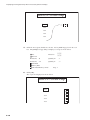
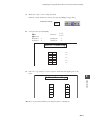
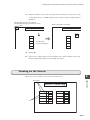
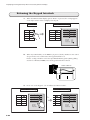
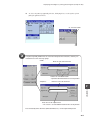
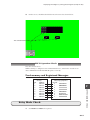
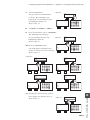
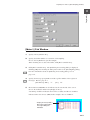
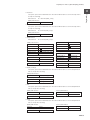
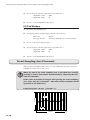
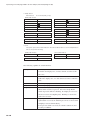
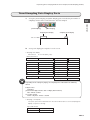
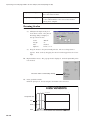
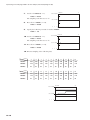
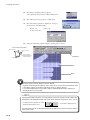
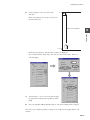
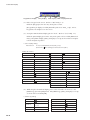
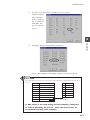
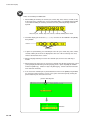
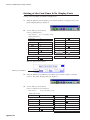
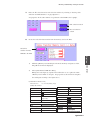
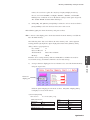
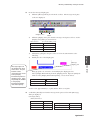
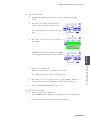
Enter messages using alphabets in this example. Start to enter them from line No.
0. Registration is made upon entry. Press the return key to move the cursor to the
next line.
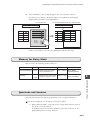
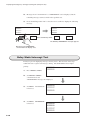
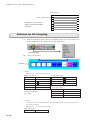
Line No.
0
1
2
3
4
5
6
7
9-4
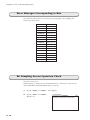
Message
AAAAAAAA
BBBBBBBB
CCCCCCCC
DDDDDDDD
EEEEEEEE
FFFFFFFF
GGGGGGGG
HHHHHHHH