1
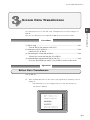
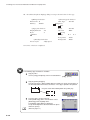
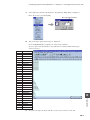
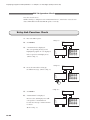
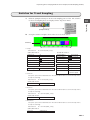
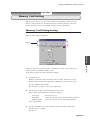
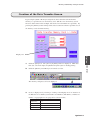
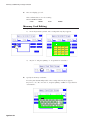
Screen Data Transference
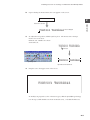
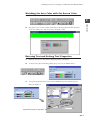
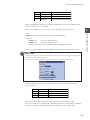
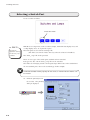
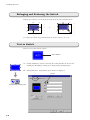
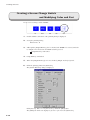
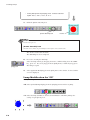
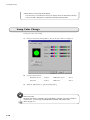
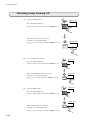
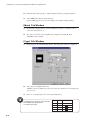
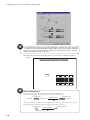
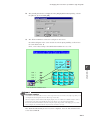
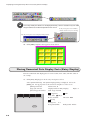
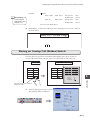
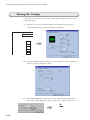
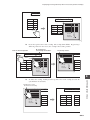
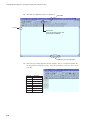
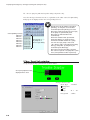
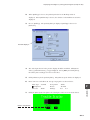
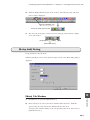
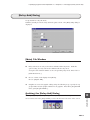
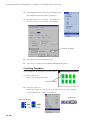
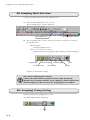
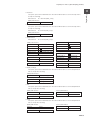
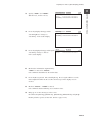
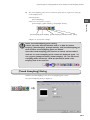
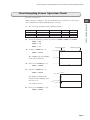
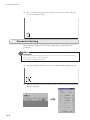
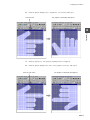
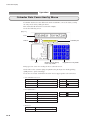
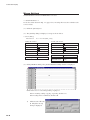
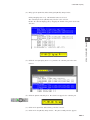
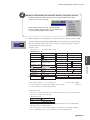
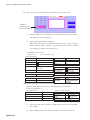
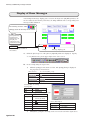
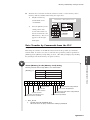
The [Transferring] dialog on the computer.
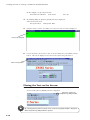
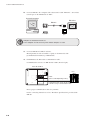
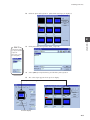
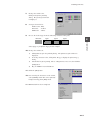
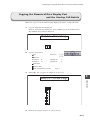
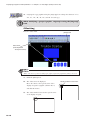
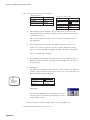
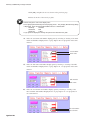
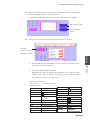
After the I/F drive data is transferred, the screen data is transferred.
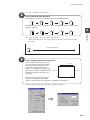
3
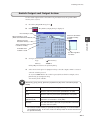
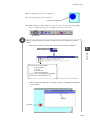
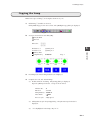
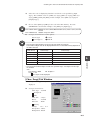
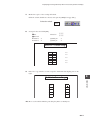
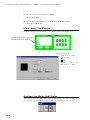
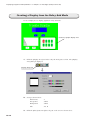
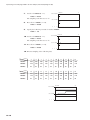
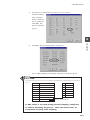
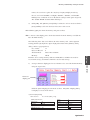
This window appears during transference.
PLC I/F DRV.
Name:
ZM-70T
Ver.
ZM-70 Operation
Main Menu
Ver1.25 1M
SYSTEM
Receive 1997- 4- 1 10:10:00
Send
Error: Retry
Time-Out: 42.94 sec
Retry: 255
Code: BCD
Character: MSB -> LSB
PLC Type:
Comment:
Signal Level: RS422
Connection: Multi-Link
PLC Stat.No.: 31
Baud Rate: 38400
Data Length: 8
Stop Bit: 2
Parity: Even
F 1
F 2
F 3
Multi-Link Network
Own Stat.No.:
ZM70 Total:
Send Delay:
Retry:
msec
F 4
F 5
F 6
PLC I/F Driver not setting
POWER
4.
I/O Test
Memory-Card
F 7
RUN
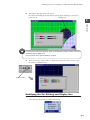
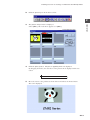
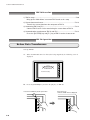
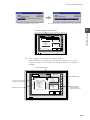
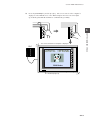
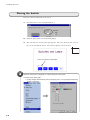
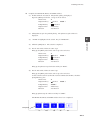
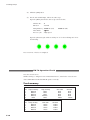
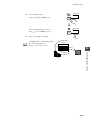
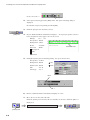
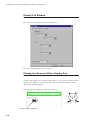
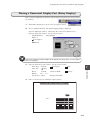
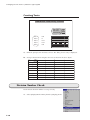
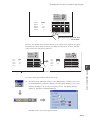
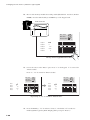
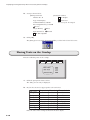
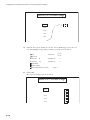
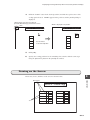
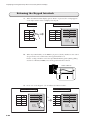
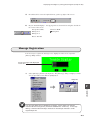
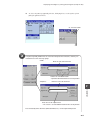
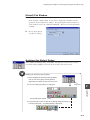
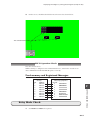
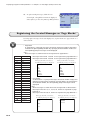
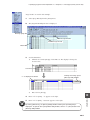
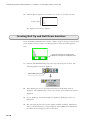
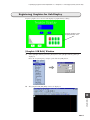
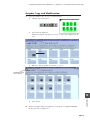
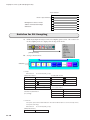
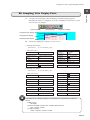
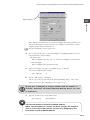
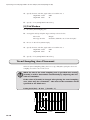
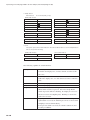
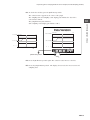
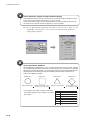
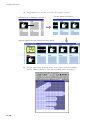
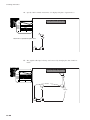
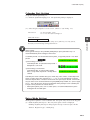
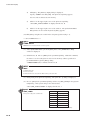
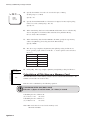
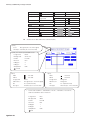
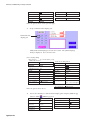
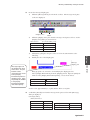
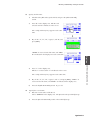
Upon completion of transference, the dialogs disappear.
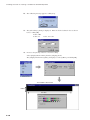
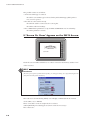
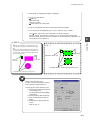
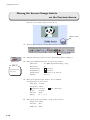
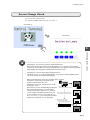
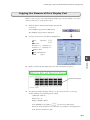
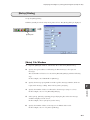
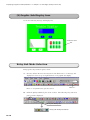
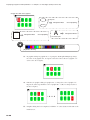
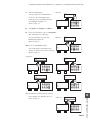
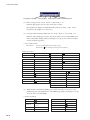
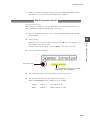
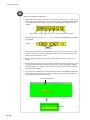
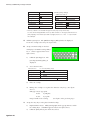
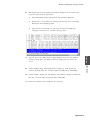
On the ZM-70 screen, the PLC type selected when creating the screen on the
computer is displayed. This means that the I/F driver data has been transferred
normally.
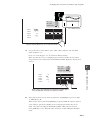
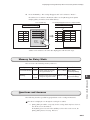
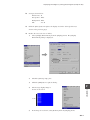
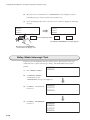
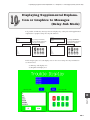
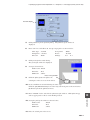
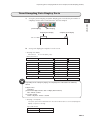
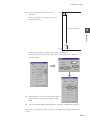
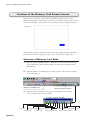
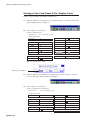
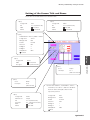
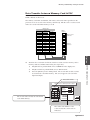
PLC I/F Driver Version
Main Menu
Ver1.25 1M
PLC Type: SHARP JW series
Comment:
PLC Type and Comment
included in the screen data
Signal Level: RS232C
Connection: 1:1
PLC Stat.No.: 0
Baud Rate: 19200
Data Length: 7
Stop Bit: 1
Parity: Even
Communication Parameters
ZM-70T
PLC I/F DRV.
Ver 1.45
Name: MELSEC JW
SYSTEM
1997- 4- 1 10:10:00
Error: Stop
Time-Out: 0.50 sec
Retry: 3
Code: DEC
Character: LSB -> MSB
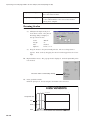
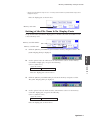
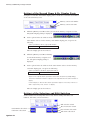
PLC I/F Driver Type
F 1
F 2
F 3
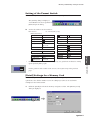
Multi-Link Network
Own Stat.No.:
ZM70 Total:
Send Delay:
Retry:
msec
F 4
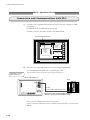
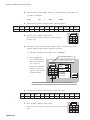
Multi-Link Setting
F 5
* Displayed only for the
multi-link connection type.
F 6
I/O Test
POWER
Memory-Card
F 7
RUN
3-11