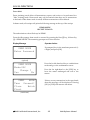
1
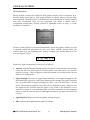
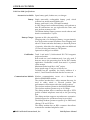
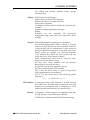
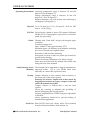
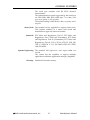
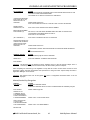
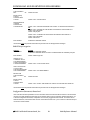
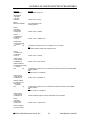
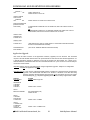
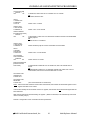
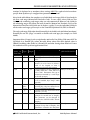
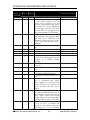
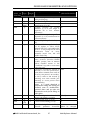
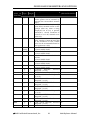
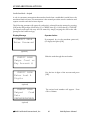
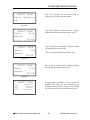
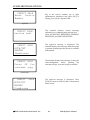
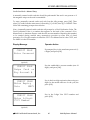
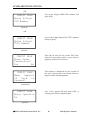
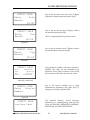
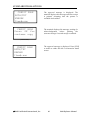
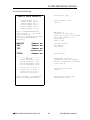
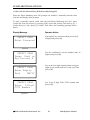
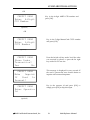
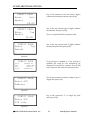
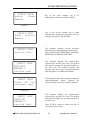
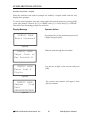
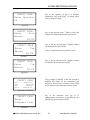
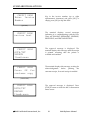
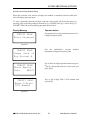
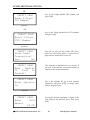
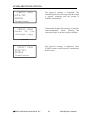
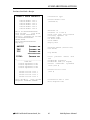
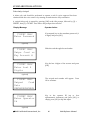
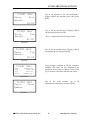
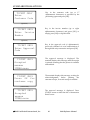
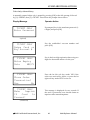
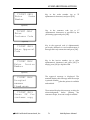
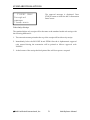
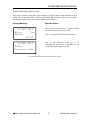
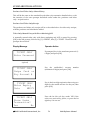
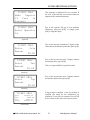
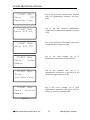
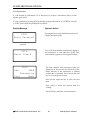
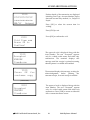
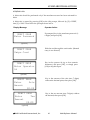
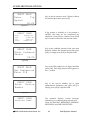
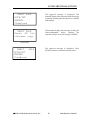
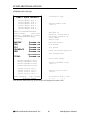
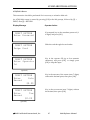
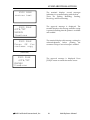
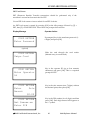
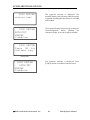
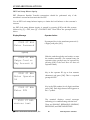
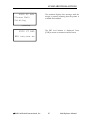
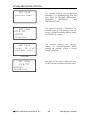
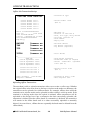
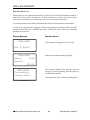
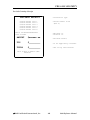
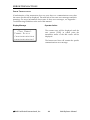
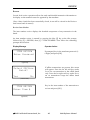
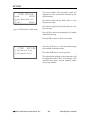
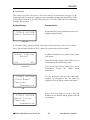
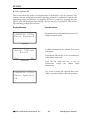
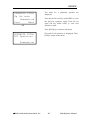
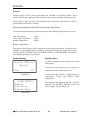
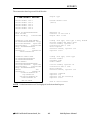
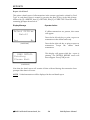
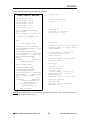
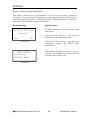
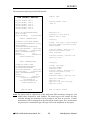
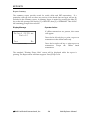
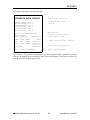
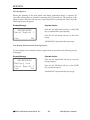
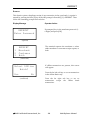
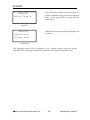
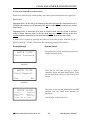
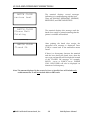
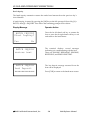
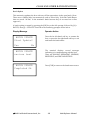
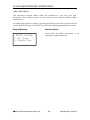
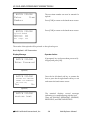
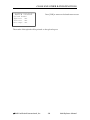
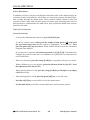
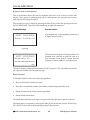
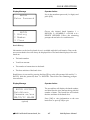
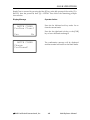
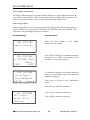
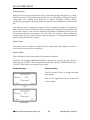
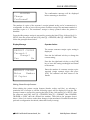
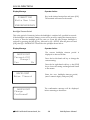
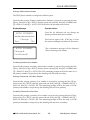
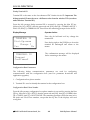
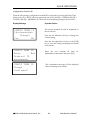
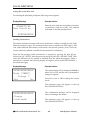
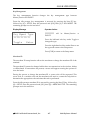
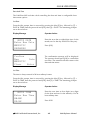
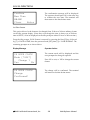
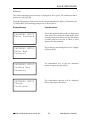
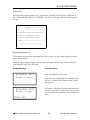
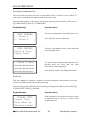
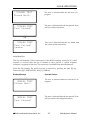
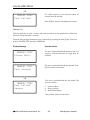
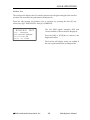
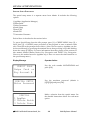
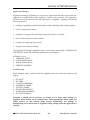
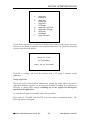
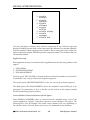
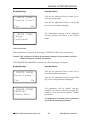
LOCAL FUNCTIONS Primary Authorization Number The PSTN phone number is configured with this option. From the idle prompt, Primary Authorization Number is accessed by pressing the blue [F] key, followed by [6] = SETUP, then the password and [OK], then [4] = COMMS, then [3] = DIAL-UP, then [1] = AUTH 1 PH. Then follow the prompts shown below: Display Message AUTH PRIMARY xxxxxxxxxxxxxx Change ? Yes No AUTH PRIMARY Changed Confirmed! Operator Action Press the far left-hand soft key change the primary authorization phone number. Press the far right or the [CLR] key to leave the status unchanged and return to the menus. The confirmation message will be displayed before returning to the menus Secondary Authorization Number From the idle prompt, secondary authorization number is accessed by pressing the blue [F] key, followed by [6] = SETUP, then the password and [OK], then [4] = COMMS, then [3] = DIAL-UP, then [2] = AUTH 2 PH. The remaining prompts will be the same as for the primary number, except the top line heading will read auth secondary. Primary Transaction Close Host Number From the idle prompt, primary close number is accessed by pressing the blue [F] key, followed by [6] = SETUP, then the password and [OK], then [4] = COMMS, then [3] = DIAL-UP, then [3] = CLOSE 1 PH. The remaining prompts will be the same as for the primary auth number, except the top line heading will read close primary. Secondary Transaction Close Host From the idle prompt, secondary close number is accessed by pressing the blue [F] key, followed by [6] = SETUP, then the password and [OK], then [4] = COMMS, then [3] = DIAL-UP, then [4] = CLOSE 2 PH. The remaining prompts will be the same as for the primary auth number, except the top line heading will read close secondary. 2003 LinkPoint® International, Inc. 159 9100 Reference Manual