1
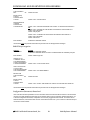
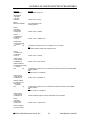
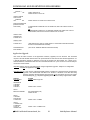
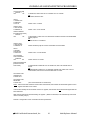
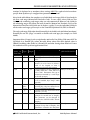
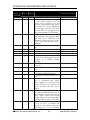
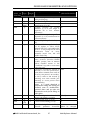
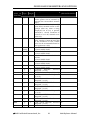
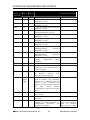
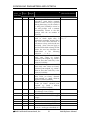
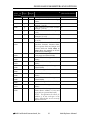
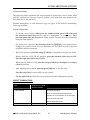
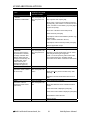
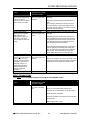
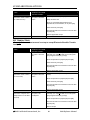
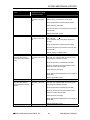
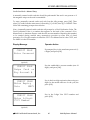
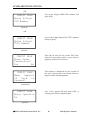
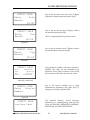
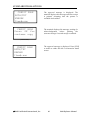
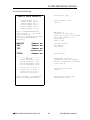
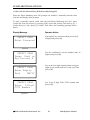
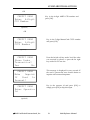
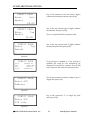
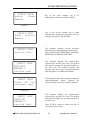
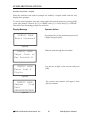
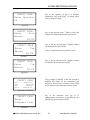
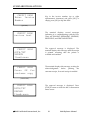
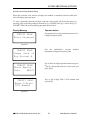
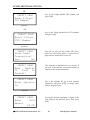
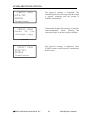
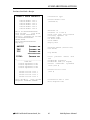
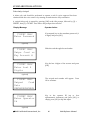
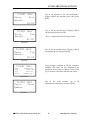
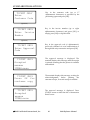
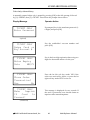
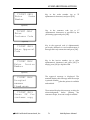
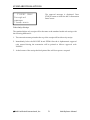
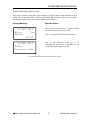
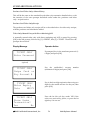
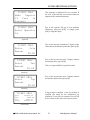
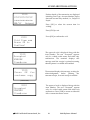
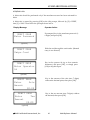
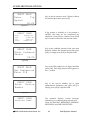
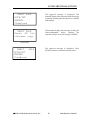
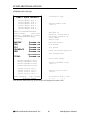
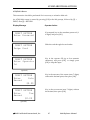
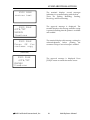
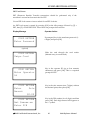
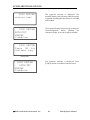
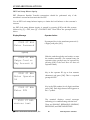
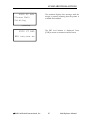
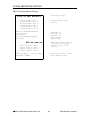
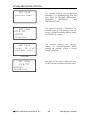
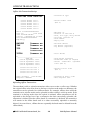
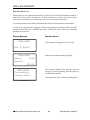
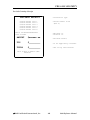
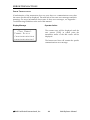
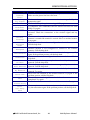
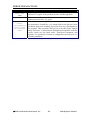
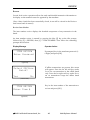
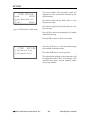
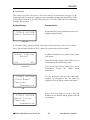
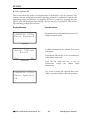
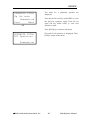
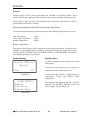
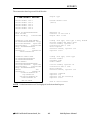
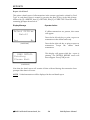
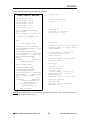
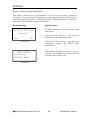
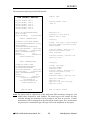
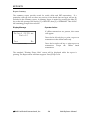
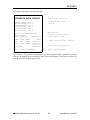
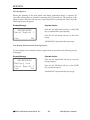
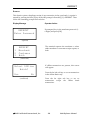
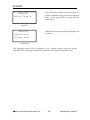
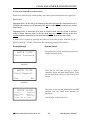
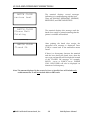
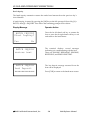
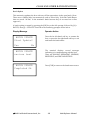
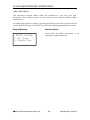
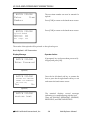
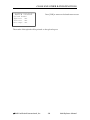
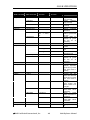
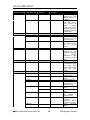
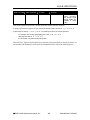
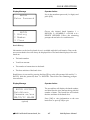
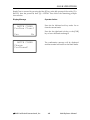
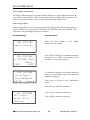
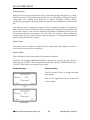
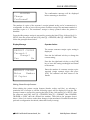
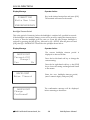
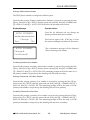
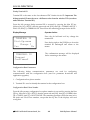
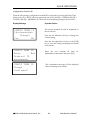
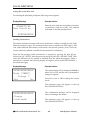
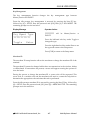
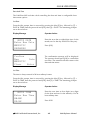
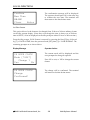
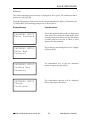
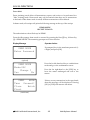
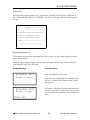
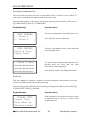
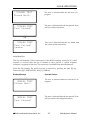
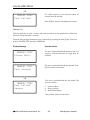
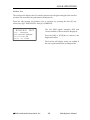
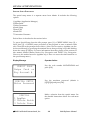
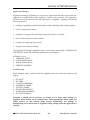
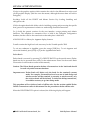
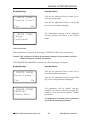
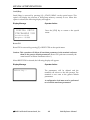
STANDARD TRANSACTIONS TICKET ONLY (optional) Enter Order Number Key in the order number (up to alphanumeric characters) and press [OK]. 25 (optional) TICKET ONLY Enter Customer Code Key in the customer code (up to 17 alphanumeric characters) as provided by the purchasing agent and press [OK]. (optional) TICKET ONLY Enter Approval Code Key in the approval code (6 alphanumeric) previously obtained via voice authorization or through auth only transaction and press [OK]. TICKET ONLY Enter Invoice Number Key in the invoice number (up to eight alphanumeric characters) and press [OK], or simply press [OK] to skip this field. (optional) TICKET ONLY Accepted xxxxxx(conditional) Display Message Item#:nnnn TICKET ONLY Press OK for customer copy The approval message is displayed. The terminal displays this message until the receipt is printed assuming that the printer is available and enabled. Operator Action The terminal displays this message, waiting for acknowledgement before printing the customer receipt, if second receipt is enabled. (conditional) 2003 LinkPoint® International, Inc. 71 9100 Reference Manual