1
CHAPTER 9: DATA FILE STATUS
ACCOUNTS PAYABLE SYSTEM
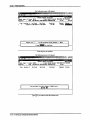
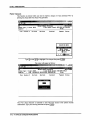
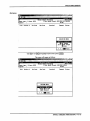
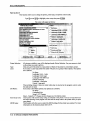
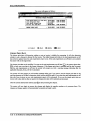
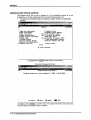
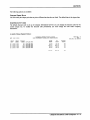
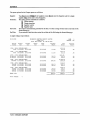
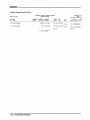
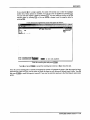
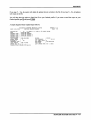
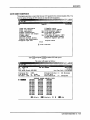
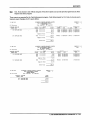
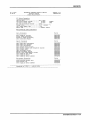
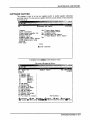
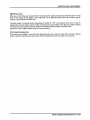
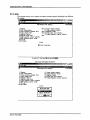
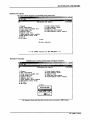
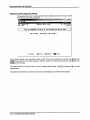
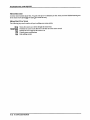
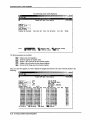
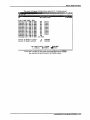
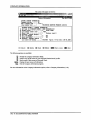
This program allows you to determine which purchase or cash disbursements journal
analysis files are on the disk drives, which journals have not been printed, which journals
have been printed but not closed, and the date of the last month closed.
&e> gdk tielp
'
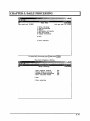
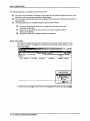
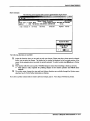
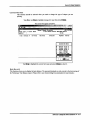
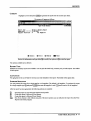
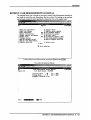
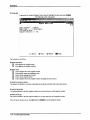
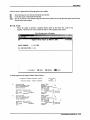
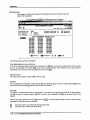
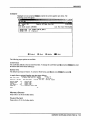
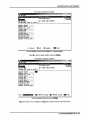
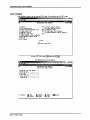
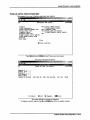
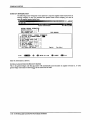
Type Q and press I ^ Enter 1 to select Data file status.
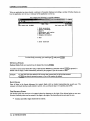
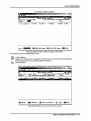
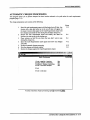
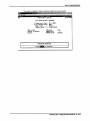
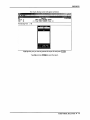
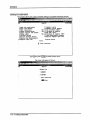
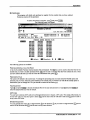
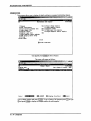
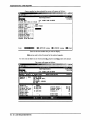
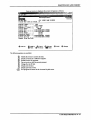
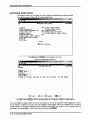
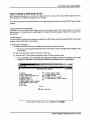
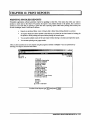
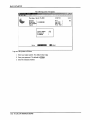
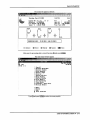
The screen will appear as follows:
Be
Accounts
Payable
UfiPP20
?..
31/01/2003
Data File Status
RM
1 Accounts payable system status
E Exit
E Enter selection
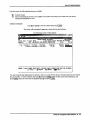
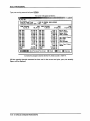
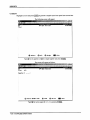
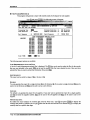
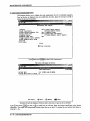
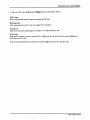
Type Q and press I +-1 Enter |.
ACCOUNTS PAYABLE SYSTEM ■ 9-1