1
DAILY PROCESSING
AUTOMATIC CHEQUE PROCESSING
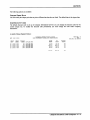
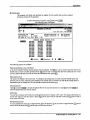
This program allows you to process cheques for those invoices selected to be paid under the cash requirements
program (page 7-12).
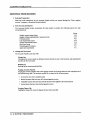
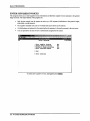
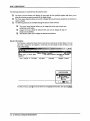
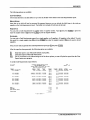
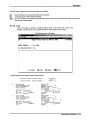
The cheque preparation cycle consists of the following:
Page
Spool the cash requirements report with the desired cut off date. Any
7-12
invoice with a due date before or on the cut off date will appear on
the report. Invoices that appear on the Cash Requirements report will
have cheques processed for them during the automatic cheque run.
Review the cash requirements report and modify due dates for
8-4
invoices you want to pay in this cheque run..
Place invoices on hold for any items that you don't want to pay
8-4
during this cheque run.
4.
Spool the Cash Requirements report again and review any changes
7-12
you made.
6.
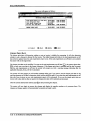
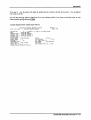
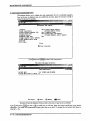
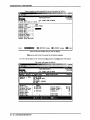
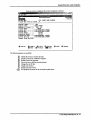
Perform Automatic cheque processing.
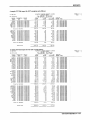
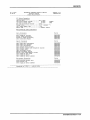
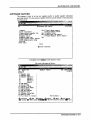
Print the cheques and cheque register.
7.
Review the cheques against the Cash Requirements report.
5.
5-19
12-1
ilIt-;.UJS|xl
.£&
Help
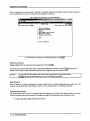
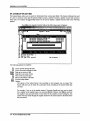
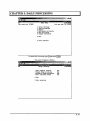
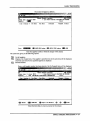
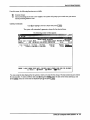
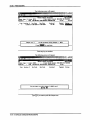
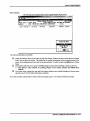
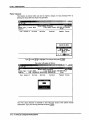
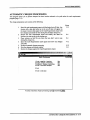
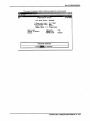
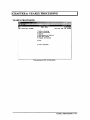
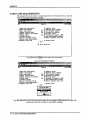
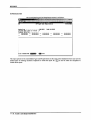
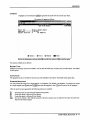
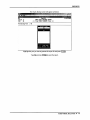
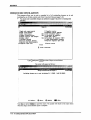
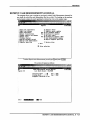
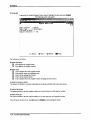
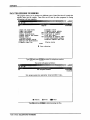
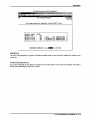
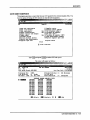
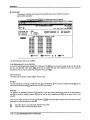
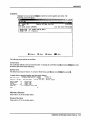
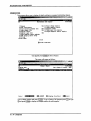
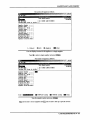
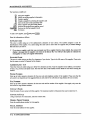
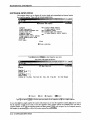
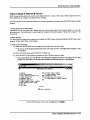
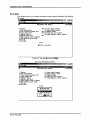
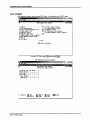
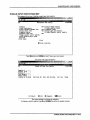
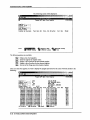
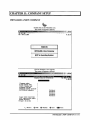
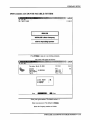
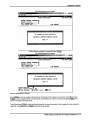
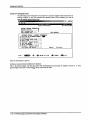
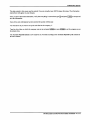
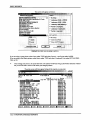
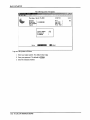
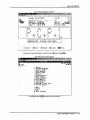
To select Automatic cheque processing, type [3) and press I+-1 Enter).
AUTOMATIC CHEQUE PROCESSING ■ 5-19