1
DAILY PROCESSING
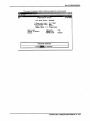
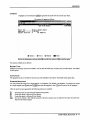
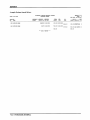
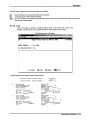
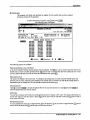
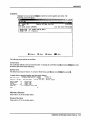
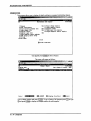
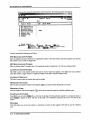
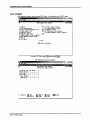
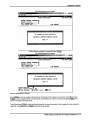
Print Cheque
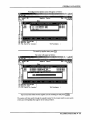
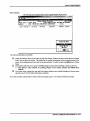
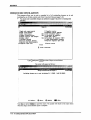
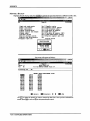
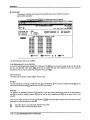
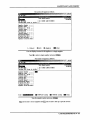
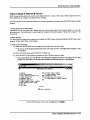
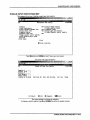
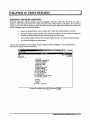
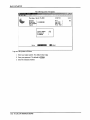
This function is selected when you need to reprint a cheque or if you answered "No" to
printing the cheque after the cheque was generated.
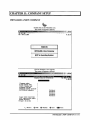
RM
Cheque type : 6-Laser HICR
Supplier
:
Item
Invoice tt
Manual Cheque Processor
JflN 31/2003
( Last Month Closed: DEC/2002 NO PRINTER
Total:
Inv Date
Due Date
Payment
Invoiced
Status
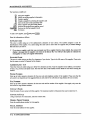
SELECTION NENU
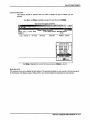
jjrint cheque
print Qlanlc cheque
[Options
t
I
[(l&Bl-Exit
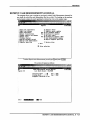
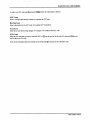
Type (£) or use Q/Q to highlight Print cheque then press I*-1 Enter \,
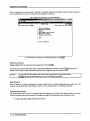
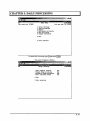
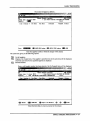
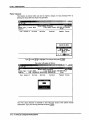
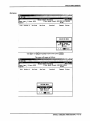
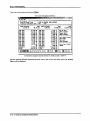
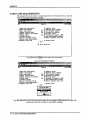
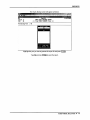
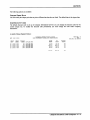
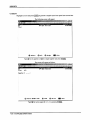
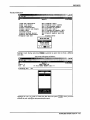
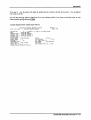
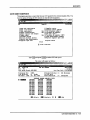
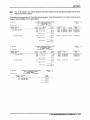
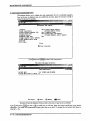
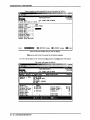
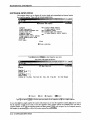
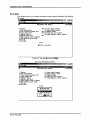
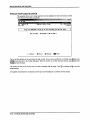
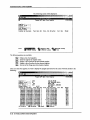
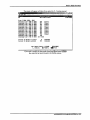
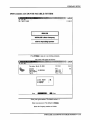
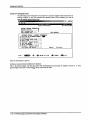
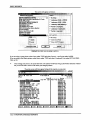
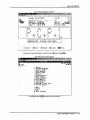
The screen will appear as follows:
1LAPP2IJ
2.34
RM
Manual Cheque Processor
JAN 31/2003
Cheque type : 6-Laser HICR
[ Last Honth Closed: DEC/2002 HPLJ4
Supplier
:
1642 POLVMflTHIC DEUELOPMEHT CORPORATION
Total:
Item
Invoice It
Inv Date
Due Date
Invoiced
Paynent
Status
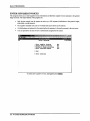
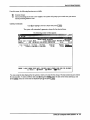
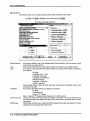
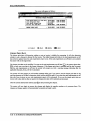
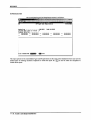
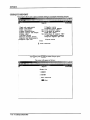
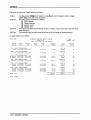
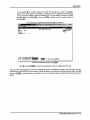
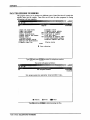
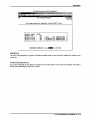
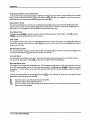
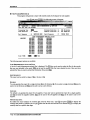
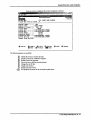
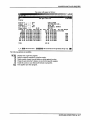
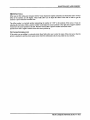
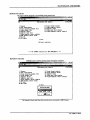
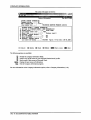
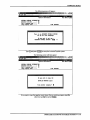
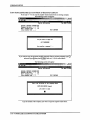
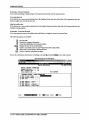
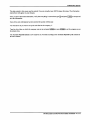
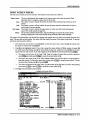
The Print cheque function is restricted to users who have access to the system security
maintenance. Type your security password and press l<-*Enter|.
5-12 ■ SINGLE CHEQUE PROCESSING