1
EDINGCNC
Manual
2.11 3D PRINTING
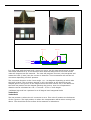
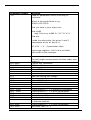
In the setup you can select is3DPrinter at interpreter settings.
This changes the A Axis into an E axis for Extruder.
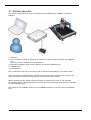
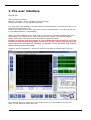
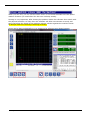
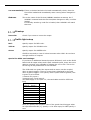
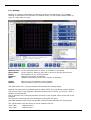
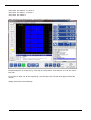
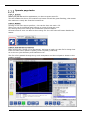
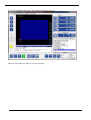
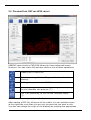
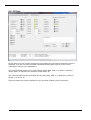
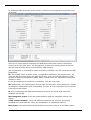
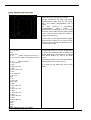
The operate screen looks slightly different:
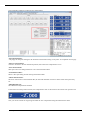
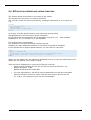
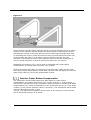
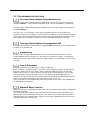
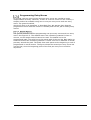
On the left side you see controls for the 3D printer:
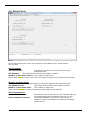
WP Cooler fan:
Controls the speed of the cooler fan that is cooling the work piece.
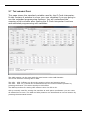
For Extruder and Bed temperature, you see the temperature setting and the actual
temperature. The temperature setting can be modified on the fly.
12 September 2014
Release 4.01
87