1
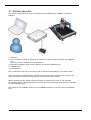
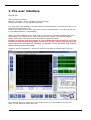
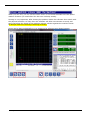
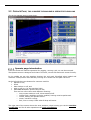
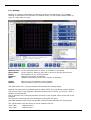
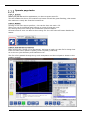
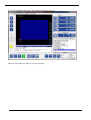
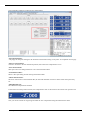
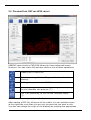
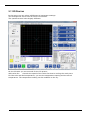
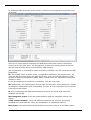
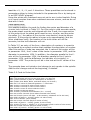
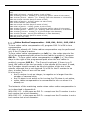
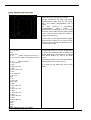
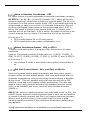
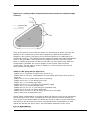
EDINGCNC Manual 2.2 OPERATE PAGE, THIS IS WHERE THE MACHINE IS OPERATED FOR MILLING This is the operate page in menu Auto. Operate page introduction From this screen all machine operation like jogging, running a job, etc can be executed. The Operate screen is designed such that it is mouse, mouse-less and touch-screen friendly. In the middle we see the graphics showing the tool path. Blue/Red when loaded and rendered. Yellow/Green when actually running. So it shows the tool path real-time. At the left side there are buttons for common used IO: Spindle on-off, Flood Mist Coolant on-off, and AUX on-off (e.g. for the machine light). MACHINE ON Button (Below Home C led) This one has a few colors with different meaning: o Grey means machine is off, drives switched off. o Yellow Flash, amplifiers must be enabled, homing must be performed. o Yellow, waiting for operator action. o Green, machine running. o Red, error or estop. Flash when E-Stop still active. The right part of the screen shows the axes positions, when homing you use the machine coordinates and for all other operations the work coordinates. 12 September 2014 Release 4.01 49