1
TK-850/JG3 User’s Manual
2.2 What is PM+
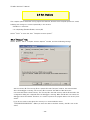
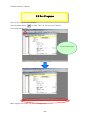
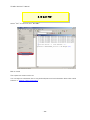
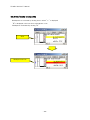
In PM+, application programs and environment setting are handled as a single project, and series of
actions such as program creation using the editor, source management, build, and debugging are
managed.
Also, one of more project files is managed together as a workspace.
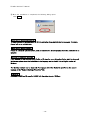
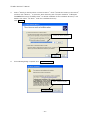
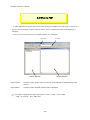
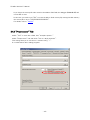
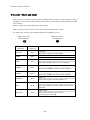
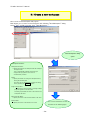
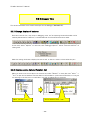
Menu bar
Project Window
Project window
Tool bar
Output Window
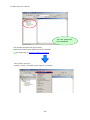
A window in which project names, source files, and include file are displayed using a tree
structure.
Output window
A window in which the build execution status is displayed.
For details regarding menu bars and tool bars, refer to "Help" menu in PM+.
"Help" on menu bar , then "PM+ Help"
- 30 -