1
C3 CMTS User Guide
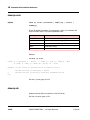
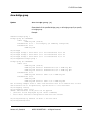
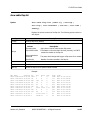
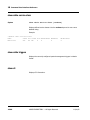
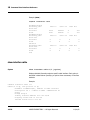
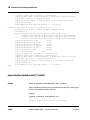
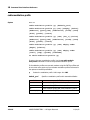
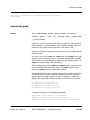
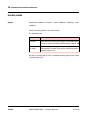
cable upstream safe-config
Syntax
[no] cable upstream n.c safe-config
Enables or disables safe configuration mode for the specified logical upstream
channel.
When safe configuration is enabled (the default), the C3 refuses SNMP and CLI
commands which would result in an invalid channel configuration. Certain
upstream configuration commands, primarily for burst profile or channel
settings, can result in invalid configurations.
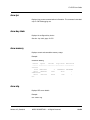
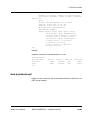
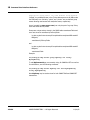
Use the no form of this command to turn off safe configuration mode. This
may be required for scripts which temporarily misconfigure a channel in a
sequence of upstream configuration commands. The C3 takes offline an
upstream channel with an invalid configuration.
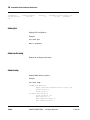
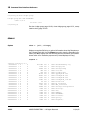
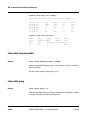
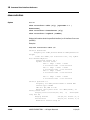
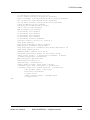
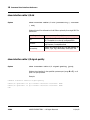
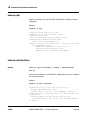
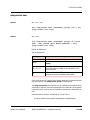
cable upstream scdma-active-codes
Syntax
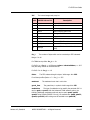
[no] cable upstream n.c scdma-active-codes {codes}
For SCDMA-only logical channels, sets the number of codes used to carry data.
Reducing the number of codes can improve performance in noisy upstreams.
Valid range: 64 to 128 (prime numbers within this range are invalid).
Corresponds to the docsIfUpChannelScdmaActiveCodes MIB.
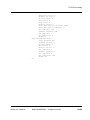
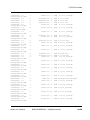
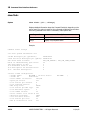
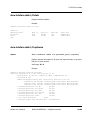
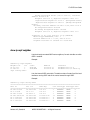
cable upstream scdma-codes-per-slot
Syntax
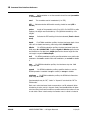
[no] cable upstream n.c scdma-codes-per-slot {codes}
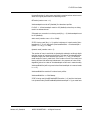
For SCDMA-only logical channels, sets the number of codes per mini-slot. Valid
range: 2 to 32.
Release 4.3, Standard
ARRIS PROPRIETARY — All Rights Reserved
10-243