1
10 Command Line Interface Reference
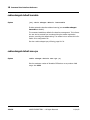
the cable groups that use this band must fall within all the frequency bands
assigned to the frequency-group.
See also: show cable frequency-band, page 10-58, cable group
frequency-index, page 10-113.
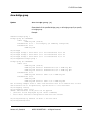
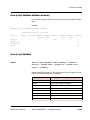
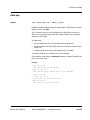
cable group
Syntax
[no] cable group {id} {option}
Manages cable groups. See the sections following for details.
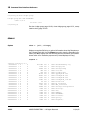
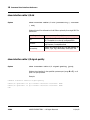
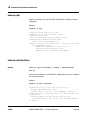
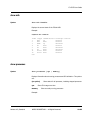
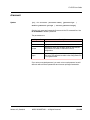
cable group description
Syntax
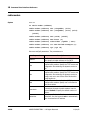
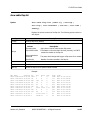
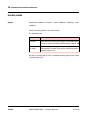
[no] cable group id description {str}
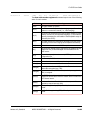
Creates a textual description of this cable group that is displayed in the running
configuration. Use the no form of this command to remove the current
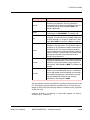
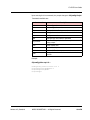
description. The parameters are:
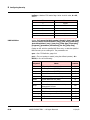
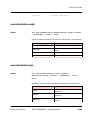
Keyword
Description
id
The cable group identifier (1 to 6)
str
The cable group description
See also: show running-configuration, page 10-96.
10-112
ARRIS PROPRIETARY — All Rights Reserved
11/14/05