1
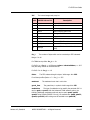
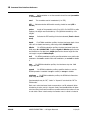
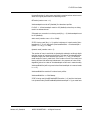
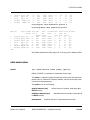
4 Bridge Operation
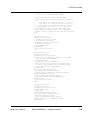
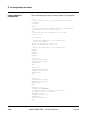
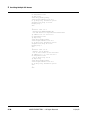
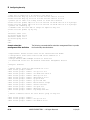
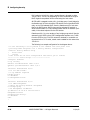
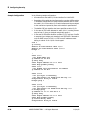
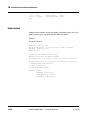
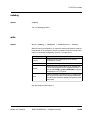
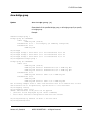
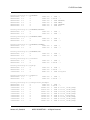
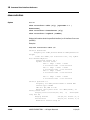
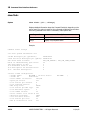
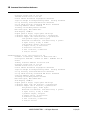
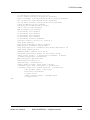
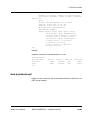
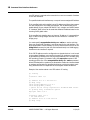
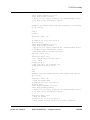
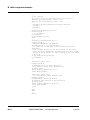
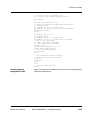
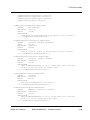
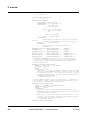
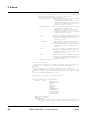
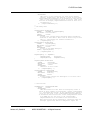
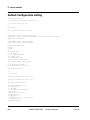
shutdown
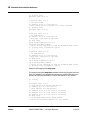
!
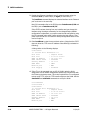
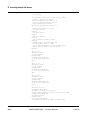
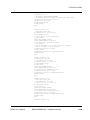
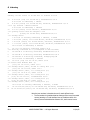
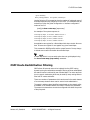
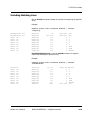
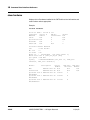
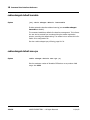
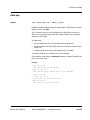
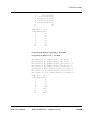
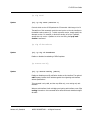
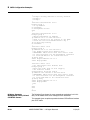
interface cable 1/0.0
bridge-group 0
no shutdown
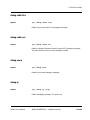
no cable upstream 0 shutdown
no cable upstream 0.0 shutdown
ip address 10.99.99.253 255.255.255.0
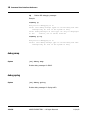
ip address 10.99.98.253 255.255.255.0 secondary
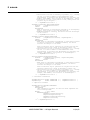
!
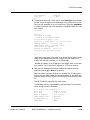
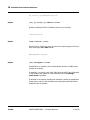
! Update giaddr with 10.99.99.253 for cable-modem
! update giaddr with 10.99.98.253 for host
ip dhcp relay
no ip dhcp relay information option
cable dhcp-giaddr policy
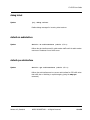
! unicast ALL dhcp to 10.99.99.1
cable helper-address 10.99.99.1
exit
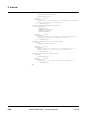
!
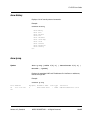
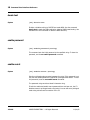
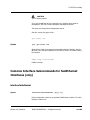
interface cable 1/0.1
bridge-group 1
shutdown
!
! nothing to do here in this case
exit
exit
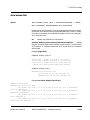
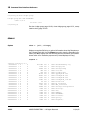
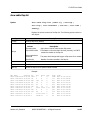
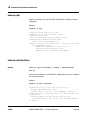
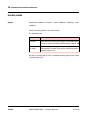
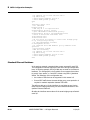
Fast Ethernet 0/1 as the
Boot Options Network
Interface
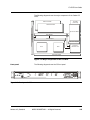
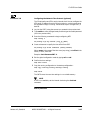
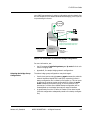
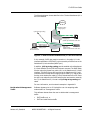
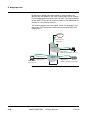
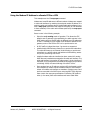
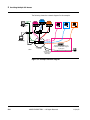
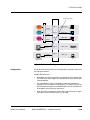
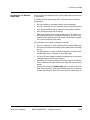
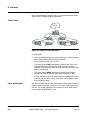
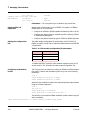
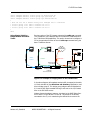
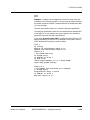
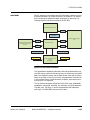
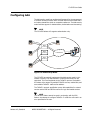
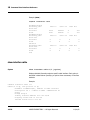
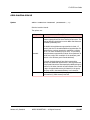
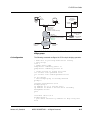
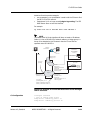
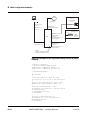
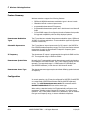
Selecting the fastethernet 0/1 interface as the boot options network interface, when there is no existing startup-configuration file, pre-assigns the
bridge groups to force all cable modem traffic to the fastethernet 0/1 interface, and all CPE traffic to the fastethernet 0/0 interface. This results in
“out of band” operation of the C3.
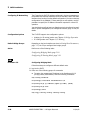
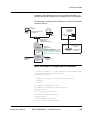
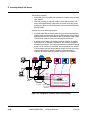
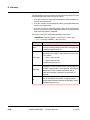
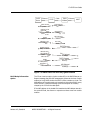
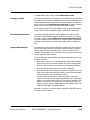
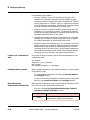
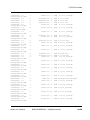
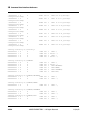
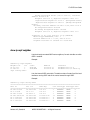
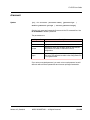
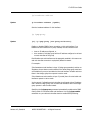
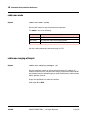
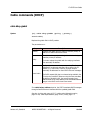
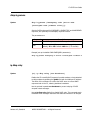
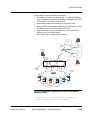
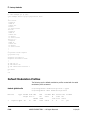
Selecting FE01 as the booting interface:
•
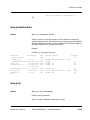
pre-assigns interface fastethernet 0/0.0 to bridge group 1
•
pre-assigns interface cable 1/0.0 to bridge group 0
•
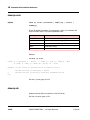
pre-assigns interface fastethernet 0/1.0 to bridge group 0
•
pre-assigns cable 1/0.1 to bridge group 1
•
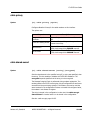
sets “default cm subinterface cable 1/0”
•
sets “default cpe subinterface cable 1/0.1”
•
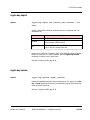
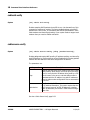
carries the boot option specified IP address forward into a factory
default configuration as the fastethernet 0/1 IP address.
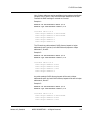
Again, all the above settings may be changed at the CLI.
4-10
ARRIS PROPRIETARY — All Rights Reserved
11/14/05