1
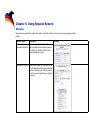
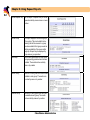
Chapter 9: Using Schedule Reports
9-8
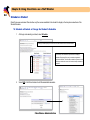
Open Schedule Students
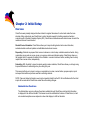
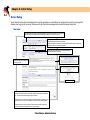
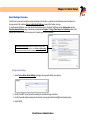
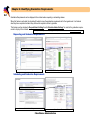
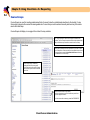
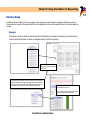
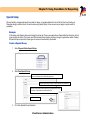
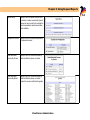
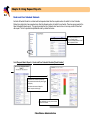
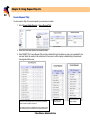
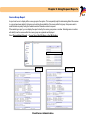
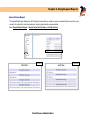
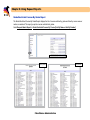
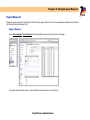
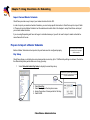
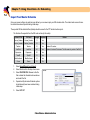
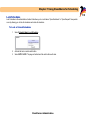
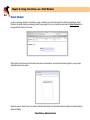
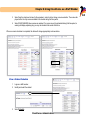
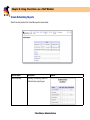
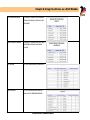
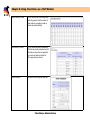
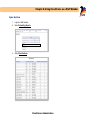
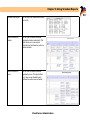
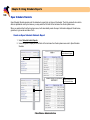
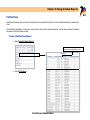
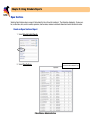
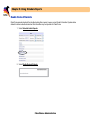
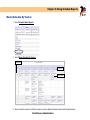
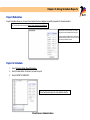
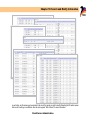
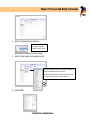
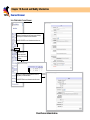
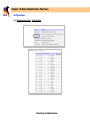
Open Schedule Students provides a list of students who currently do not have a full schedule. The list by grade will return all students in alphabetical order by last name or you may select the first initial of the last name from the drop down menu.
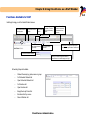
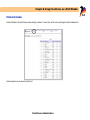
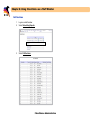
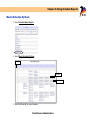
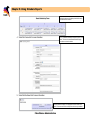
When you select a letter from the drop down menu, it will automatically create the report. Information displayed: Student name,
grade level, login number and date of birth.
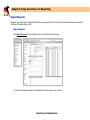
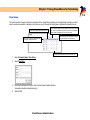
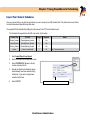
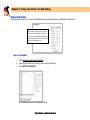
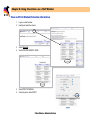
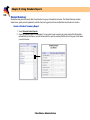
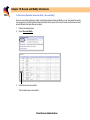
Create an Open Schedule Students Report
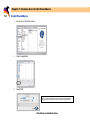
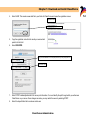
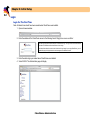
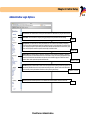
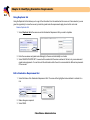
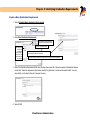
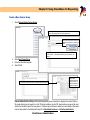
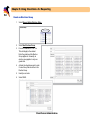
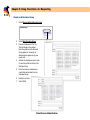
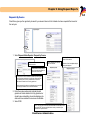
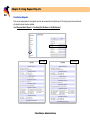
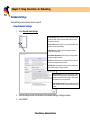
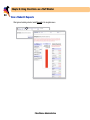
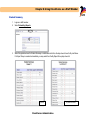
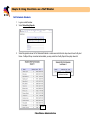
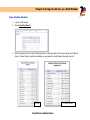
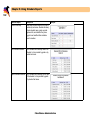
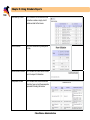
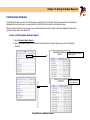
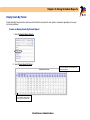
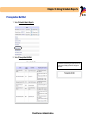
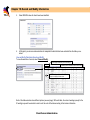
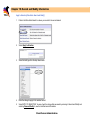
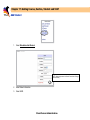
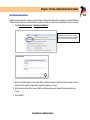
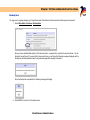
1. Select Schedule Admin Reports.
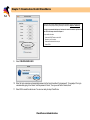
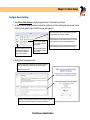
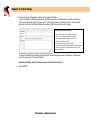
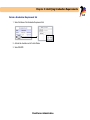
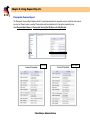
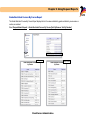
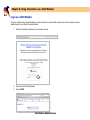
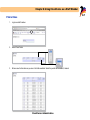
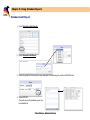
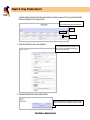
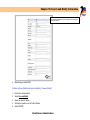
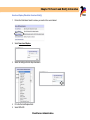
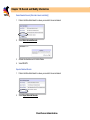
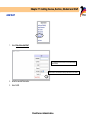
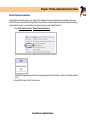
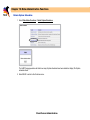
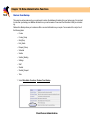
2. Select the grade to display or the first letter of the last name from the drop down menu next to Open Schedule
Students.
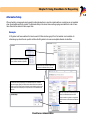
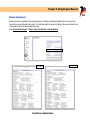
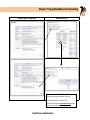
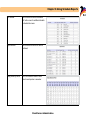
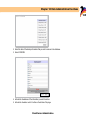
Example of selecting Open
Schedule Students by grade.
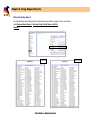
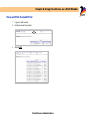
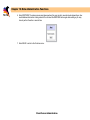
Example of selecting E for
Open Schedule Students
ClassChoice: Administration