1
HowTo
4 HowTo
4.1 Create a CGLIVE channel page
The following procedure is the same for Logo, Text, Crawl, Roll, Ticker, Shape and Clocks.
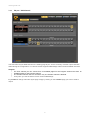
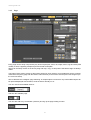
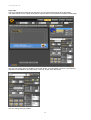
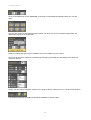
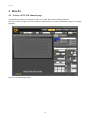
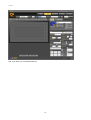
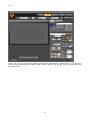
Click on the menu’s Pages Tab and choose the channel where you want create/add the page (for example
page #6):
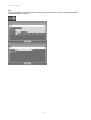
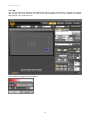
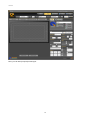
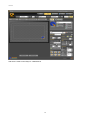
Now, you can add a page’s label:
21