1
Nicolet Evolution 500 Local Control Software Manual
SECTION
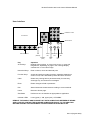
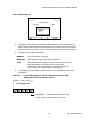
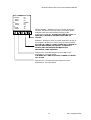
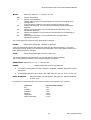
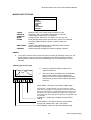
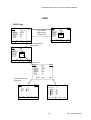
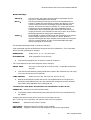
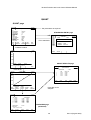
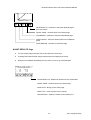
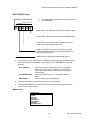
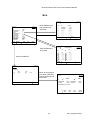
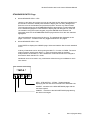
To move the vertical cursor across the screen use the Left and Right Arrow keys. The
cursor always moves to a data point regardless of the displayed scales. Pressing
ENTER places a marker at the current time.
To delete a marker place the cursor on the marker and press CLEAR.
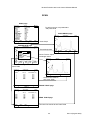
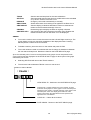
Up to five markers can be placed on the graph. Rate results will be reported between markers
providing a maximum of four sets of results (Sections). The minimum Section size is one
second.
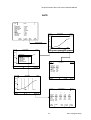
Results are listed on the RATE RESULTS page.
Selecting TRACK will remove the SECTION markers.
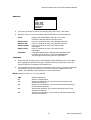
RESCALE
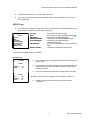
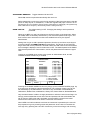
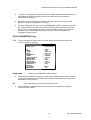
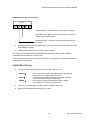
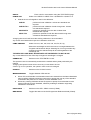
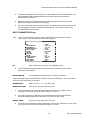
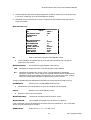
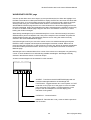
This option gives a pop-up menu for changing the graph y -axis scale.
Move the cursor to one of the options and press ENTER to select an operation.
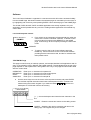
The rescale options depend on whether Absolute or Relative Absorbance has been selected.
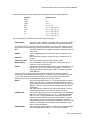
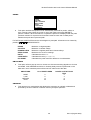
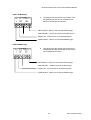
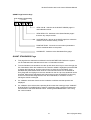
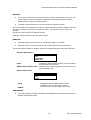
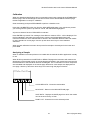
Absolute Absorbance:
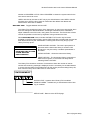
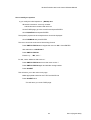
RESCALE
AUTO
GRAPH HIGH
GRAPH LOW
AUTO
GRAPH HIGH, GRAPH LOW
Displays the RATE GRAPH with the y-axis rescaled so
that the trace fills the screen.
Allow the user to set the upper and lower limits for the
RATE GRAPH y-axis.
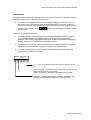
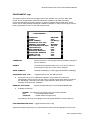
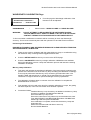
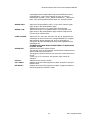
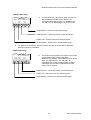
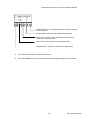
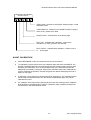
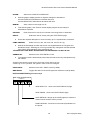
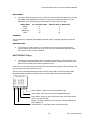
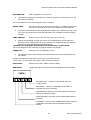
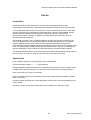
Relative Absorbance:
RESCALE
AUTO
RANGE
AUTO
RANGE
Displays the RATE GRAPH with the y-axis
rescaled so that the trace fills the screen.
Allows the user to set the upper y-axis value.
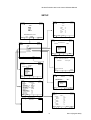
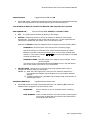
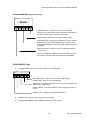
ABS DISPLAY
This option enables the RATE GRAPH to be redisplayed with Absolute Absorbance or
Relative Absorbance values.
49
Issue 1(August 2003)