1
Nicolet Evolution 500 Local Control Software Manual
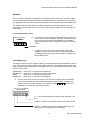
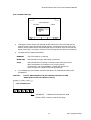
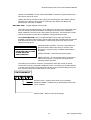
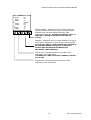
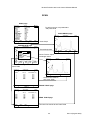
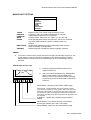
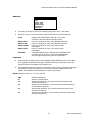
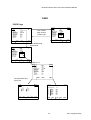
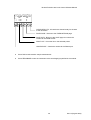
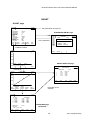
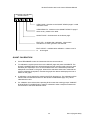
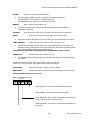
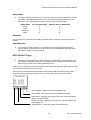
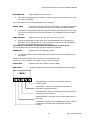
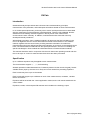
WAVELENGTH(S):
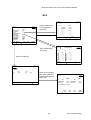
SINGLE λ
Use the numeric key pad to enter the required wavelength into the
pop-up box. Press ENTER when finished.
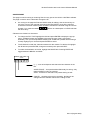
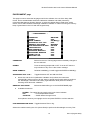
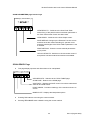
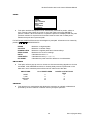
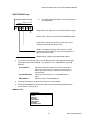
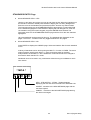
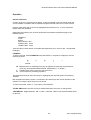
Use the up and down arrow keys to move to the wavelength to be
entered or edited and press ENTER to display the edit box. Use the
numeric keypad to enter the wavelength and press ENTER when
finished. The instrument returns to the MULTI λ screen with the next
wavelength in the list highlighted. Up to 20 wavelengths may be
entered. When the list is finished press the ACCEPT function key to
accept the new list or the CANCEL function key to return to the FIXED
METHOD page without changing the wavelength list.
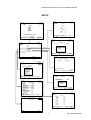
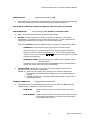
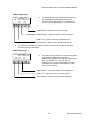
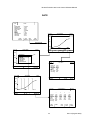
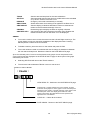
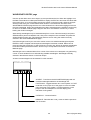
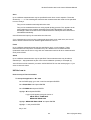
Press ENTER to display the edit box for the wavelength to be used for
the first sample. Data entry is as for MULTI λ above. When the
required wavelengths have been entered press ACCEPT to accept the
new list, or press CANCEL to return to the FIXED METHOD page
leaving the original list unchanged.
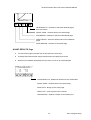
MULTI λ
SERIAL λ
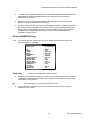
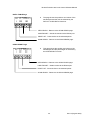
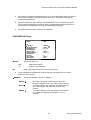
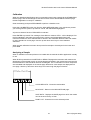
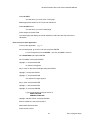
The available wavelength range is 190.0nm to 900.0nm
If the wavelength requires the Deuterium lamp then this will be switched on. The current data
will be lost if the wavelength is changed.
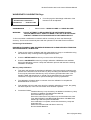
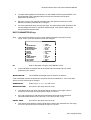
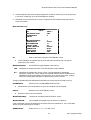
BANDWIDTH:
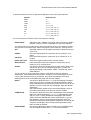
Select from 4, 2, 1.5, 1, 0.5 and 0.2nm
INTEGRATION:
Enter integration time in seconds.
This sets the integration time for which the result is measured.
The current data will be lost if the integration time is changed.
DELAY TIME:
Set a time in the range 00.05 to 99.59,using . to separate minutes and
seconds.
This sets the time between pressing RUN and the start of the measurement. The range
is from 0 to 99 minutes and 59 seconds.
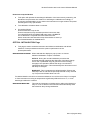
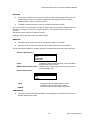
LAMP CHANGE:
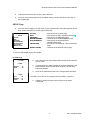
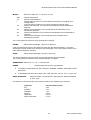
Select from 315, 320, 325, 330, 335, 340, D2, W, Hg.
Selects the wavelength at which the source is changed between the Tungsten and
Deuterium lamps.Selecting D2, W or Hg overrides any changeover and the selected
lamp will be used regardless of the wavelength set.
THE MERCURY LAMP MUST BE SWITCHED OFF WHENEVER IT IS NOT IN USE
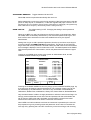
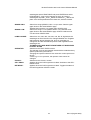
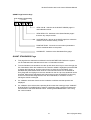
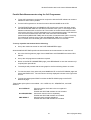
OPERATOR: Switches to the TEXT ENTRY screen.
The operator name is automatically saved with the method and any data produced by
the method.
Changing the operator name will not cause any current data to be lost.
N.B. If user log-on is in operation, the operator name cannot be changed.
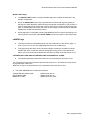
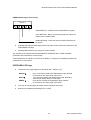
UVCALC:
Switches to the UVCALC screen.
CELL PROG: Switches to the CELL PROG. screen (if fitted).
REF MODE: Toggles the status of the Cell Programmer reference mode (if fitted).
34
Issue 1(August 2003)