1
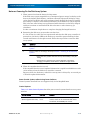
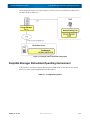
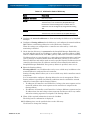
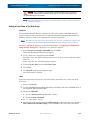
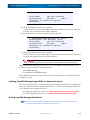
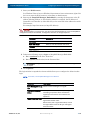
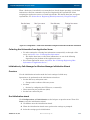
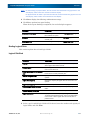
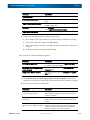
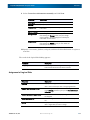
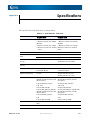
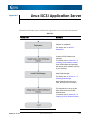
Windows FC/SAS Application Server Appendix B This appendix provides the steps you should follow while setting or checking application server in the Windows environment, when the disk array is configured for a FC or SAS connection. Installing SnapSAN Manager Agent Utility This section describes how to install SnapSAN Manager Agent Utility. Before Installation Note the followings before installing the SnapSAN Manager Agent Utility. The following functions become available by installing the SnapSAN Manager Agent Utility. • iSM volume list command. • Host agent (Host information collection command and host agent service) (*1) • iSCSI Setup Tool (*2) • SnapSAN Host Register Agent (*3) *1 Available in Windows Server 2003 SP 1 or later environments. *2 Available in Windows Server 2008 or later environments. *3 Available in Windows Server 2003 or later environments. Table B-1 shows the supported operating environment: 10400386-001 07/2012 ©2012 Overland Storage, Inc. B-1