1
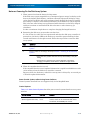
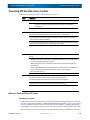
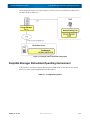
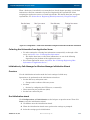
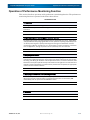
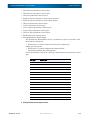
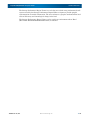
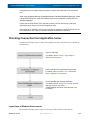
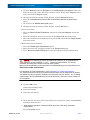
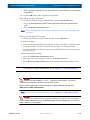
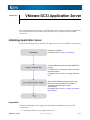
SnapSAN 3000/5000 Disk Array User Guide Operation of Performance Monitoring Function Operation of Performance Monitoring Function This section describes operations of the performance monitoring function. The performance monitoring function is operated in the flows shown below: OPERATION FLOW 1. Installation Installing performance monitoring function Installation of the performance monitoring function is accompanied by installing iSM at the same time. 2. Specifying targets of monitoring performance in real-time For defining the targets of monitoring performances, specify disk array, ports, logical disks, and physical disks composing logical disks used in operations requiring responsibility such as online processing. Also, specify monitoring items among those allowed for real-time monitoring (I/O Density, transfer rate, etc.). For example, to monitor responses to accesses from an application, average response time and I/O density must be monitored. 3. Analyzing performances Accumulate the statistic information of performance monitoring target devices, with accesses from application programs. Then analyze the statistic information by summarizing, extracting, and editing. On the basis of the analyzed information, a maximum load level, load fluctuation, and expected period of heavy load and future load regulation are estimated. This analysis is performed regularly. If a problem about performances is expected, an appropriate measure must be taken in advance. 4. Specifying threshold value and monitoring overloads On the basis of performance analysis results, specify threshold values as indexes for detecting overloads. Loads exceeding a specified threshold value are detected by iSM automatically, and are reported on the iSM Client screen. 5. Detection Upon detection of overload 10400386-001 07/2012 ©2012 Overland Storage, Inc. 7-2