1
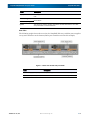
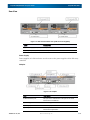
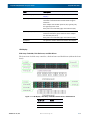
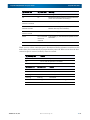
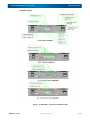
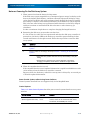
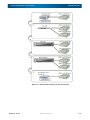
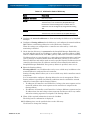
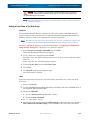
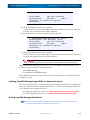
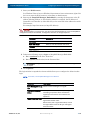
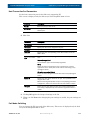
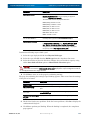
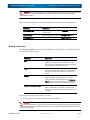
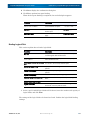
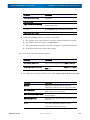
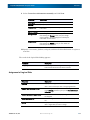
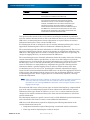
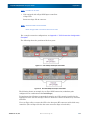
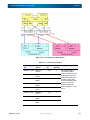
SnapSAN 3000/5000 Disk Array User Guide SnapSAN 3000/5000 Label Description Key cylinder The key cylinder is used to lock the front bezel when it is attached to the unit. Active LED (green) Each disk drive has one each of these LEDs. The LEDs indicate the disk drive status. Fault LED (orange) Ejector The ejector is used to remove and attach the disk drive from or to a disk array controller or a disk enclosure. Rear View The following graphic shows the rear view of a SnapSAN disk array with the power supplies on top and controllers on the bottom (SAS 4-port controllers used in this example). Figure 1-6: Rear View of Disk Array Controller 10400386-001 07/2012 Label Description (1) Power supply (PS0/PS1) Two power supplies are installed on a disk array. (2) Controller (CONT0/CONT1) Two controllers are installed on a disk array. ©2012 Overland Storage, Inc. 1-4