1
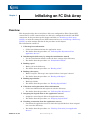
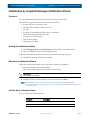
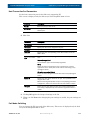
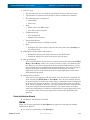
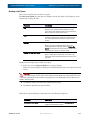
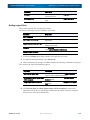
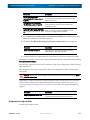
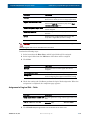
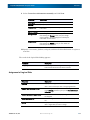
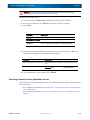
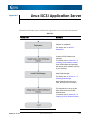
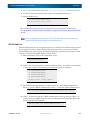
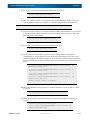
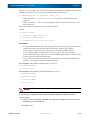
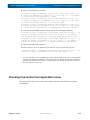
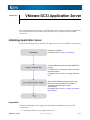
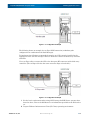
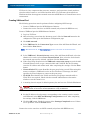
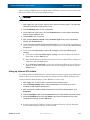
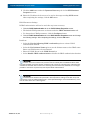
Initializing an FC Disk Array Chapter 3 Overview This chapter describes how to initialize a disk array configured for Fibre Channel (FC) connections.To set FC connection first in a disk array configured for both FC and iSCSI connections, do the procedure in this chapter and then see "Initializing a Disk Array (iSCSI)" to make the settings.To set iSCSI connection first, see "Initializing a Disk Array (iSCSI)" to make settings and then do the procedure in this chapter. The initialization consists of: 1. Collecting host information • Collect host information from the application server. • For details about the procedure, see “Collecting Host Information From Application Servers”. 2. Initializing the disk array by using the initialization wizard • Use the initialization wizard to make the basic settings of the disk array. • For details about the procedure, see “Initialization Wizard”. 3. Binding a pool • Bind a pool in the disk array. • For details about the procedure, see “Binding a Pool”. 4. Binding a hot spare • Bind a hot spare. This step is not required unless a hot spare is bound. • For details about the procedure, see “Binding a Hot Spare”. 5. Binding logical disks • Bind logical disks. • For details about the procedure, see “Binding Logical Disks”. 6. Collection and registration of host information • Collect host information and register it with the disk array. • For details about the procedure, see “Collecting Host Information” 7. Assigning the logical disks to the application servers • Assign the created logical disk to the application servers. • For details about the procedure, see “Assigning Logical Disks”. 8. Checking connection from the application servers 10400386-001 07/2012 • Check that the application server to which the logical disks have been assigned can access the disk array. • For details about the procedure, see “Checking Connection from Application Servers”. ©2012 Overland Storage, Inc. 3-1