1
VISITNC EXTRANET USER GUIDE
BASICS OF THE VISITNC.COM CONTROL PANEL
INITIAL PASSWORD RESET
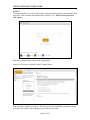
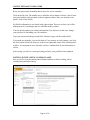
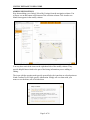
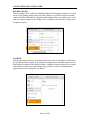
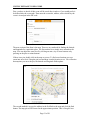
The first time you use the new control panel, you will have to request a password reset.
You can do this by clicking on the link below the login form.
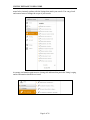
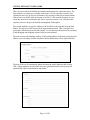
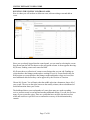
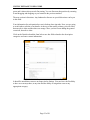
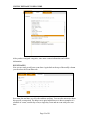
Simply enter your email address and press the request button. A link to a form where you
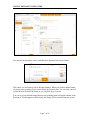
can reset your password will be emailed to you. Click the link and fill in the form. You
will need this information to log in.
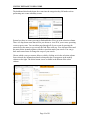
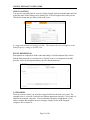
If the control panel cannot find an account with your email address, you will need to
contact the Extranet Manager at the Division of Tourism.
Page 2 of 26