1
VISITNC EXTRANET USER GUIDE
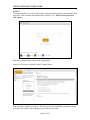
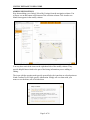
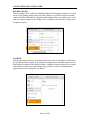
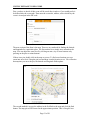
guess and it almost always needs fine-tuning. You can fine-tune that position by zooming
in and dragging and dropping as you learned in the previous method.
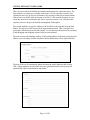
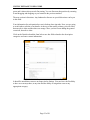
The next section is directions. Any landmark references or special directions can be put
in this field.
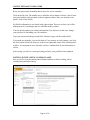
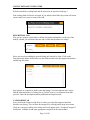
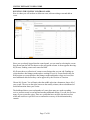
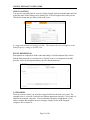
Your information for each particular event is broken down into tabs. Now you are going
to switch tabs to edit the event details. At the top of the modify column, you will notice
that one tab is white and the others are orange. Since you have been adding the general
event info, that tab is white.
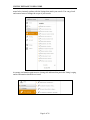
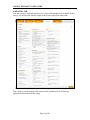
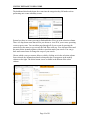
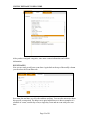
Click on the Details tab and the form below now has fields related to the description
categories and some contact information.
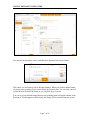
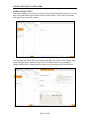
It should be noted that events are no longer tied to listings. You now have the flexibility
to have an event anywhere, at any time and the ability to assign that event to any
appropriate category.
Page 22 of 26