1
VISITNC EXTRANET USER GUIDE
LOG IN
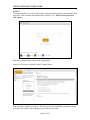
To begin using the new system, log into the control panel by typing in your username and
password. Your username and password are unique to you. Please do not share these
with anyone!
Enter your password here and press the login button.
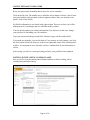
Success, you are now using the VisitNC Control Panel.
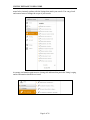
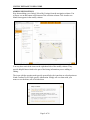
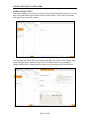
There are three columns you can see. The area on the left is called the navigation column.
It is where you choose what information you want to work with.
Page 3 of 26