1
VISITNC EXTRANET USER GUIDE
EDITING LISTINGS
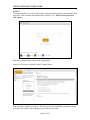
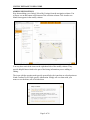
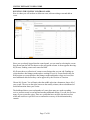
Let's say you just want to edit a listing. To find a specific listing, you can return to the
selection column and use the find filter. Simply click on a listing from the menu and its
information is loaded into the modify column.
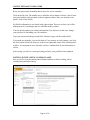
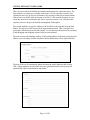
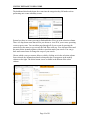
You can go in and edit any of the listing information, adjust your descriptions under the
Description tab, add or remove categories within the Categories tab and see what is
assigned. Lastly, look at amenities under the Amenities tab.
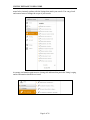
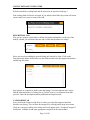
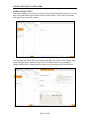
Once you are done editing a listing and click the save button located in the bottom right
corner of the modify column, a message appears in the modify column letting you know
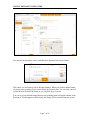
that changes will be saved pending review. This listing can now be found by clicking on
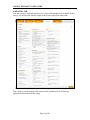
Pending in the navigation column. Once your edits are approved, the listing will be
available to edit again from your listings in the navigation column.
Page 8 of 26