1
VISITNC EXTRANET USER GUIDE
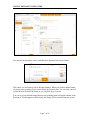
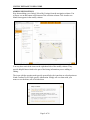
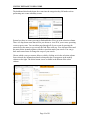
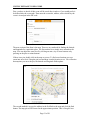
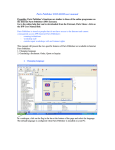
Also note the delete button is now available in the bottom of the select column.
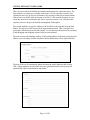
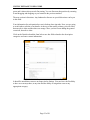
This is how you will remove old or unwanted listings. When you click the delete button,
a message pops up asking if you want to delete the selected item. You can click cancel if
you do not want to delete the listing or you can click okay if you do.
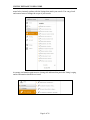
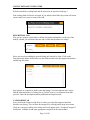
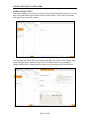
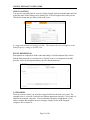
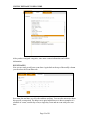
You can view your deleted listings that are now pending in the navigation column. If the
Division of Tourism approves the deletion, the listing will be removed from the system.
Page 7 of 26