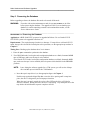
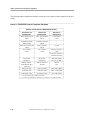
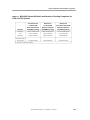
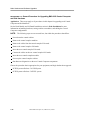
1
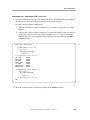
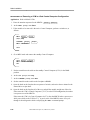
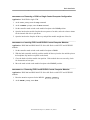
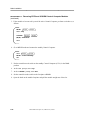
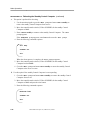
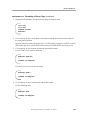
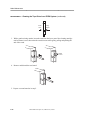
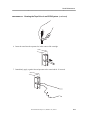
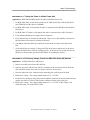
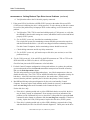
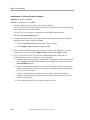
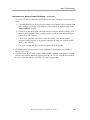
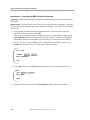
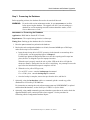
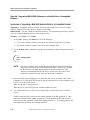
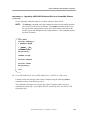
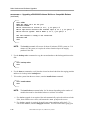
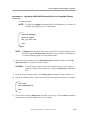
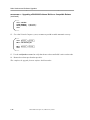
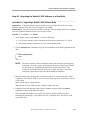
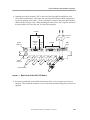
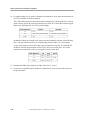
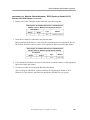
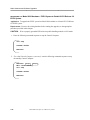
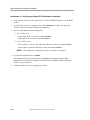
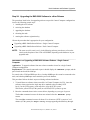
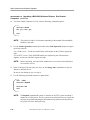
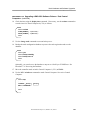
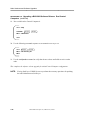
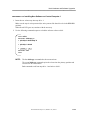
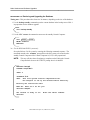
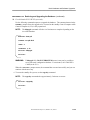
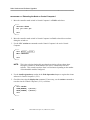
________________ Node Operations PROCEDURE 3-22. Rebooting the Standby Control Computer (continued) 4. When the reboot process is complete, the SC1> prompt reappears. 5. Move the controller mode switch (CCM or SCSI/DKI) to ENABL. 6. Go to the MRC> prompt and enter restore standby to restore the standby Control Computer to the in-service state. C. Use this option when the console is not available. Move the controller mode switch (CCM or SCSI/DKI) from ENABL to DIAG to DISAB, and all the way up to ENABL again. When the reboot process is complete, the SC1> prompt reappears. D. This option is used to reboot the standby Control Computer from the MRC> prompt. Use the init standby command. Restoring the Standby Switch The following procedure outlines the steps to restore a standby Switch module. The switchover switch command is also used to switch over to the in-service standby Switch module. PROCEDURE 3-23. Restoring the Standby Switch Application: Nodes with redundant Switch modules. 1. Use the dstat switch command to check the slot number and status of the redundant Switch module. 2. At the CC0> prompt, enter the restore switch command. After the message Standby switch <module address> is downloading appears, the CC0> prompt returns. The process runs in the background for about six minutes before the following message appears. <YY-MM-DD> <hh:mm:ss> NODE=<xxxxx> 8635B MODADDR=<addr> SWITCH=standby MODTYPE=switch REPORT STATUS: swmaint: Restore standby switch successful. 3. Synchronize the database using the sync command. 4. If an error is detected on an active Switch module, automatic switchover to the in-service standby Switch module occurs. Alarm messages indicate that a switchover has occurred. Use the dstat switch command to determine the status of the standby Switch module. BNS-2000 Node Reference, Release 5.0, Issue 1 3-41