1
454
Tussman Program Release 10
22.10 Journal Entries
Normally, most of the data you will enter in the GL will be in the form of checks (using the checkwriting
function) or deposits (posted from the billing program). Even if you are not using the checkwriting
function to print checks, it is still easier to record your expenses using the manual checks function, and
only through the checkwriting function can your client costs be posted directly to the billling program.
However, it is also possible to enter GL data as journal entries (also referred to as GL Transactions).
In some cases, journal entries are required, such as to record beginning balances for your GL
accounts, to make account adjustments, or to record transactions for accounts other than your
checking accounts.
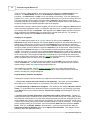
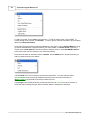
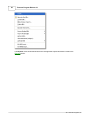
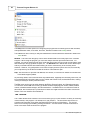
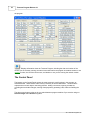
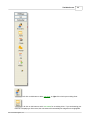
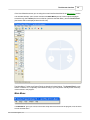
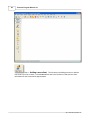
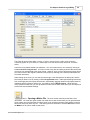
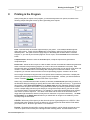
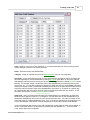
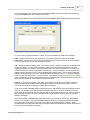
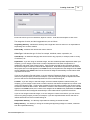
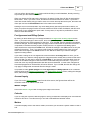
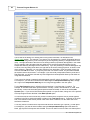
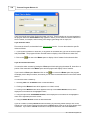
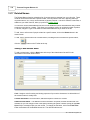
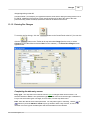
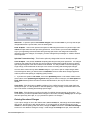
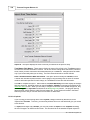
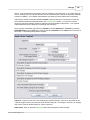
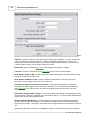
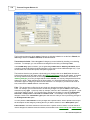
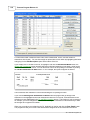
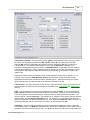
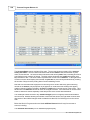
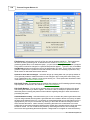
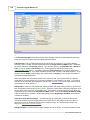
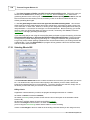
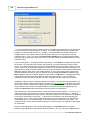
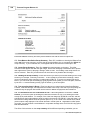
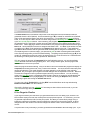
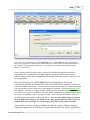
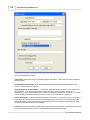
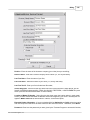
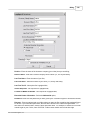
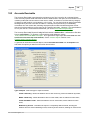
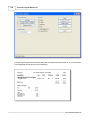
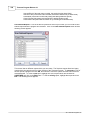
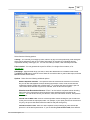
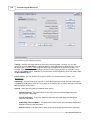
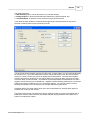
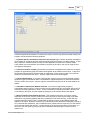
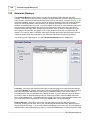
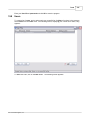
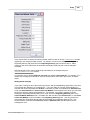
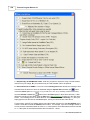
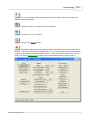
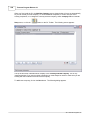
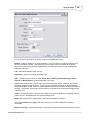
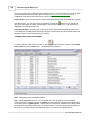
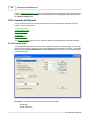
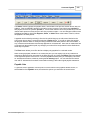
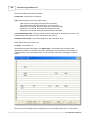
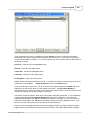
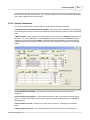
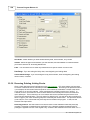
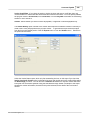
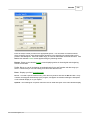
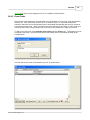
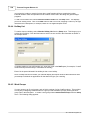
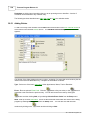
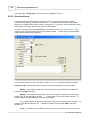
To make a journal entry, click on the Journal Entry button on the GL Control Panel or select New
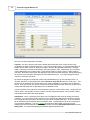
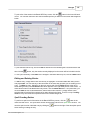
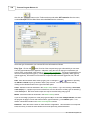
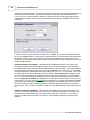
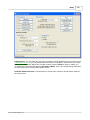
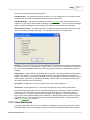
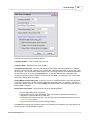
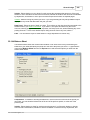
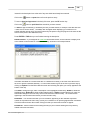
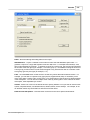
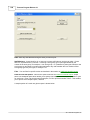
Journal Entry from the Journals menu. The following screen will appear:
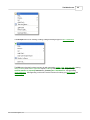
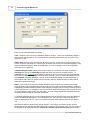
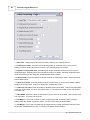
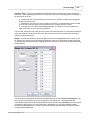
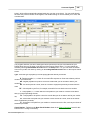
Batch - Assigning a Batch code is optional, but may be helpful in keeping track of entries.
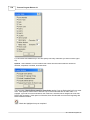
Source - Also optional, can be used to categorize various types of journal entries which is sometimes
helpful for reporting purposes or when you want to see a list of just that type. It is suggested that use
you BB for beginning balances, CD for cash disbursements, and CR for cash receipts.
Date - You cannot enter a date for a year that has been closed. If you need to make entries for a prior
year, you must first reopen that year.
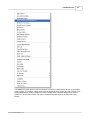
Period - Corresponds to the month of the accounting year in the format MMYY. The program will
calculate this automatically; do not change it unless you are entering a beginning balance, which
should be assigned to period 00. For example, if you are entering a beginning balance for the year
2007, enter 0007. Use period 13 if you are making a year-end adjustment. For example, if you want
to make a year-end adjustment for the year 2007, enter 1307.
Ref - Optional, but use this to enter the check number or other identifying reference;
2011 Tussman Programs, Inc.