1
Accounts Payable
475
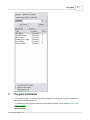
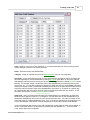
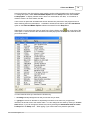
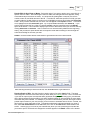
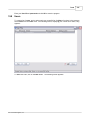
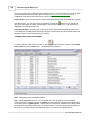
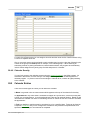
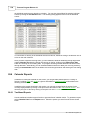
browse list, or by selecting List from the Paid Payables section of the Payables menu A screen
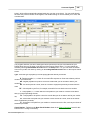
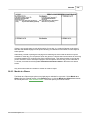
similar to the Payables List screen shown above appears from which you can select the same options
described above, except for the Status selection which is no longer relevant.
23.3
Recurring Payables
There are two ways of recording recurring payables in the Program. The older way, referred to as the
Legacy method, is described in this section. It involves maintaining a separate list of recurring
payables. To pay them, you must generate checks separately from checks to pay your regular
payables. Alternatively, you can now enter recurring payables in the same way as regular payables.
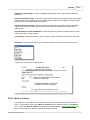
Simply check the Recurring Every box at the bottom of the payable entry screen and enter the
number of days between each payment. Then when you pay that payable in the normal way the
program will automatically generate a new payable due the specified number of days past the date of
the original one.
The Legacy Method
A recurring payable is one that is due on a regular basis such as office rent, a lease payment, etc. You
can enter a list of these payables so that you can generate checks to pay them without having to reenter the payable information each time they become due. After creating your list of recurring
payables, you pay them by periodically generating and printing checks for recurring payables as
described in the checks section.
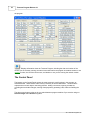
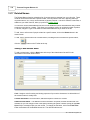
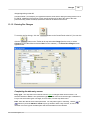
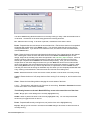
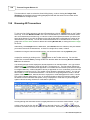
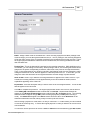
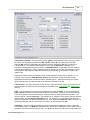
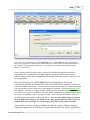
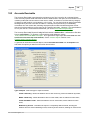
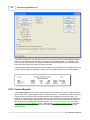
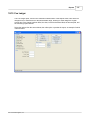
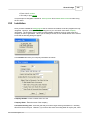
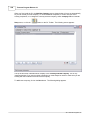
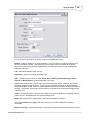
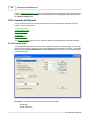
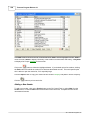
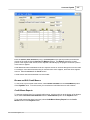
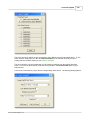
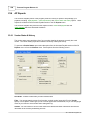
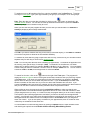
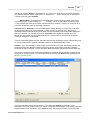
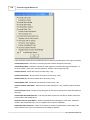
To record a recurring payable select New from the Recurring Payables section of the Payables
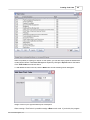
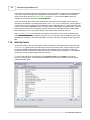
menu, or select Recurring Payables from the File menu to bring up your list of recurring payables and
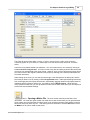
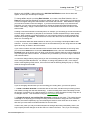
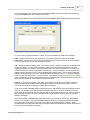
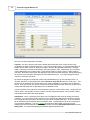
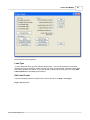
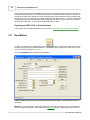
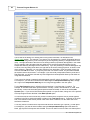
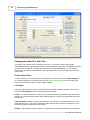
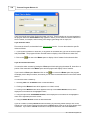
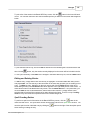
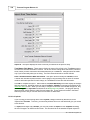
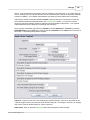
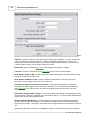
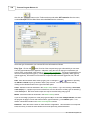
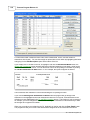
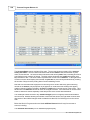
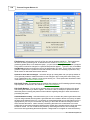
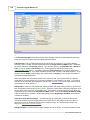
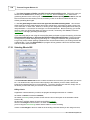
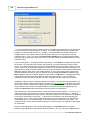
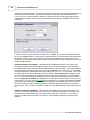
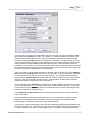
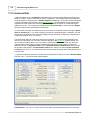
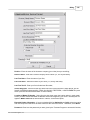
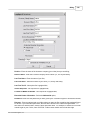
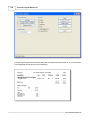
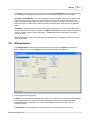
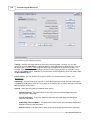
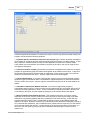
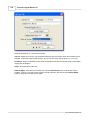
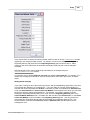
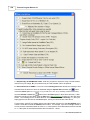
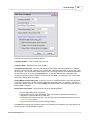
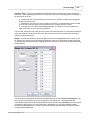
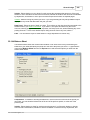
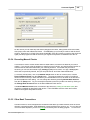
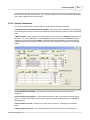
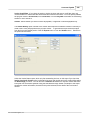
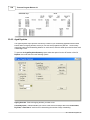
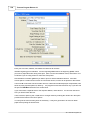
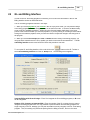
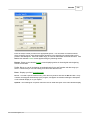
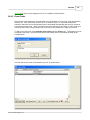
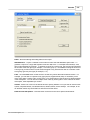
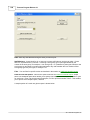
click on the New button. Enter the information in the screen shown below as follows:
Type - Enter either R for a regular payable or T for a payable which is to be paid from your retainer or
trust account.
2011 Tussman Programs, Inc.