1
Appendix A
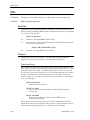
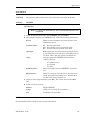
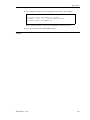
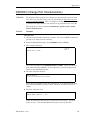
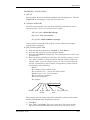
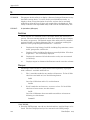
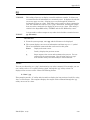
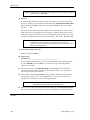
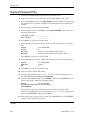
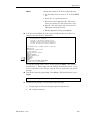
If the file is found, the computer displays:
filespec is type ‘xx’ with nn total sectors.
OK To Delete? (Y/N)
Enter Y if it is correct to delete the file, N if not.
Then you can delete another file or press Enter to
return to the FIL menu.
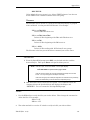
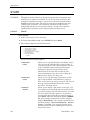
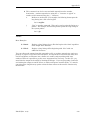
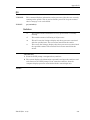
V - View
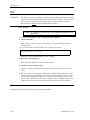
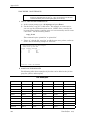
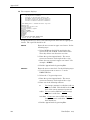
View all of the file control block information for the
specified file. The computer asks:
Filename (Return to End):
Enter the filename (with drive:user group) you wish
to view and press Enter. Or press Enter to end this
utility.
If you don’t know the filename, use DIR to print a
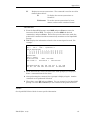
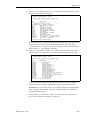
directory listing. The computer displays the
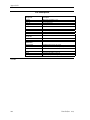
appropriate fields in the FCB for the selected file.
Then you can view another file or press Enter to
return to the FIL menu.
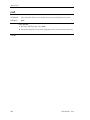
F - Fill
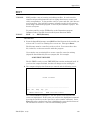
Fill a data file with a specified ASCII character.
Usually you enter 0 (zero) if you wish to clear out all
values in a file. Do not use this option unless
directed by a Dimensions support analyst. The
computer asks:
Filename (Return to End):
Enter the filename (with drive:user group) you wish
to fill and press Enter. Or press Enter to end this
utility.
If you don’t know the filename, use DIR to print a
directory listing.
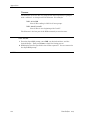
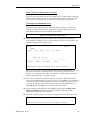
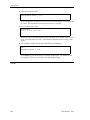
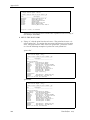
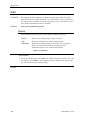
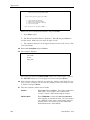
If the file is found, the computer displays:
filespec is type ‘xx’ with nn total sectors. It currently
has nnn bytes of text.
Enter ASCII Value (o-255) For Fill Character or E to End
Enter the value with which to fill this file and press
Enter.
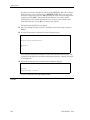
To fill it with zeroes, enter 0. The computer then
displays:
OK To Fill with < >? (Y/N)
Enter Y to fill the file or N to end this process
without changing the file. Then you can fill another
file or press Enter to return to the FIL menu.
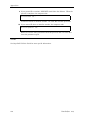
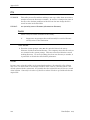
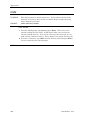
R - Rename
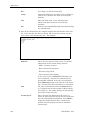
Allows you to rename a file. You can change the
user group or the filename itself. This is similar to a
copy command, however the original file does not
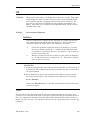
remain. The computer asks:
Filename (Return to End):
166
Dim3D (Rev. 10.0)